claws
Terminal UI for navigating and managing AWS resources across 70+ services with vim-style keybindings.
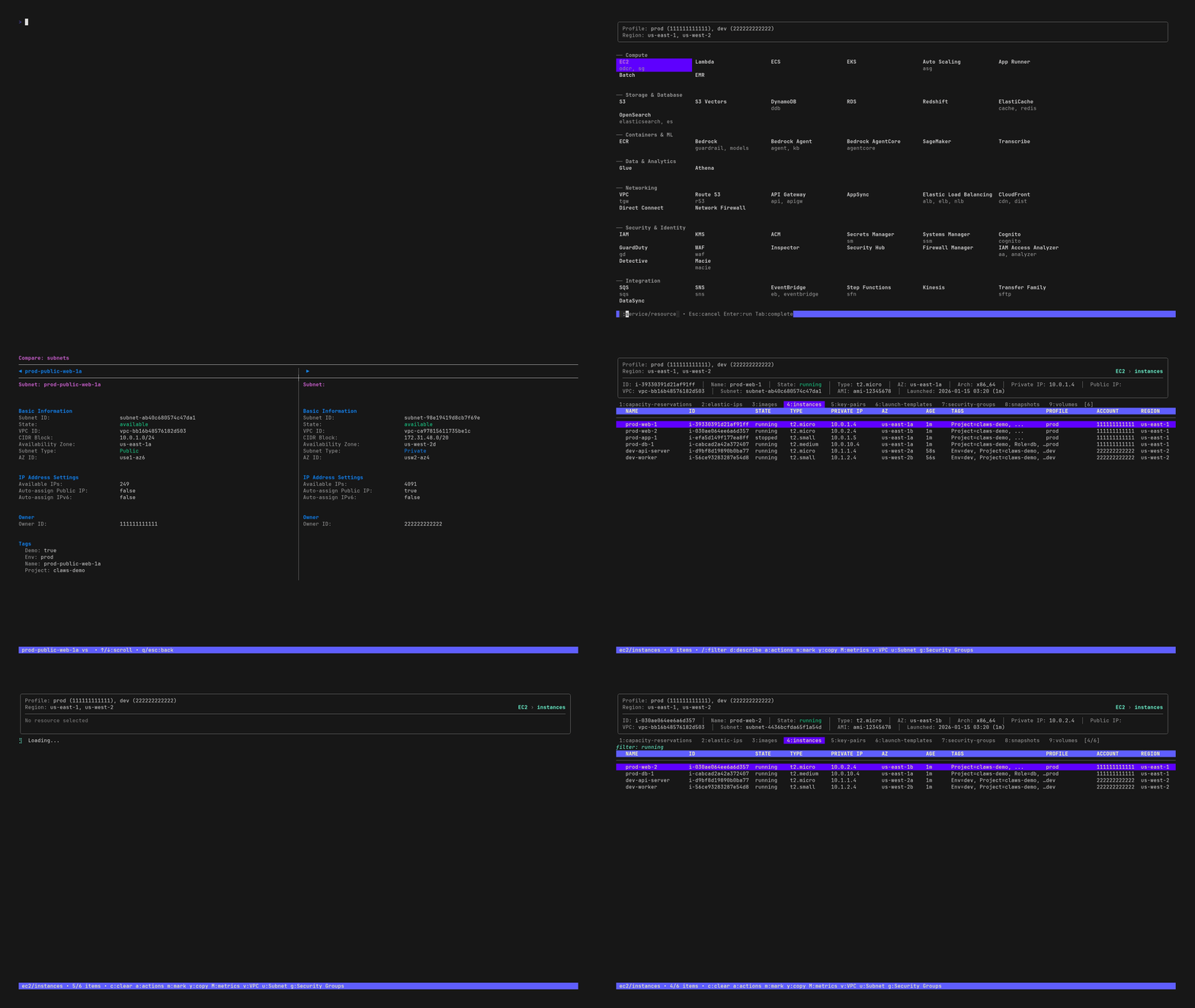
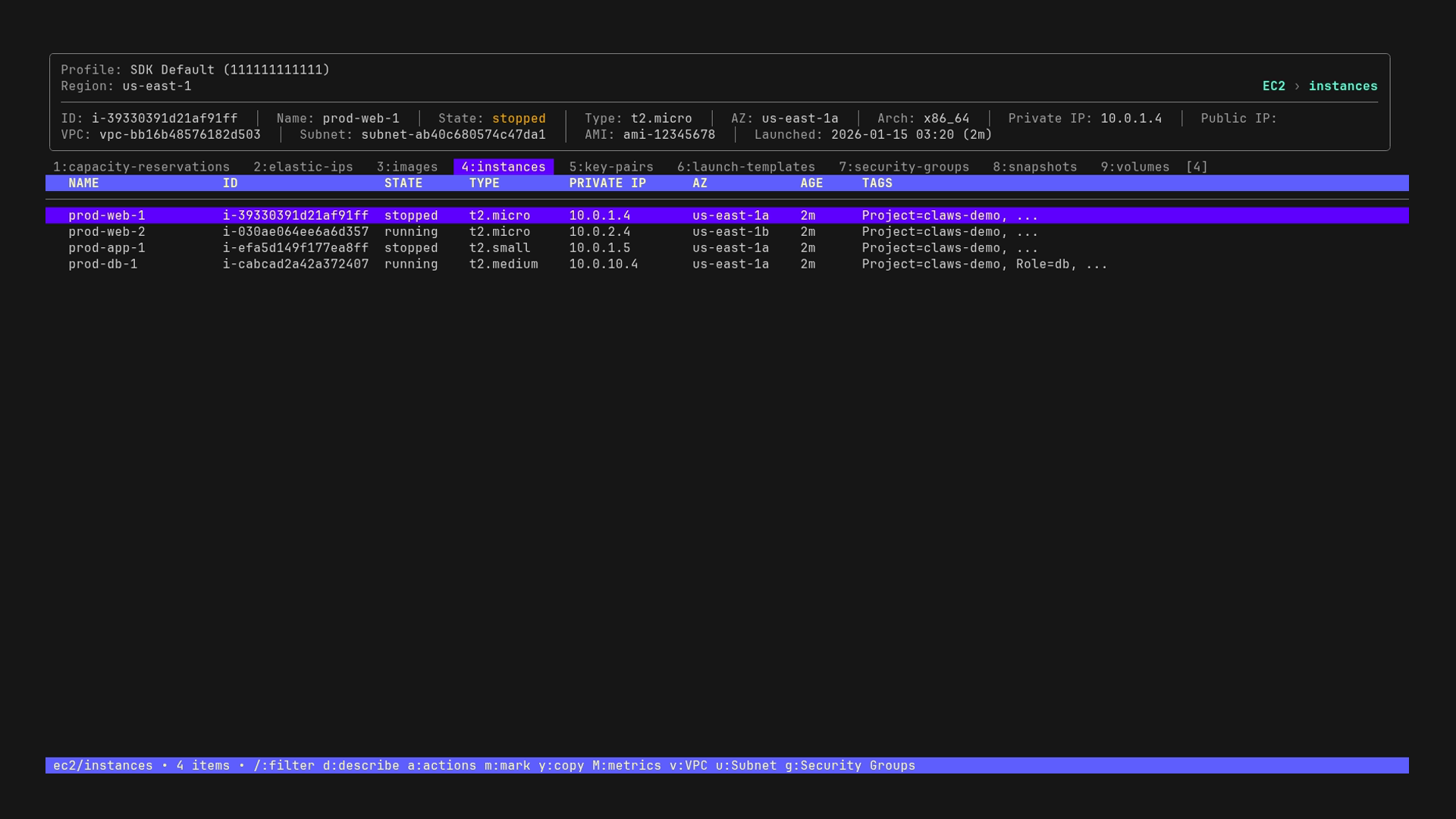
claws is a terminal-based user interface for AWS resource management that provides navigation and control over 70 AWS services and 175 resource types. The tool features vim-style keybindings for browsing resources like EC2 instances, S3 buckets, Lambda functions, RDS databases, and ECS/EKS clusters through an interactive interface.
The application supports multi-profile and multi-region operations, allowing users to query multiple AWS accounts and regions in parallel. Users can perform resource actions directly from the interface, including starting/stopping EC2 instances, deleting resources, and tailing CloudWatch logs. Cross-resource navigation enables jumping between related resources, such as moving from a VPC to its subnets or from a Lambda function to its CloudWatch logs.
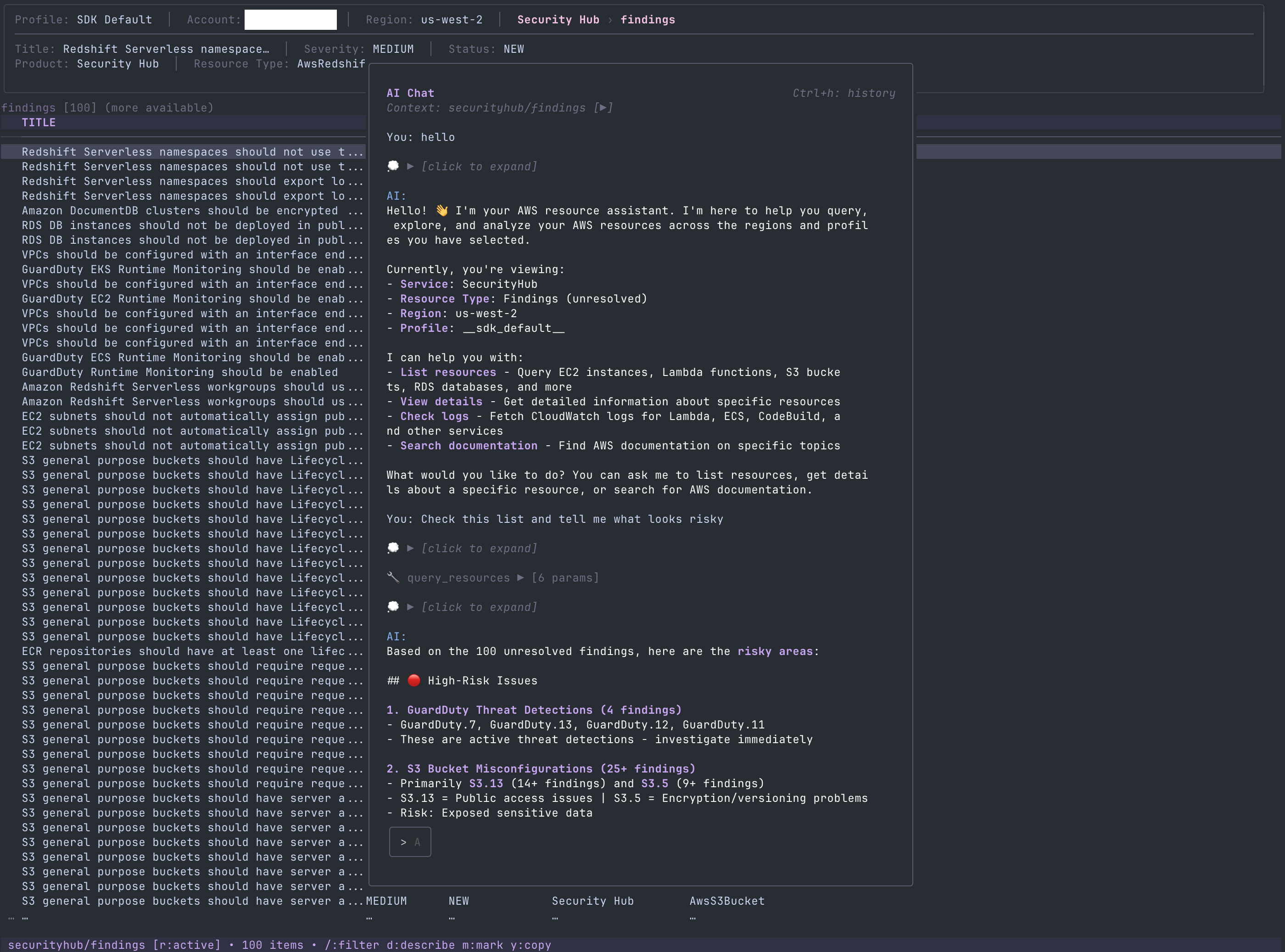
claws includes filtering and sorting capabilities with fuzzy search, tag-based filtering, and column sorting. A resource comparison feature provides side-by-side diff views for configuration analysis. The tool integrates with AWS Bedrock to provide an AI assistant that can analyze resources, compare configurations, and identify potential risks. Six color themes are available including dark, light, nord, dracula, gruvbox, and catppuccin.
Installation
# via Homebrew
brew install --cask clawscli/tap/claws
# via Install Script
curl -fsSL https://raw.githubusercontent.com/clawscli/claws/main/install.sh | sh
# via Go Install
go install github.com/clawscli/claws/cmd/claws@latest