ddgr
Command line utility to search DuckDuckGo from the terminal with custom result counts and privacy features.
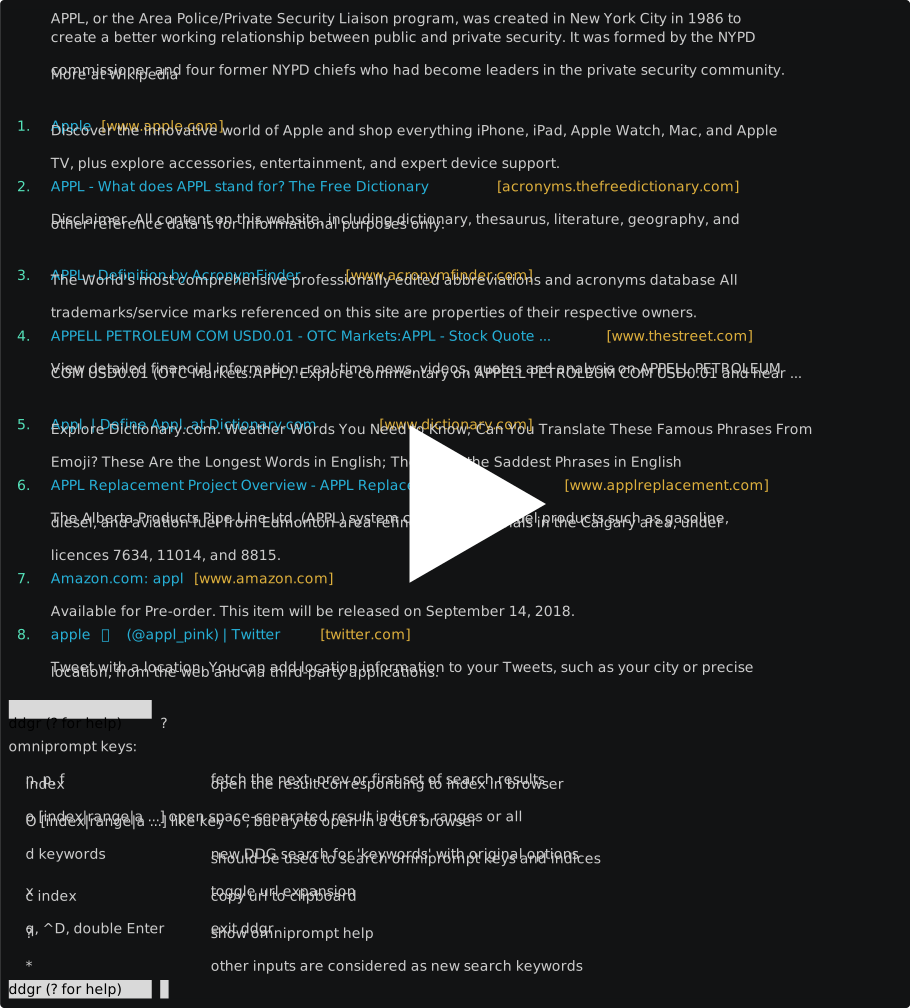
ddgr is a command line utility that searches DuckDuckGo's HTML interface directly from the terminal. It allows users to specify the number of search results per page (up to 25), provides instant answers when available, and supports DuckDuckGo Bangs for searching specific sites. The tool includes an interactive REPL mode for continuous searches and can open results directly in web browsers.
The utility supports advanced search features including time-limited searches, region-specific results, site-specific searches, and filetype filtering. It integrates with text-based browsers through the BROWSER environment variable and includes clipboard integration for copying URLs. ddgr works over Tor networks and includes privacy features like Do Not Track by default and optional User Agent disabling.
ddgr includes shell completion scripts for Bash, Fish, and Zsh, supports HTTPS proxy tunneling, and can output results in JSON format. The tool is designed for terminal users who prefer DuckDuckGo's privacy-focused search over other search engines, particularly those who need programmatic access or want to avoid web browser interfaces for quick searches.
Installation
# via PyPI
pip3 install ddgr
# via Snap
snap install ddgr
# via Source
sudo make install