dijo
Terminal-based habit tracker with vim-like navigation and scriptable automation for tracking events
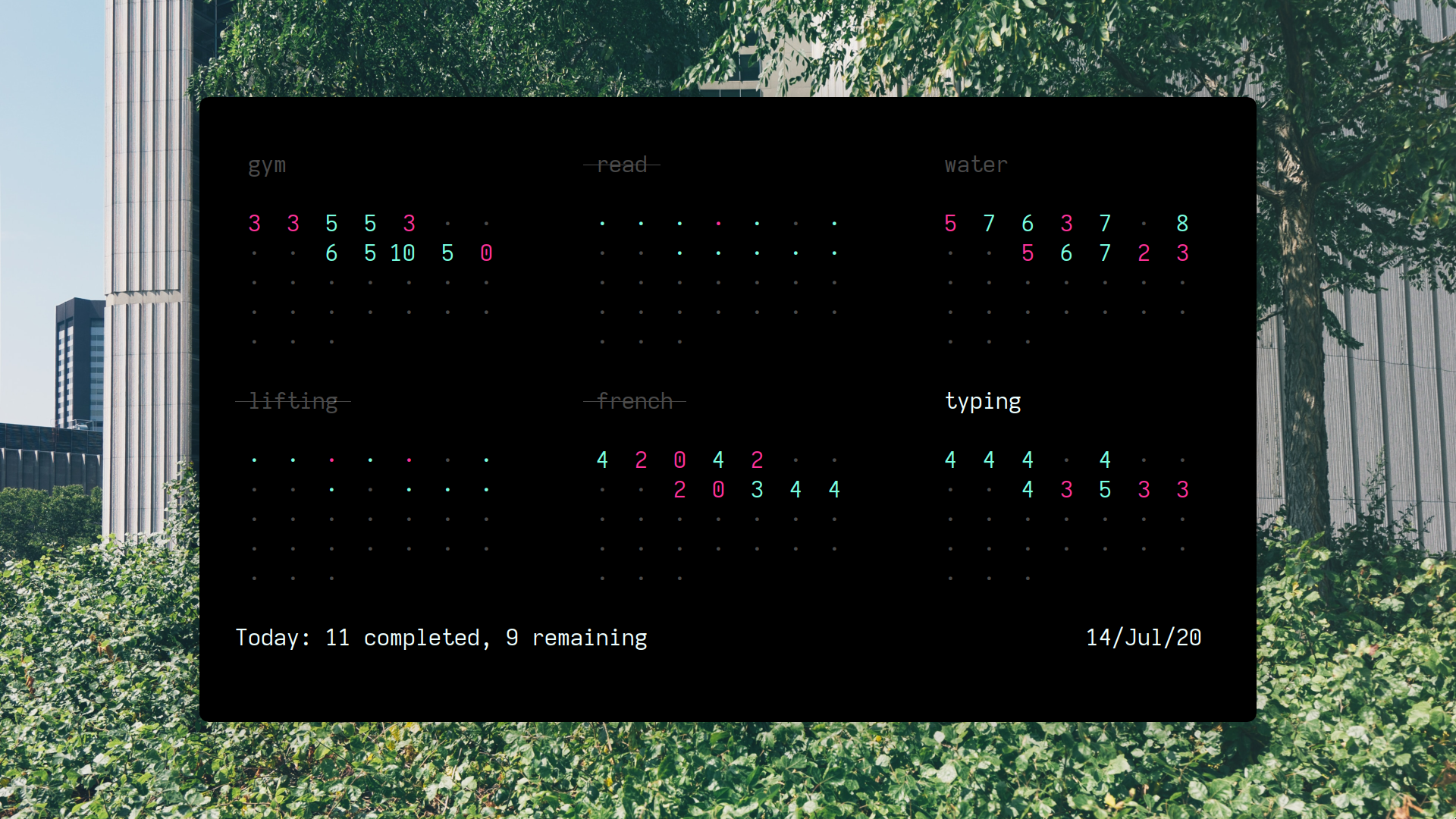
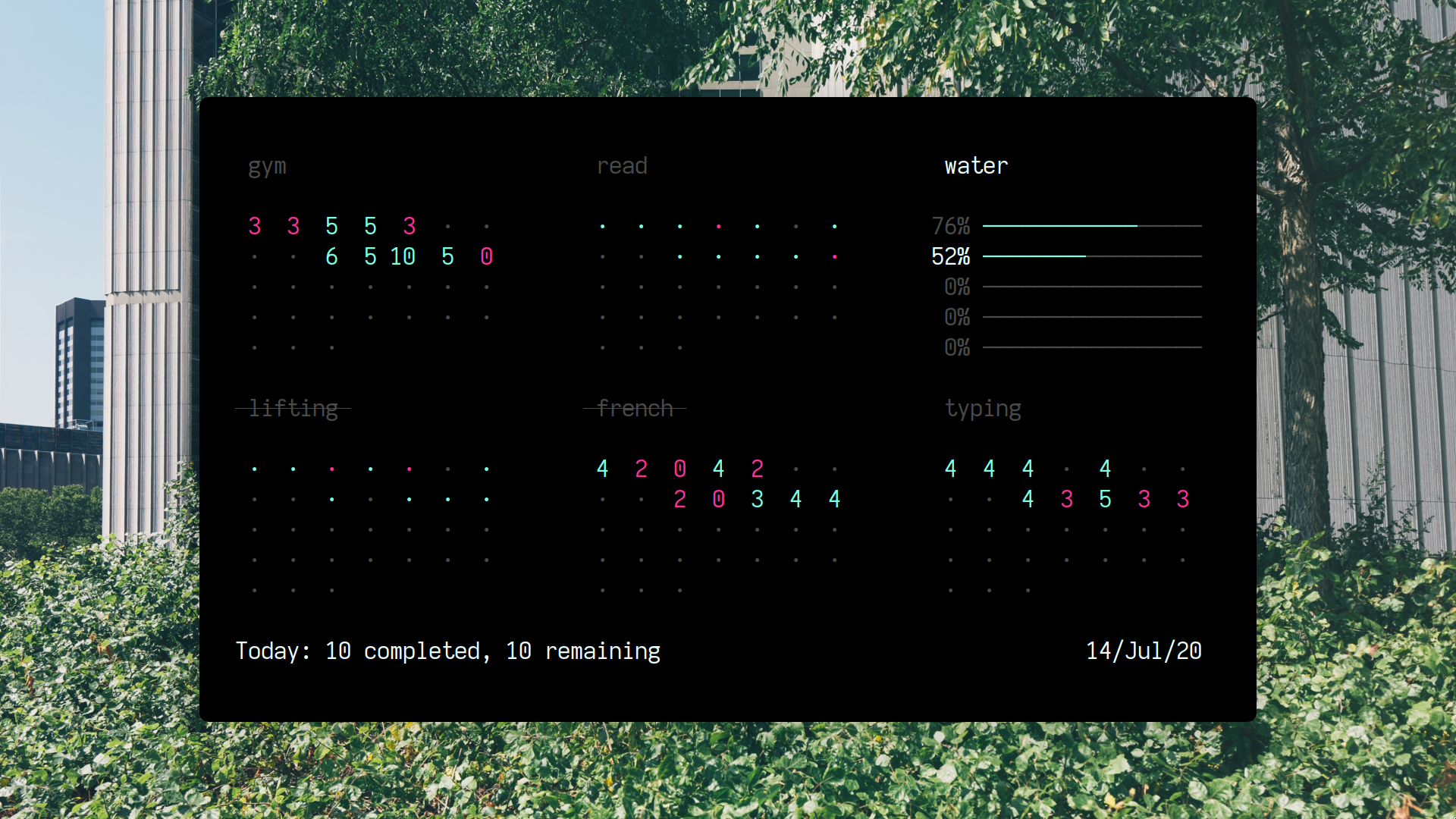
dijo is a terminal-based habit tracker built with a curses interface that runs directly in your terminal. It uses vim-like navigation with hjkl keys and operates in modal fashion similar to text editors, featuring different modes for viewing various statistics and a command mode for managing habits with commands like :add, :delete, and :q.
The tool supports scriptable automation through external program integration, allowing users to automatically track events like git commits without manual intervention. This makes it suitable for developers who want to monitor coding habits or other automated metrics alongside manually tracked behaviors.
dijo offers two primary viewing modes: day mode displays individual days of the current month, while week mode shows weekly summaries. The interface provides a visual representation of habit completion patterns, helping users identify trends and maintain consistency in their tracked activities. The tool targets users comfortable with terminal applications and vim-style interfaces who prefer lightweight, keyboard-driven productivity tools.
Installation
# via Cargo
cargo install dijo
# via Nix
nix-env -f channel:nixpkgs-unstable -iA dijo
# via Snap
sudo snap install dijo