
gh-dash
Terminal UI for GitHub that lists configurable pull request and issue sections, with vim-style hotkeys, custom actions, and a YAML config file.
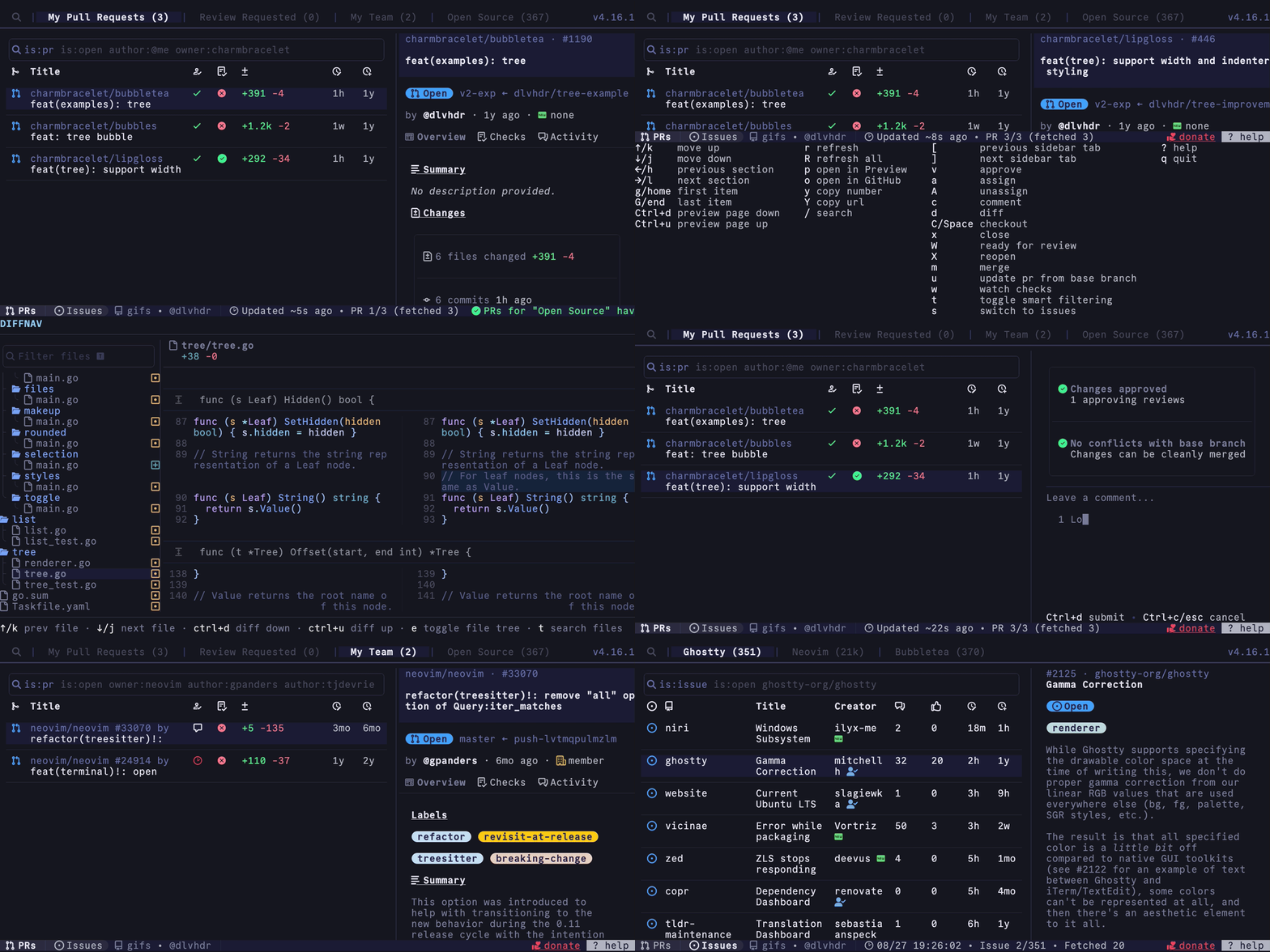
gh-dash (DASH) is a terminal UI for GitHub pull requests and issues. It shows them in user-defined sections, including per-repo sections, so you can see the PRs and issues you care about without opening the browser. It is built for developers who work in the terminal and prefer keyboard navigation.
From the interface you can do the usual GitHub actions: view diffs, comment, checkout, push, and update. Keyboard shortcuts are vim-style and can be overridden. You can also define custom actions to fit your own workflow. Every setting is controlled through a YAML config file.
It is written in Go. The TUI uses bubbletea, styling uses lipgloss, markdown rendering uses glamour, and the CLI uses cobra. GitHub functionality comes from the gh CLI, and PR diffs are shown with delta. Full documentation is at gh-dash.dev.
Installation
# via gh CLI
gh extension install dlvhdr/gh-dash
Alternatives & related tools
git-lfs
Git extension for managing large files by storing them outside the repository with pointer files
soft-serve
Self-hostable Git server with SSH-accessible TUI for command-line repository management and browsing.
gitleaks
Detects secrets like passwords, API keys, and tokens in git repositories, files, and stdin input
gh
Official GitHub CLI tool for managing pull requests, issues, and repositories from the command line
lazygit
Terminal UI for git commands with visual interface for staging, committing, branching, and repository management
add a badge to your README
Maintain gh-dash? Show that it's featured on trmn. The badge links back to this page.

[](https://www.trmn.sh/tools/gh-dash?utm_source=badge)<a href="https://www.trmn.sh/tools/gh-dash?utm_source=badge"><img src="https://www.trmn.sh/badge/gh-dash.svg" alt="Featured on trmn" height="20"></a>