gitu
Terminal user interface for Git inspired by Magit, providing visual staging, branching, and repository management
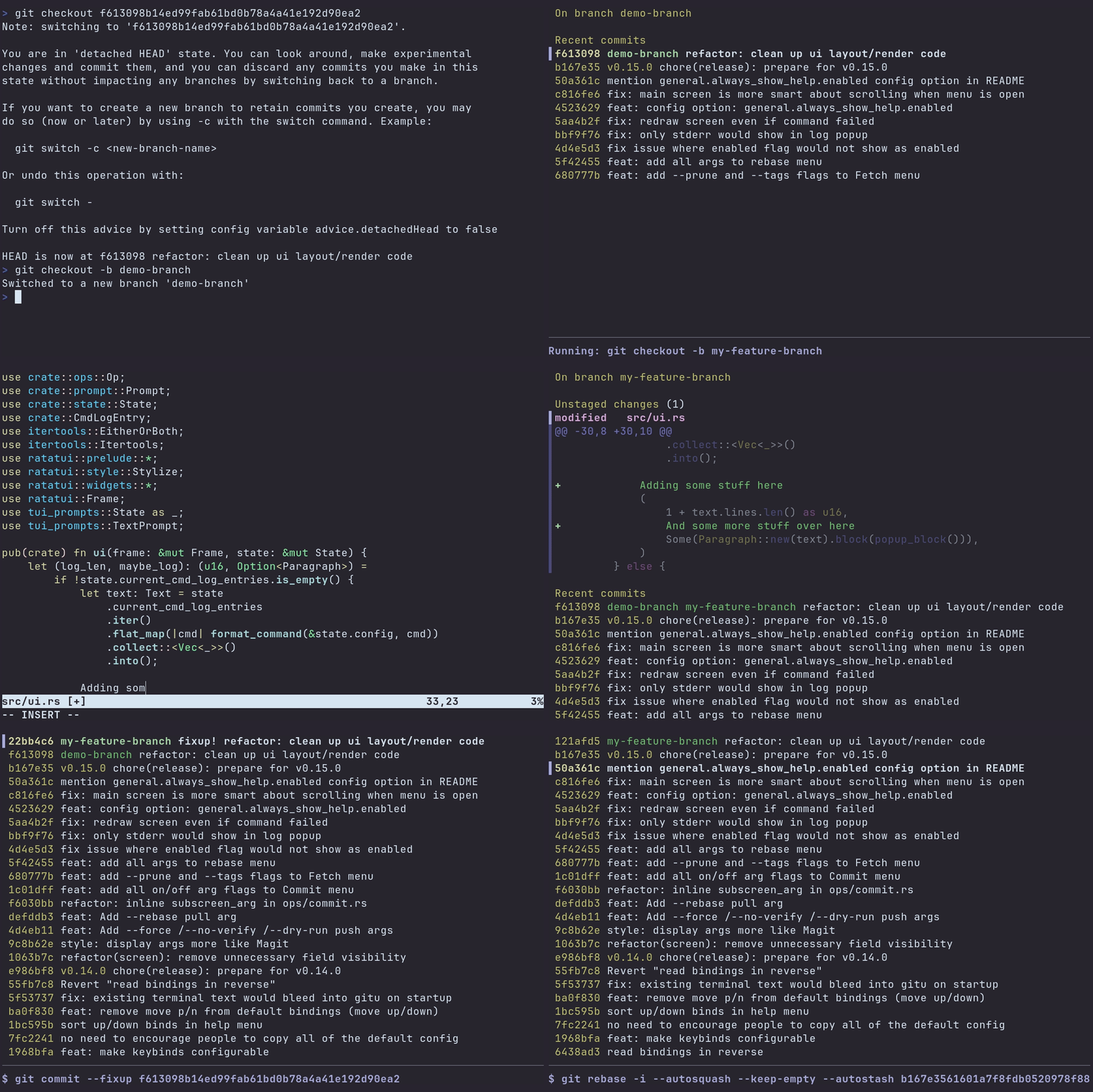
Gitu is a terminal user interface (TUI) for Git that brings Magit-style workflows to the command line. It provides a visual interface for common Git operations including staging and unstaging files, hunks, or individual lines, managing branches, and handling commits with support for amend and fixup operations.
The tool implements core Git workflows through keyboard shortcuts that mimic Magit while maintaining Vim-like navigation. Users can perform rebasing operations (interactive, autosquash, abort, continue), manage stashes (save, pop, apply, drop), and handle repository state with reset operations (soft, mixed, hard). It supports fetching, pulling, and pushing to configured upstream or pushDefault remotes.
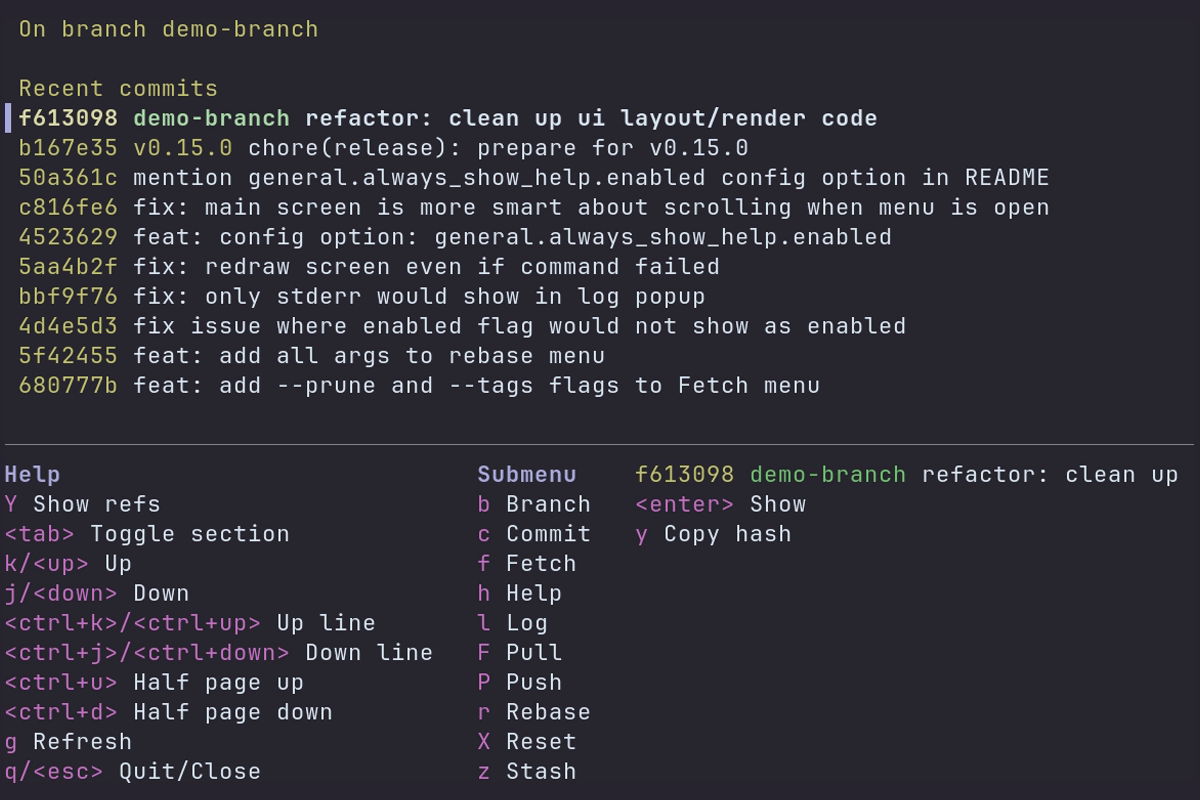
Gitu integrates with system editors through standard environment variables (VISUAL, EDITOR, or GIT_EDITOR) for commit messages and file editing. Configuration is stored in platform-specific locations using TOML format. The interface includes a help menu accessible via the 'h' key, making Git operations discoverable for users transitioning from Magit or seeking a visual alternative to command-line Git.