gum
CLI tool providing interactive components for shell scripts with input prompts, menus, spinners, and styling
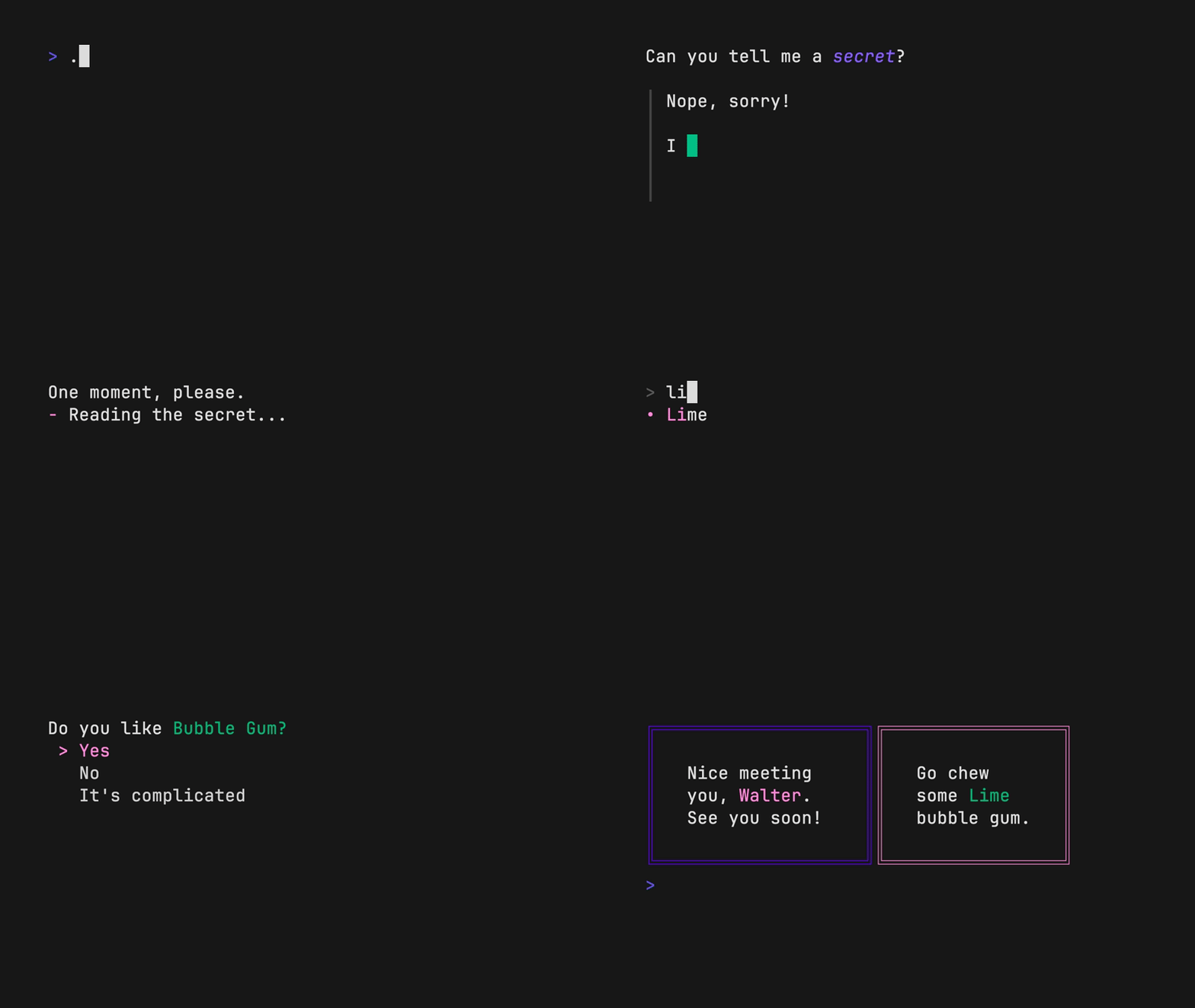
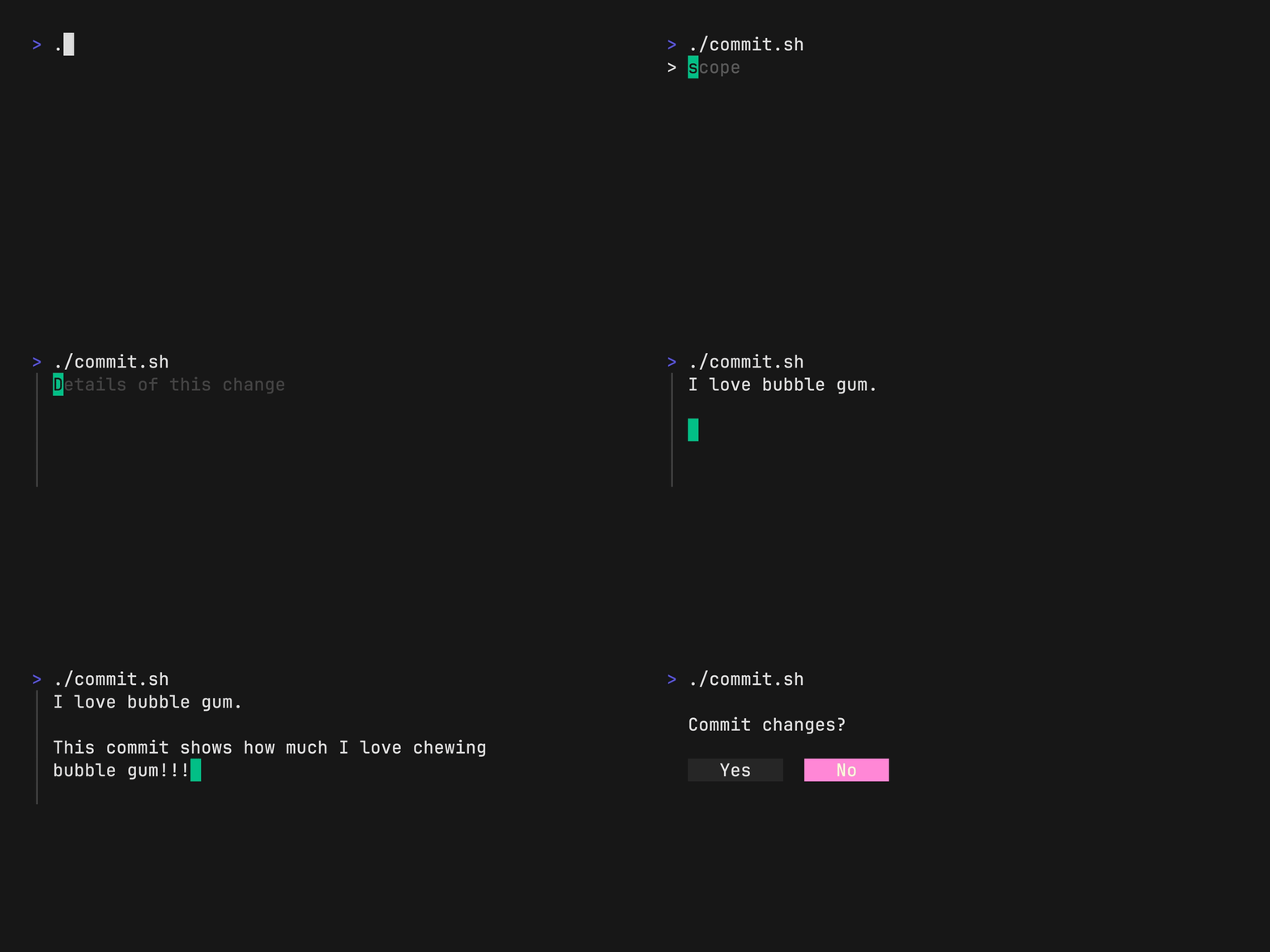
Gum is a CLI utility that provides interactive components for shell scripts through pre-built commands like input prompts, selection menus, confirmations, and text formatters. Instead of writing complex terminal UI code, scripts can use commands like gum choose for option selection, gum input for text prompts, gum confirm for yes/no dialogs, and gum spin for progress indicators. The tool supports extensive customization through command-line flags and environment variables, allowing control over colors, borders, spacing, and behavior.
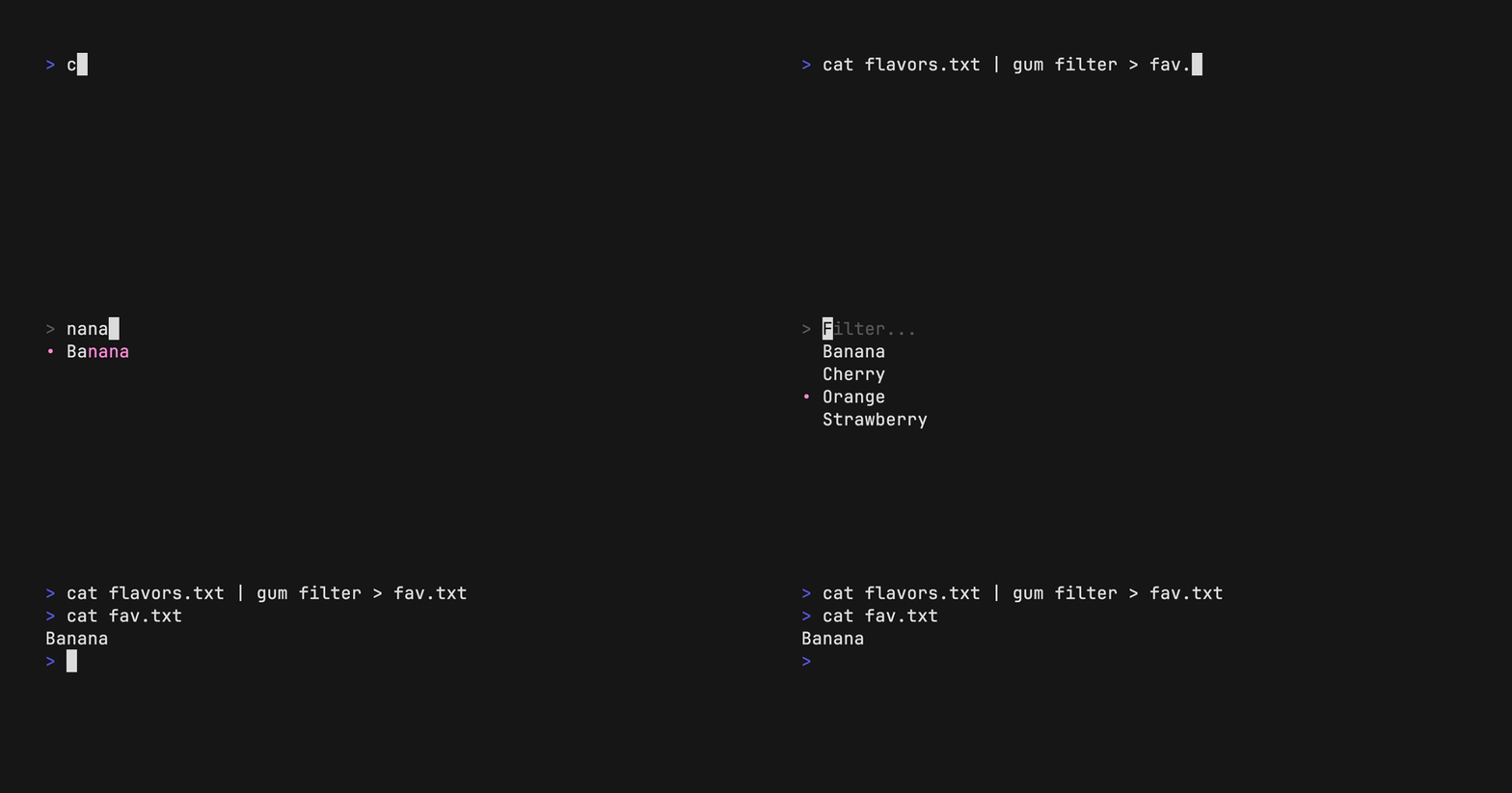
Built on the Bubbles and Lip Gloss Go libraries, gum enables shell script authors to create polished terminal interfaces without Go programming knowledge. Commands output their results to stdout, making them composable in shell pipelines and suitable for capturing user input in variables. The tool includes specialized components like gum filter for fuzzy searching, gum file for file selection, gum pager for document viewing, and gum table for tabular data selection.
The styling system allows creating complex layouts through commands like gum style for text formatting and gum join for combining elements vertically or horizontally. Format support includes markdown rendering, syntax highlighting, template processing, and emoji parsing. Gum targets shell script authors, DevOps engineers, and developers who need to add interactive elements to automation scripts and dotfile configurations.
Installation
# via Homebrew
brew install gum
# via Go
go install github.com/charmbracelet/gum@latest
# via Package Manager
pacman -S gum