np
Interactive release tool for npm packages that checks the working tree, runs tests, bumps versions, creates tags, publishes, and pushes to Git.
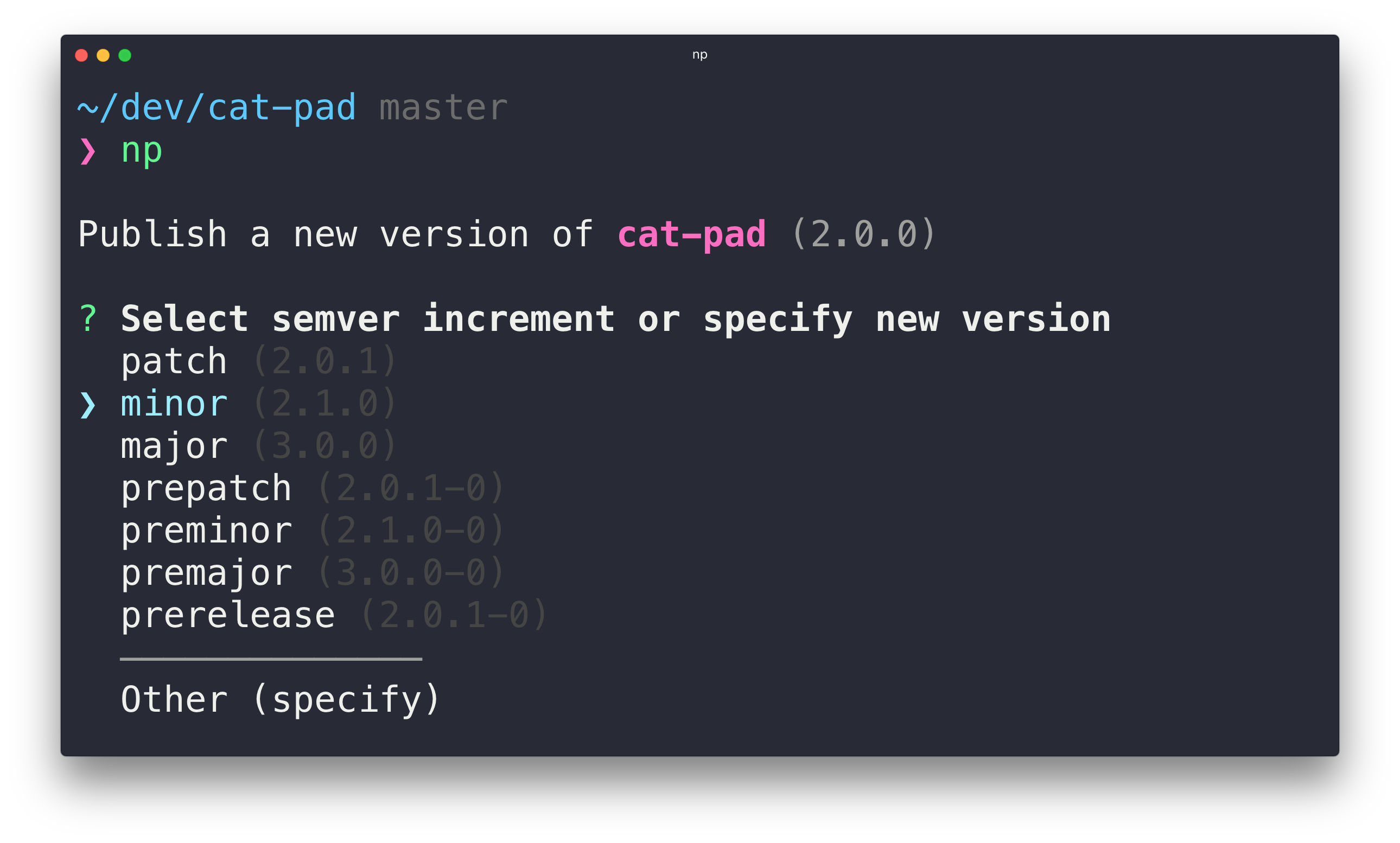
np is a release tool for npm packages that replaces a bare npm publish with a scripted sequence of checks and steps. Run np with no arguments to get an interactive UI, or pass a version such as patch, minor, major, prerelease, or an explicit 1.2.3. It checks that you are on the release branch (main or master by default), that the working directory is clean, and that there are no unpulled changes. It then reinstalls dependencies, checks Node.js and npm version support, and runs the tests.
After those checks, np bumps the version in package.json and package-lock.json and creates a git tag. It publishes to npm, optionally under a dist-tag with --tag, and pushes commits and tags to GitHub or GitLab. It also stops pre-release versions from being published under the latest dist-tag. Afterward it opens a prefilled GitHub Releases draft. It warns about extraneous files in the package, and it supports two-factor authentication, including enabling 2FA on new packages.
Other options include --dry-run to list the tasks without executing them, --contents to publish a subdirectory, --test-script to run a different test script, --remote to push to a different git remote, --provenance for npm provenance statements, and --stage for staged publishing (npm and pnpm only). Configuration can be set globally or per project, in a np field in package.json or in .np-config.json, .np-config.js, .np-config.cjs or .np-config.mjs. np supports npm 10+, pnpm 11+, Bun, and Yarn (Classic and Berry), as well as GitHub Packages and custom registries.
It is meant for maintainers who publish packages from a local machine. The README says monorepos are not supported and that CI is not an ideal environment for np. It requires Node.js 22 or later, npm 10 or later, and Git 2.11 or later.
Installation
# via npm
npm install --global np
Alternatives & related tools
Plop
Micro-generator framework that runs inquirer prompts and Handlebars templates from a plopfile to create consistent files from the terminal.
release-it
Generic CLI for automating releases: version bumps, git commit/tag/push, changelogs, GitHub/GitLab releases, and npm publishing, with hooks and plugins.
mermaid-cli
Command-line tool (mmdc) that renders Mermaid diagram definitions and Markdown files with Mermaid code blocks to SVG, PNG, or PDF.
DocToc
Node.js CLI that generates and updates tables of contents in Markdown files, with anchor links compatible with GitHub, GitLab, Bitbucket, Ghost and nodejs.org.
terminalizer
Terminal session recorder that generates animated GIF images from command-line sessions
add a badge to your README
Maintain np? Show that it's featured on trmn. The badge links back to this page.

[](https://www.trmn.sh/tools/np?utm_source=badge)<a href="https://www.trmn.sh/tools/np?utm_source=badge"><img src="https://www.trmn.sh/badge/np.svg" alt="Featured on trmn" height="20"></a>