starship
Cross-shell prompt that displays contextual information about Git repos, programming languages, and system status
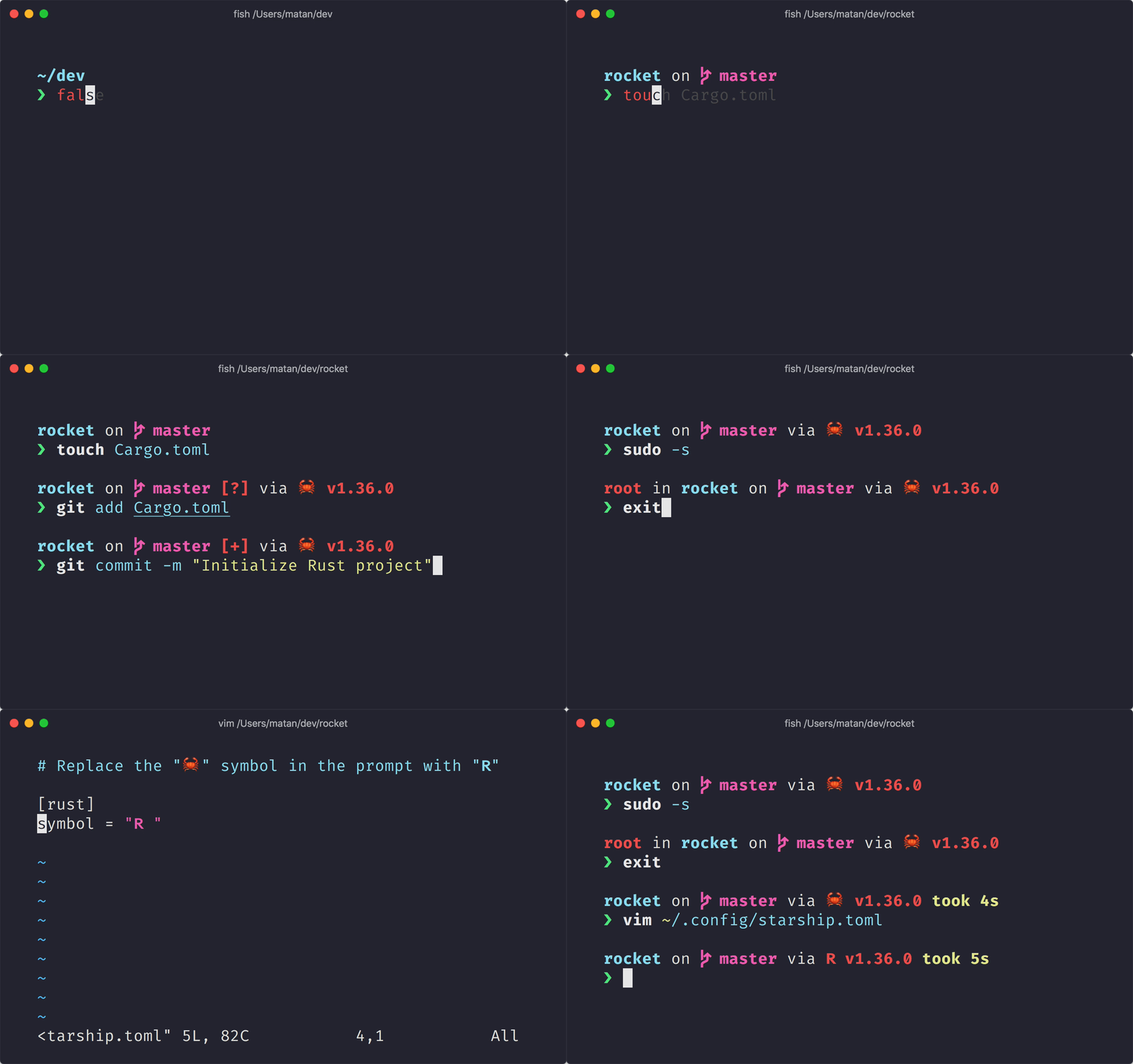
Starship is a shell prompt customization tool that works across Bash, Zsh, Fish, PowerShell, and other shells on any operating system. It replaces the default shell prompt with a context-aware display that shows relevant information about the current directory, Git repository status, active programming language versions, and system state.
The prompt intelligently detects the current environment and displays modules for detected tools and frameworks. For example, it shows Node.js version when in a JavaScript project, Python version in Python projects, Git branch and status in repositories, and battery level on laptops. Each module is configurable through a TOML configuration file, allowing users to customize colors, symbols, format, and which modules appear.
Starship is written in Rust and emphasizes performance, claiming to be significantly faster than alternative prompt tools. It supports over 50 modules covering programming languages, version control systems, cloud platforms, package managers, and system information. The tool requires a Nerd Font for proper symbol rendering and integrates with shells through initialization scripts that evaluate the prompt on each command execution.
Installation
# via Homebrew
brew install starship
# via Cargo
cargo install starship --locked
# via Script
curl -sS https://starship.rs/install.sh | sh