ttyd
Command-line tool that shares a terminal command over the web, served via libuv and rendered in the browser with WebGL2, with SSL and basic auth.
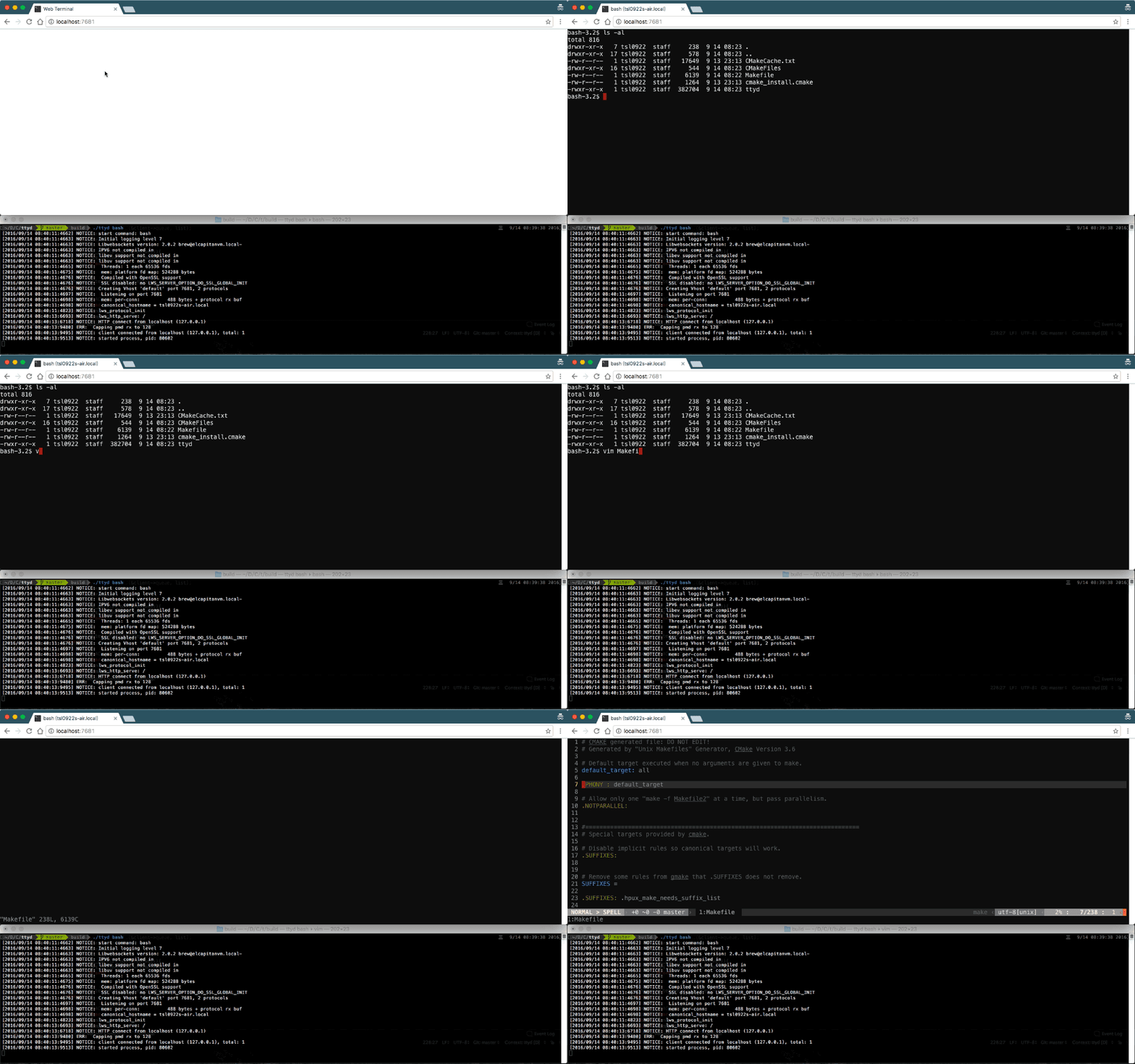
ttyd is a command-line server that exposes a terminal session in a web browser. You run it as ttyd [options] <command> [<arguments...>], and it serves the given command (a shell or any other program) over HTTP and websockets on a configurable port (default 7681). The backend is built on libuv, and the browser frontend renders with WebGL2 using xterm.js.
The terminal supports CJK characters and IME input, ZMODEM (lrzsz) and trzsz file transfer, and Sixel image output (via img2sixel or lsix). Clients are read-only by default, and -W allows them to write to the TTY. Other options include -o to accept a single client and exit, -m to cap client count, -a to pass command arguments through the URL, -w to set the working directory, and -u/-g to set the uid and gid.
For access control and deployment, ttyd supports basic authentication (-c user:pass), delegating authentication to a reverse proxy via an auth header (-H), and origin checking (-O). It also supports SSL through OpenSSL or Mbed TLS with optional client certificate verification, binding to a network interface or UNIX domain socket, IPv6, and a base path for reverse proxy setups. It runs on macOS, Linux, FreeBSD/OpenBSD, OpenWrt, and Windows. Typical users are developers, sysadmins, and embedded or router operators who need browser access to a shell or command-line program without a separate SSH client.
Installation
# via Homebrew
brew install ttyd
# via apt (Debian/Ubuntu)
sudo apt install ttyd
# via Scoop (Windows)
scoop install ttyd
Alternatives & related tools
Nmap
Network scanner for host discovery, port scanning, service and OS detection, with a scripting engine (NSE) for extra checks.
weechat
Terminal-based chat client with modular plugin architecture and multi-protocol support, primarily for IRC
irssi
Terminal-based IRC client with modular architecture and support for multiple chat protocols
elinks
Text-based web browser with frame/table support, scripting, and extensive customization options
wrk
HTTP benchmarking tool that generates high load using multithreaded design and event notification systems
add a badge to your README
Maintain ttyd? Show that it's featured on trmn. The badge links back to this page.

[](https://www.trmn.sh/tools/ttyd?utm_source=badge)<a href="https://www.trmn.sh/tools/ttyd?utm_source=badge"><img src="https://www.trmn.sh/badge/ttyd.svg" alt="Featured on trmn" height="20"></a>