VHS
Generate terminal GIFs from code scripts for testing and demonstrating CLI tools
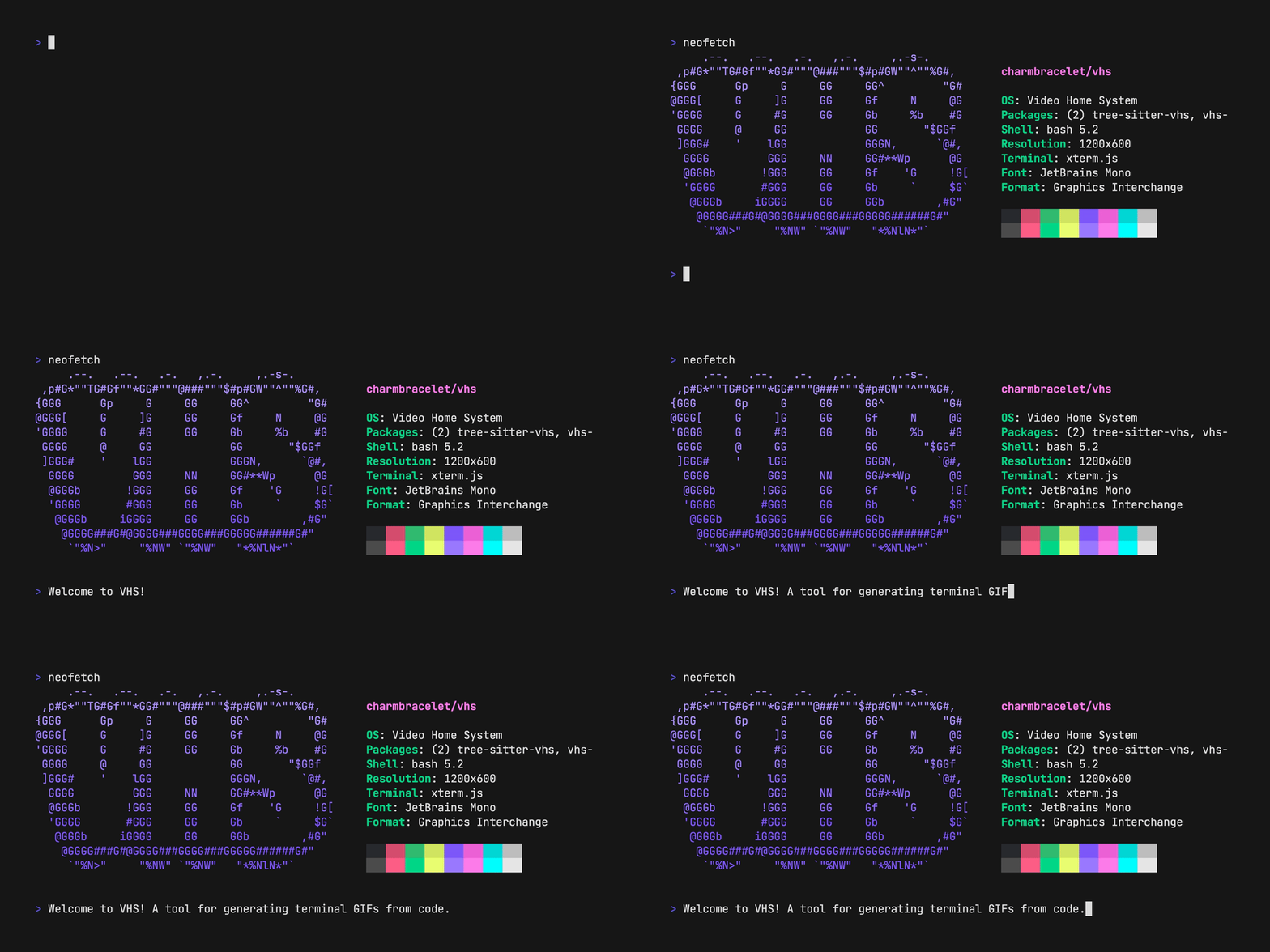
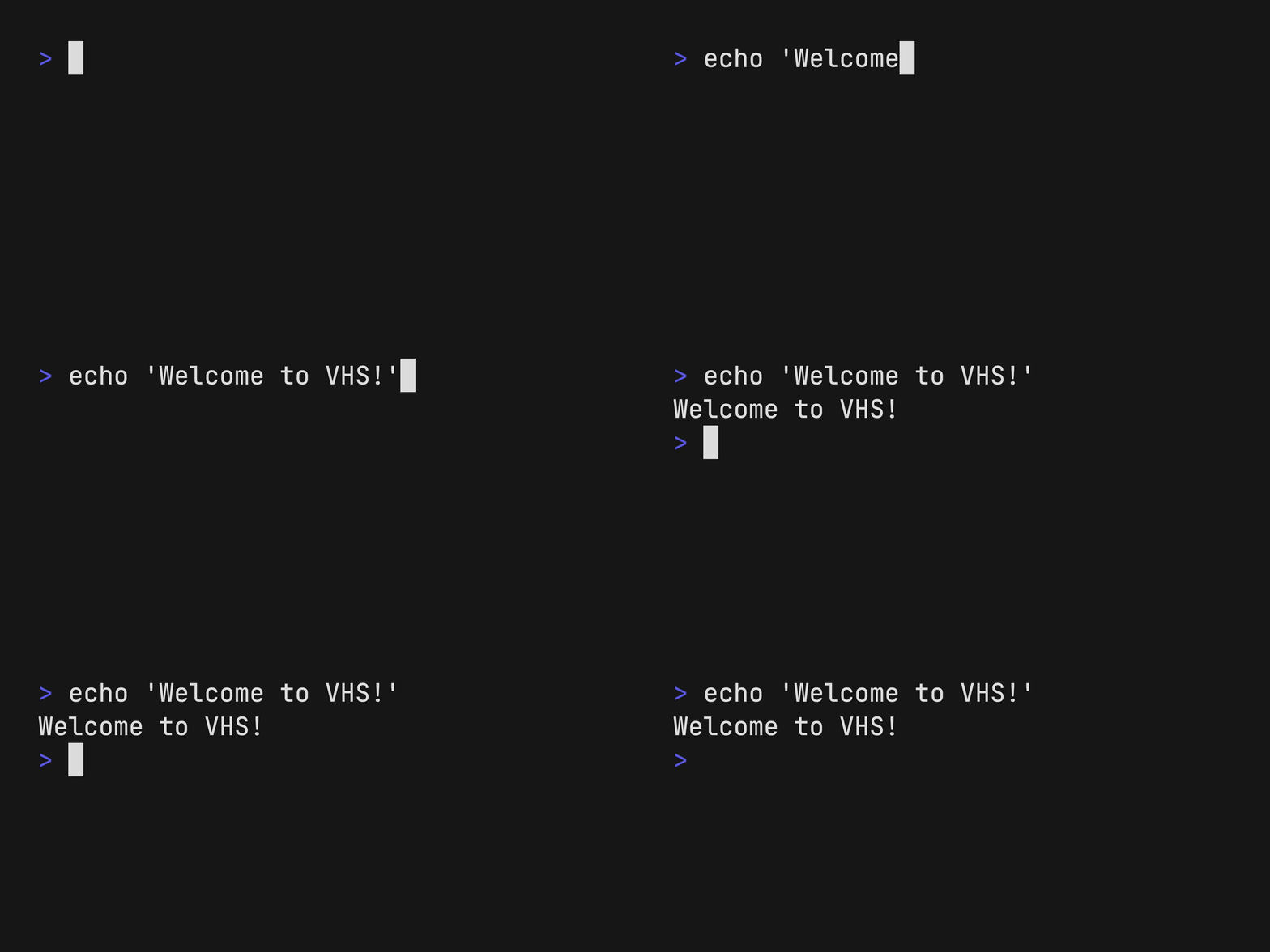
VHS is a tool for generating terminal recordings as GIFs, MP4s, or WebMs from declarative script files called "tapes". Instead of manually recording terminal sessions, developers write tape files containing commands like Type, Enter, Sleep, and Screenshot to automate the creation of terminal demonstrations. The tool uses a virtual terminal to execute these commands and render the output to various formats.
Tape files use a simple syntax where you specify terminal dimensions, font settings, and a sequence of actions. For example, you can set the output format with Output demo.gif, configure the terminal with Set FontSize 46, simulate typing with Type "echo 'Hello World'", and add pauses with Sleep 500ms. VHS supports advanced features like waiting for specific text patterns with regex, recording live terminal sessions to generate tape files, and publishing GIFs to a sharing service.
The tool is particularly useful for CLI tool developers who need consistent, reproducible demonstrations for documentation, integration testing, or marketing materials. VHS requires ttyd and ffmpeg as dependencies and can run locally or as a self-hosted SSH server, allowing remote access to generate recordings without installing dependencies on client machines. It supports multiple output formats including animated GIFs, MP4 videos, WebM files, and PNG frame sequences.
Installation
# via Homebrew
brew install vhs
# via Go
go install github.com/charmbracelet/vhs@latest
# via Docker
docker run --rm -v $PWD:/vhs ghcr.io/charmbracelet/vhs <cassette>.tape