viu
Rust command-line image viewer for the terminal using the iTerm or Kitty graphics protocols, with a half-block fallback and animated GIF support.
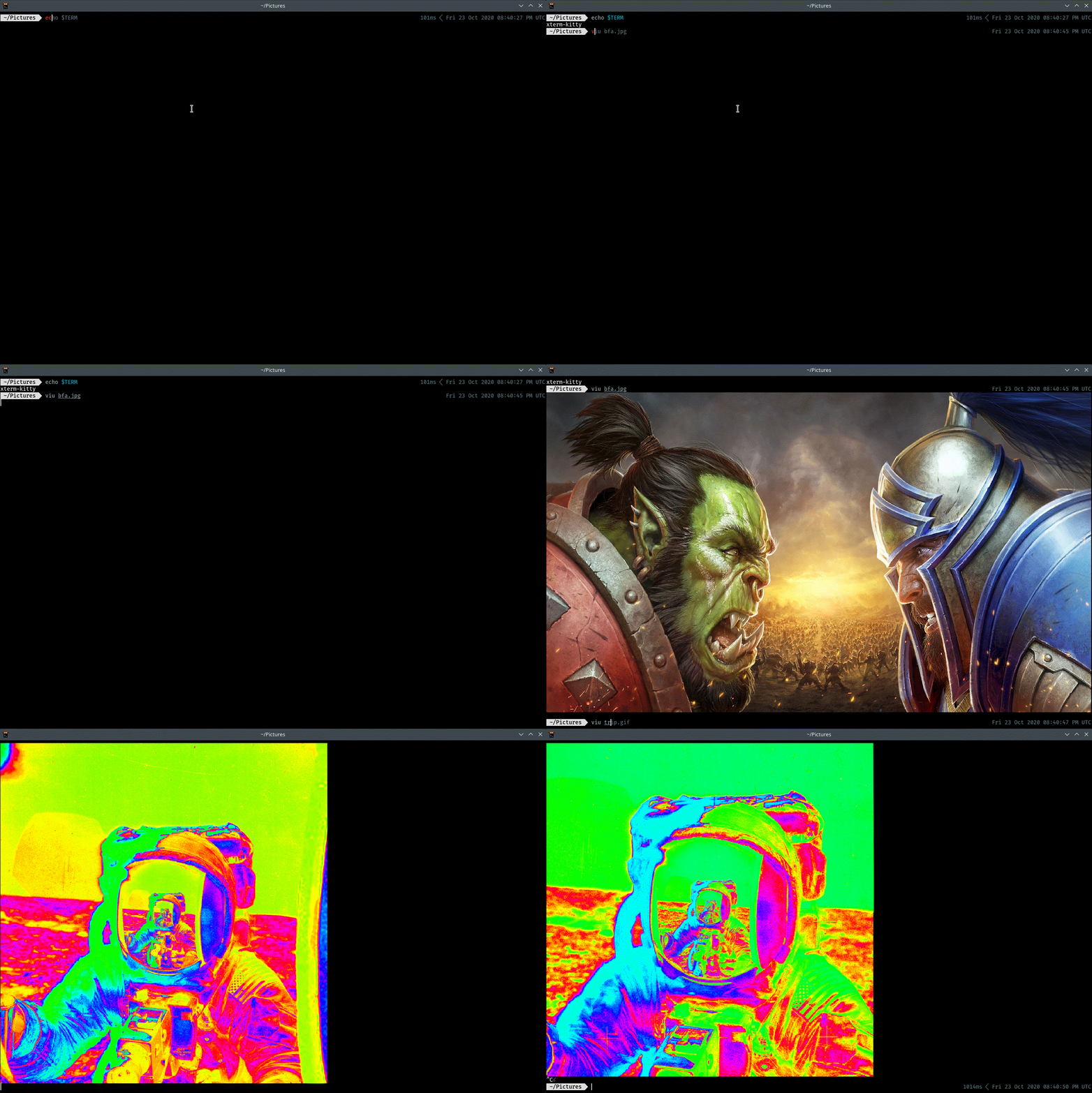
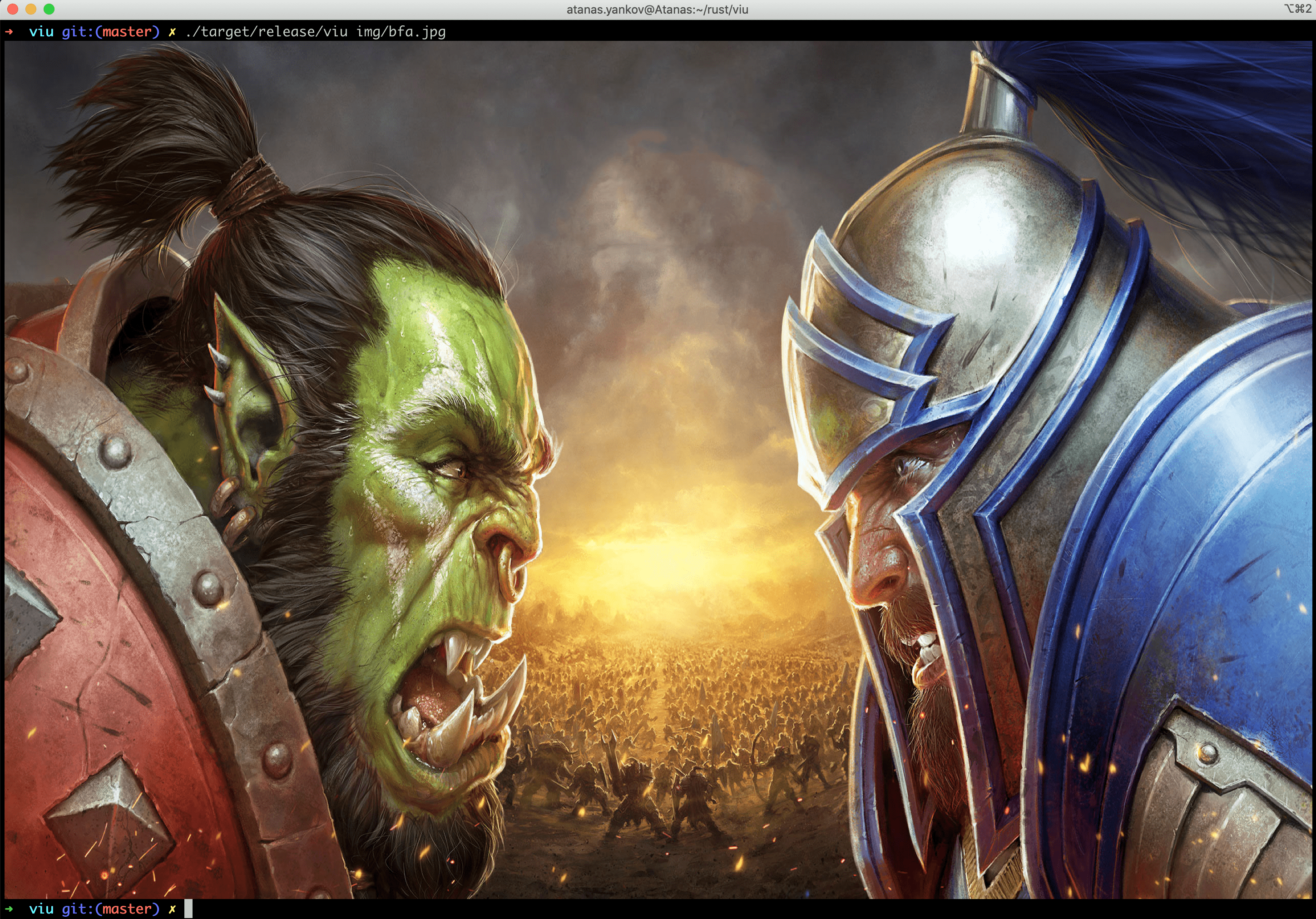
viu is a small Rust command-line application that displays images in the terminal. It is the front-end of the viuer library. It uses the iTerm or Kitty graphics protocol when the terminal supports one. Otherwise it draws the image with lower half block characters (▄). viuer picks the protocol from the value of $TERM. For half blocks it checks $COLORTERM: if the value contains truecolor or 24bit it outputs 16 million colors, and if not it falls back to ansi256.
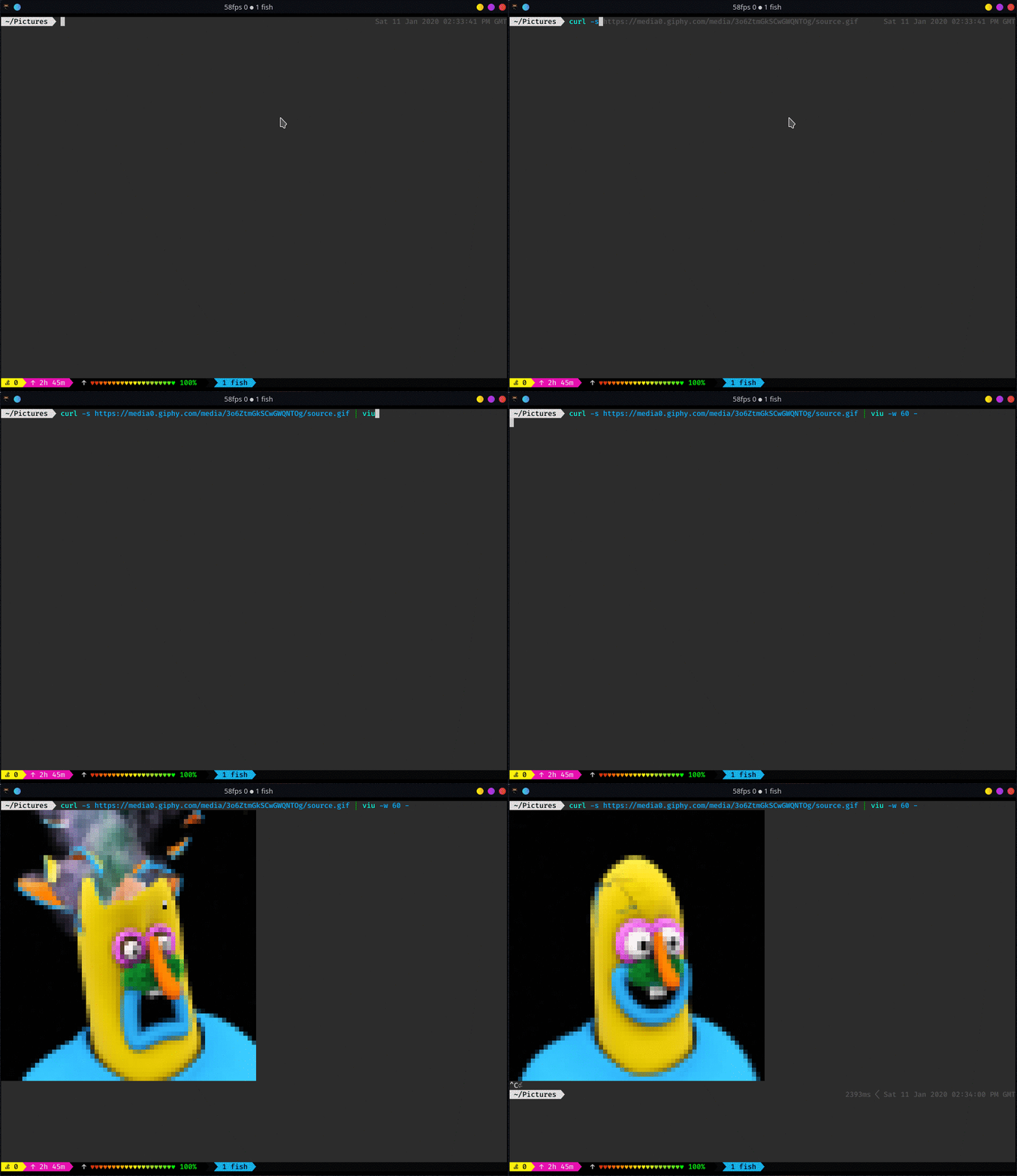
It shows animated GIFs, reads image data from standard input (pass - as the file), and supports transparency. Other options include custom width and height, x/y offsets (relative to the cursor, or to the top-left corner with --absolute-offset), recursion into directories, and printing the file name before or after the image. With no size flags, viu fits the image to the terminal and keeps its aspect ratio. The ratio changes only when -w and -h are both given. Sixel support is experimental and sits behind the sixel or icy_sixel feature flags.
For GIFs, a single GIF file loops until Ctrl-C. When several files are passed, each GIF plays once. --frame-rate, --once and --static control playback. In iTerm, GIFs are handled by the terminal itself, so --once and --frame-rate have no effect there. The README notes that the Kitty protocol does not work with tmux, so --blocks can be used to force half-block output.
Typical users are developers and terminal users who want to preview images, for example over SSH or inside scripts, without opening a GUI viewer. Piping image data in from a tool such as curl is one example.
Installation
# via Homebrew
brew install viu
# via Pacman (Arch Linux)
pacman -S viu
# via Cargo
cargo install viu
Alternatives & related tools
ouch
CLI tool for compressing and decompressing files across 14+ formats with automatic format detection
xplr
Terminal-based file explorer with Lua scripting, keyboard controls, and plugin system for command-line integration
xleak
Excel file viewer and interactive TUI for terminal with multi-sheet support and export capabilities
hazelnut
Terminal-based automated file organizer that watches folders and applies rules to move, copy, rename, or delete files based on patterns
notox
CLI tool for renaming files to remove toxic or problematic characters from filenames
add a badge to your README
Maintain viu? Show that it's featured on trmn. The badge links back to this page.

[](https://www.trmn.sh/tools/viu?utm_source=badge)<a href="https://www.trmn.sh/tools/viu?utm_source=badge"><img src="https://www.trmn.sh/badge/viu.svg" alt="Featured on trmn" height="20"></a>