amfora
Terminal-based Gemini protocol client with tabbed browsing, TOFU validation, and theming support
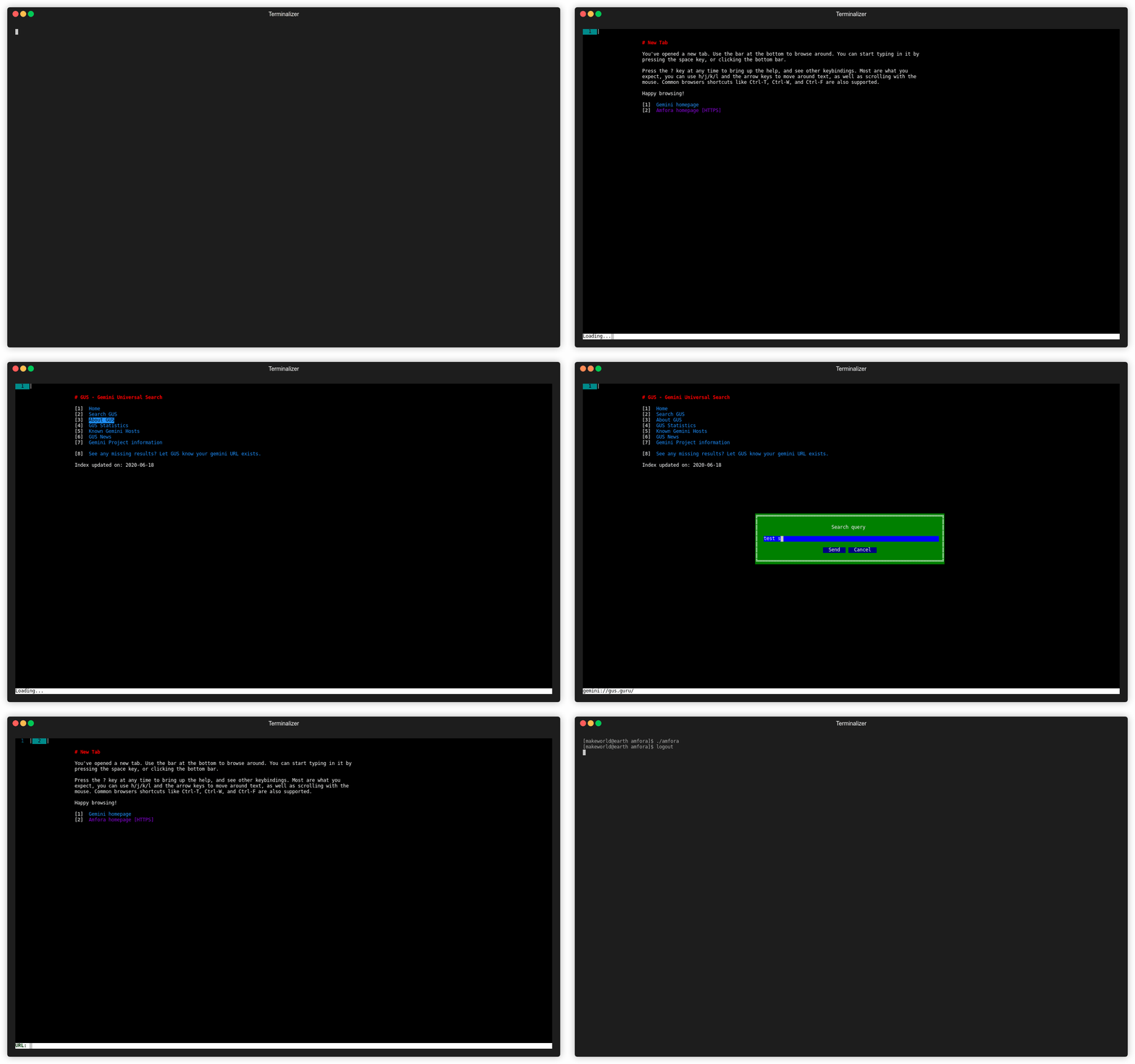
Amfora is a terminal-based client for the Gemini protocol, a lightweight alternative to HTTP designed for simple document retrieval. It provides a full-featured browsing experience within the terminal, supporting tabbed browsing, URL navigation with Trust On First Use (TOFU) certificate validation, and comprehensive error handling.
The client includes advanced features like ANSI color code support, styled page content rendering, bookmarks, and download capabilities for pages and arbitrary data. It supports multiple character encodings (over 55), built-in search functionality through geminispace.info, and can handle input prompts from Gemini servers. Amfora also supports client certificates, RSS/Atom/JSON feed subscriptions, and can proxy other protocols like Gopher or HTTP through Gemini servers.
Designed for cross-platform compatibility, Amfora runs on Linux, macOS, and Windows, though Windows Terminal is recommended over the default terminal. The tool is particularly useful for users interested in the Gemini protocol ecosystem, privacy-focused browsing, or those who prefer terminal-based applications. It passes both Sean Conman's and Egsam's client torture tests, demonstrating its protocol compliance and reliability.
Installation
# via Homebrew
brew install amfora
# via MacPorts
sudo port install amfora
# via From Source
git clone https://github.com/makeworld-the-better-one/amfora && cd amfora && make && sudo make install