asak
Terminal audio tool for browsing, playing, and recording audio files with waveform visualization and device selection
asak is a terminal-based audio management tool written in Rust that provides a keyboard-driven TUI for audio file operations. The tool supports browsing and previewing wav, mp3, and ogg files from the current working directory, with real-time waveform visualization during both playback and recording. Users can navigate through folders using arrow keys, preview audio files immediately upon selection, and view playback information including time, sample rate, channels, and audio meters.
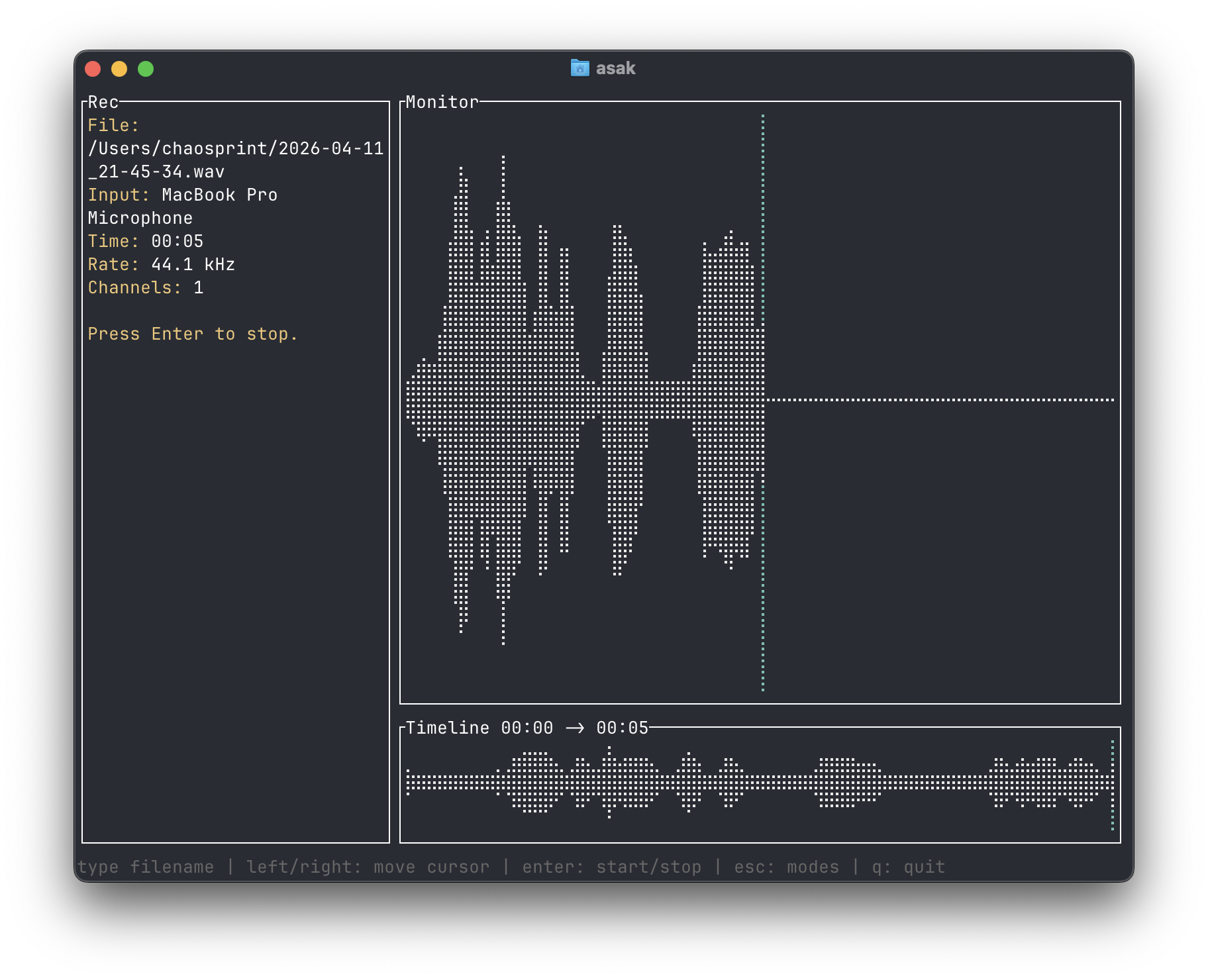
The recording functionality allows users to create new wav files with live monitor waveforms and a full-take timeline that updates during recording. The tool displays the waveform in real-time as audio is captured, providing visual feedback throughout the recording process. Users can specify custom filenames and recordings are saved directly to the current working directory.
asak includes a settings interface for selecting system audio devices, allowing users to choose both playback and recording devices from available system options. The tool uses the current working directory as the browser root and operates in an alternate terminal screen. It requires the cpal audio library and supports optional JACK integration on Linux systems through a feature flag during installation.
Installation
# via Cargo
cargo install asak
# via Local
cargo install --path .