cloctui
Terminal UI for CLOC code analysis tool that displays line counts and statistics in an interactive table
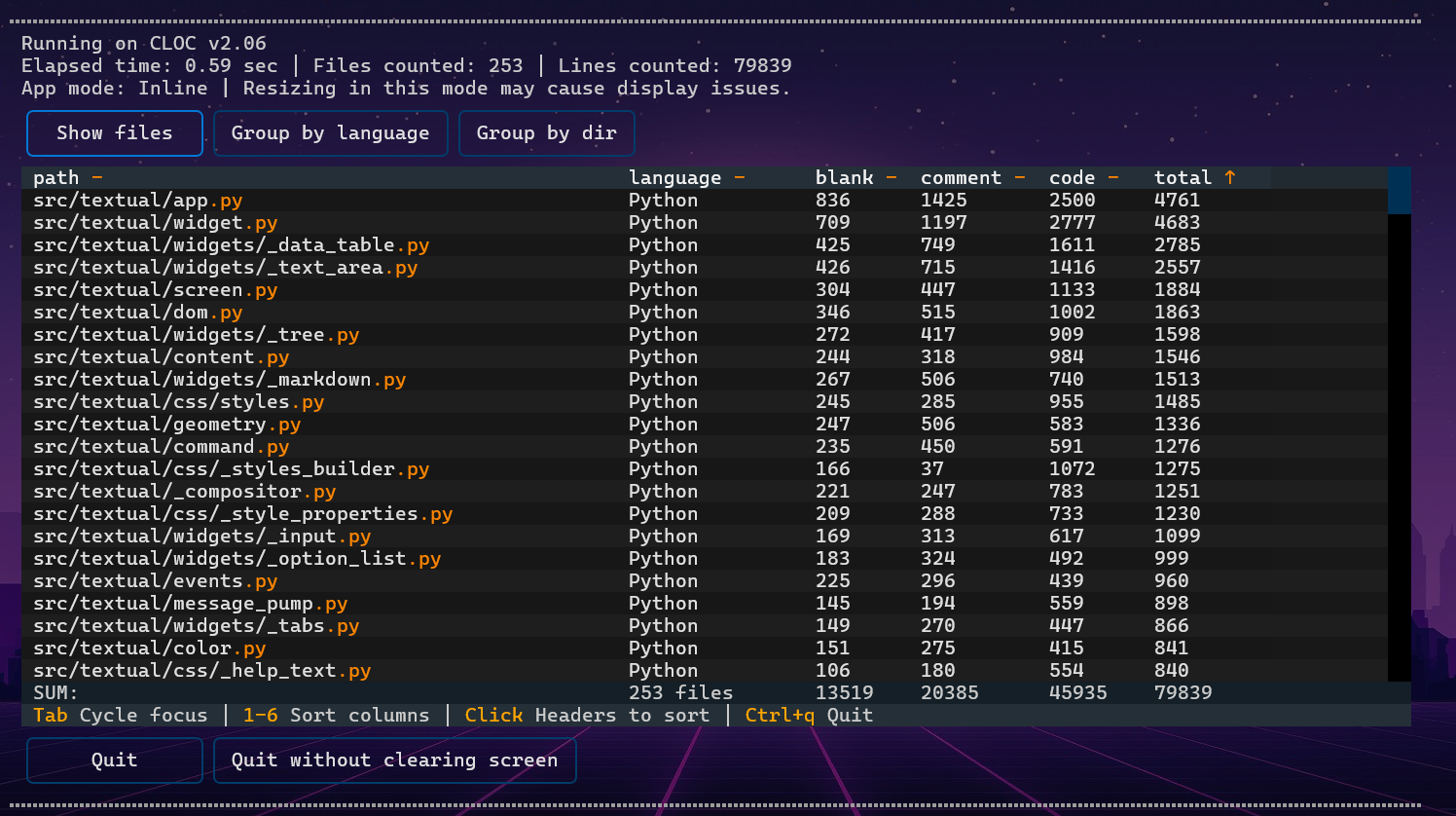
CLOCTUI is a terminal user interface (TUI) wrapper for the CLOC (Count Lines of Code) tool that transforms CLOC's text output into an interactive table format. Built with the Textual framework, it executes CLOC commands internally and presents the results through a navigable interface that improves readability for large codebases.
The tool supports CLOC's core grouping modes - by language, directory, or individual files - while adding interactive sorting capabilities through clickable column headers and keyboard shortcuts. Users can operate in inline mode by default or switch to fullscreen mode using the -f flag. The interface allows real-time manipulation of code statistics without requiring multiple CLOC command executions.
CLOCTUI requires Python 3.10+ and an existing CLOC installation on the system. It's designed for developers and project managers who frequently analyze codebase metrics and prefer interactive exploration of line count data over static terminal output. The tool accepts directory paths as arguments and can analyze current directories using dot notation.
Installation
# via UV
uv tool install cloctui
# via PipX
pipx install cloctui
# via UV (test)
uvx cloctui .