lazycelery
Terminal UI for monitoring and managing Celery workers, queues, and tasks with real-time updates and keyboard navigation.
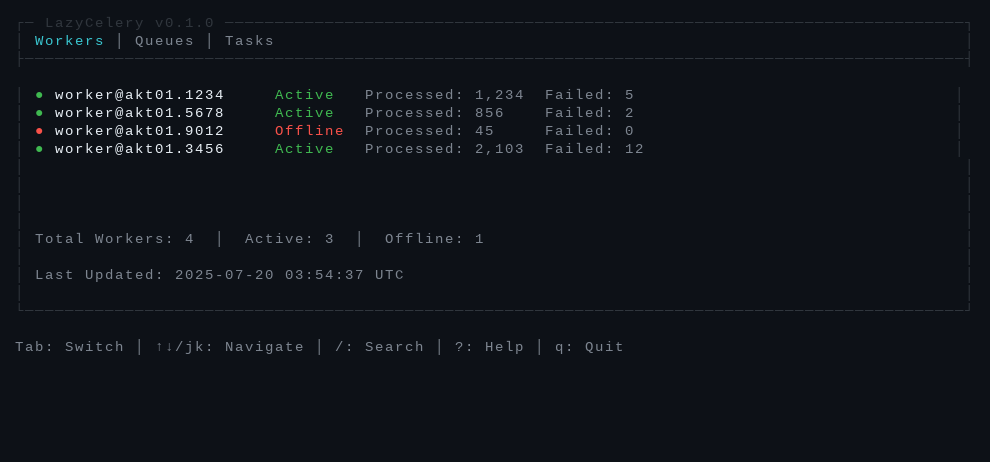
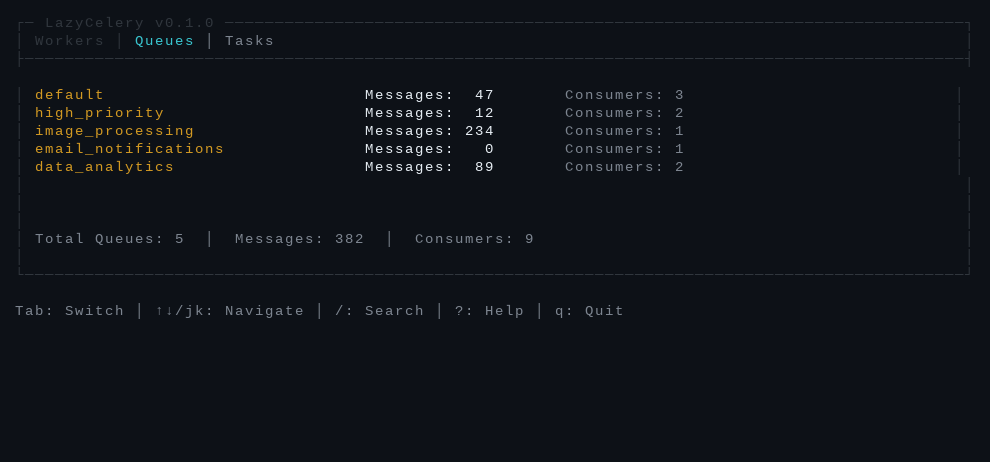
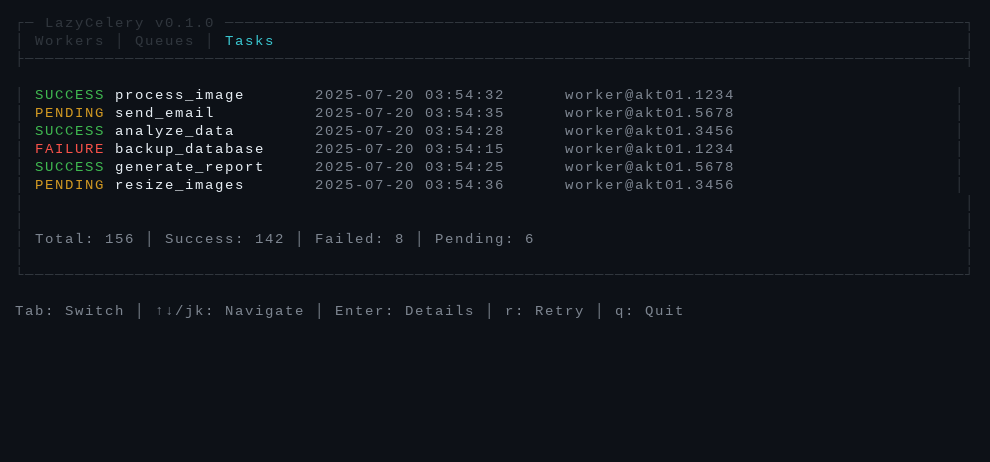
LazyCelery is a terminal user interface for monitoring and managing Celery distributed task systems. It provides real-time visibility into worker status, queue management with message counts, and task tracking across different execution states. The tool uses a keyboard-driven interface similar to lazydocker and lazygit, allowing developers to navigate between workers, queues, and tasks using tab switching and vim-style key bindings.
The application connects to Redis or other Celery message brokers to gather metrics and display them in an organized dashboard format. It includes search and filtering capabilities across all views, enabling users to quickly locate specific workers or tasks. LazyCelery automatically manages configuration files and provides interactive setup commands for initial broker configuration.
Developers working with Celery-based applications can use this tool to debug task execution, monitor worker health, and manage queue backlogs without switching between multiple command-line tools or web interfaces. The tool supports custom broker URLs, configurable refresh intervals, and provides helpful error messages for common connection issues.
Installation
# via Homebrew
brew tap Fguedes90/tap && brew install lazycelery
# via Cargo
cargo install lazycelery
# via Scoop
scoop bucket add lazycelery https://github.com/Fguedes90/scoop-bucket.git && scoop install lazycelery