cull
Interactive TUI disk space analyzer for scanning directories, finding large files, and deleting them from the terminal.
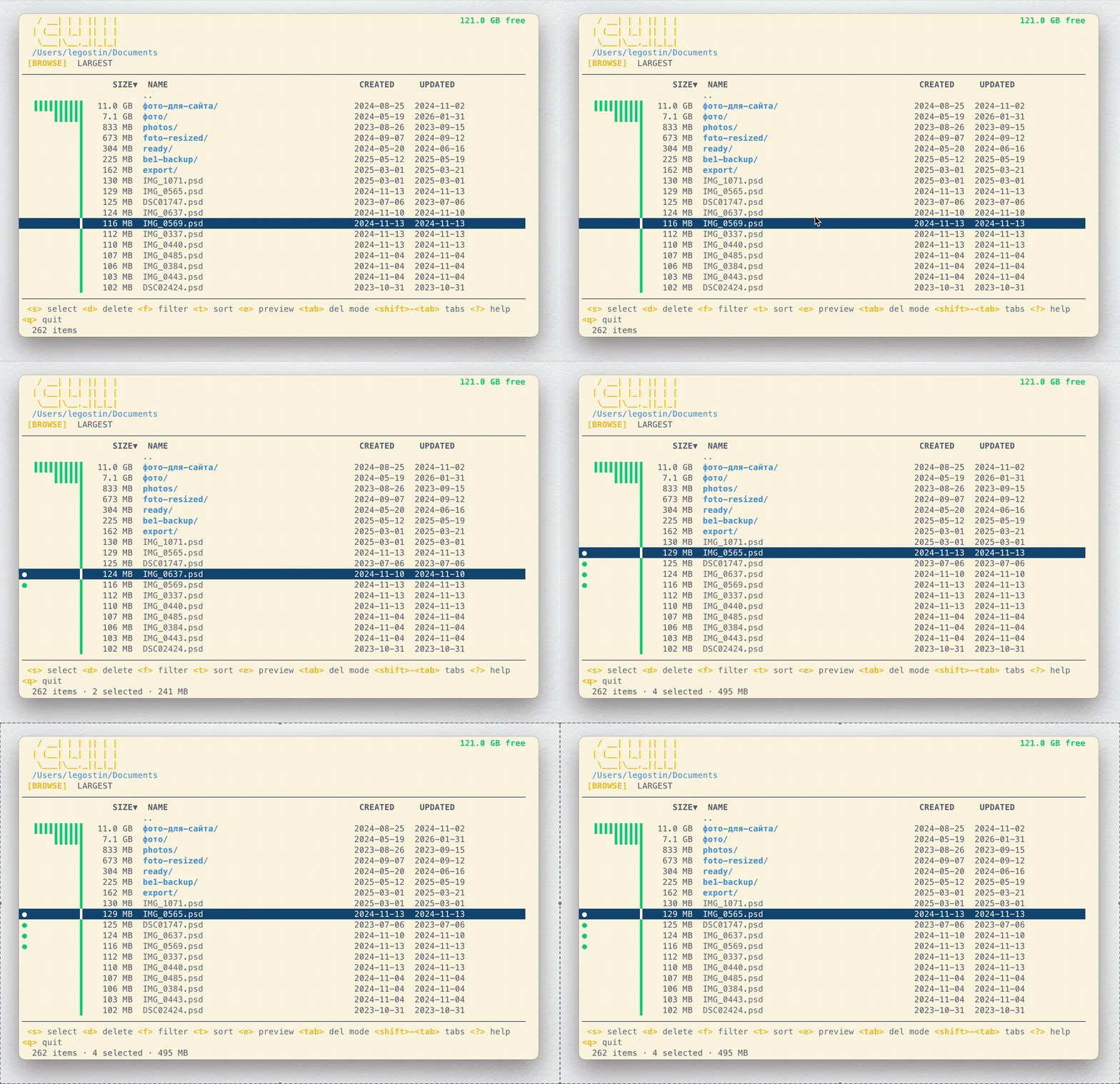
Cull is a terminal user interface (TUI) disk space analyzer that helps identify and remove large files consuming disk space. The tool scans directories and displays file sizes in an interactive terminal interface, continuously updating directory sizes in the background as the scan progresses.
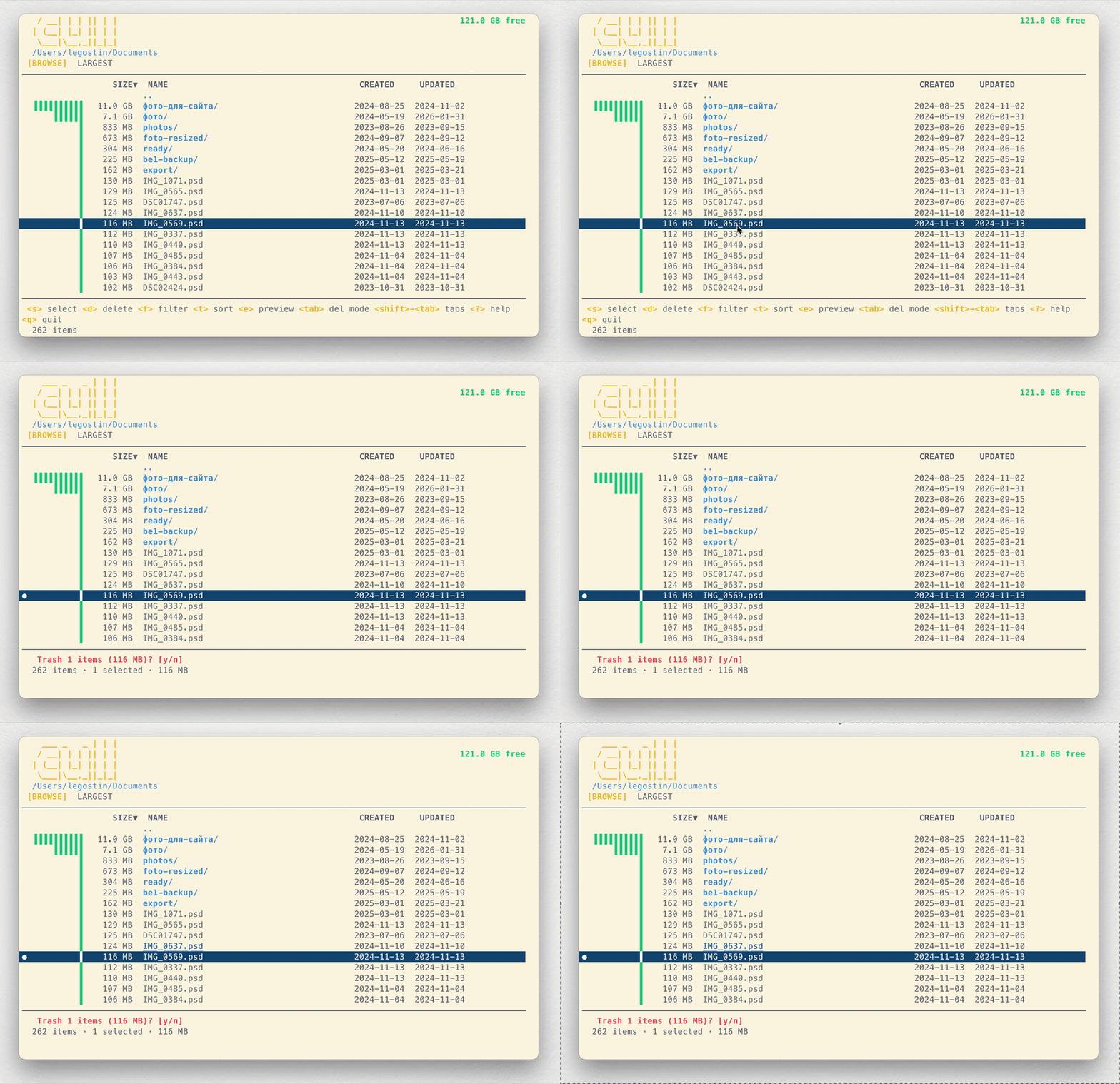
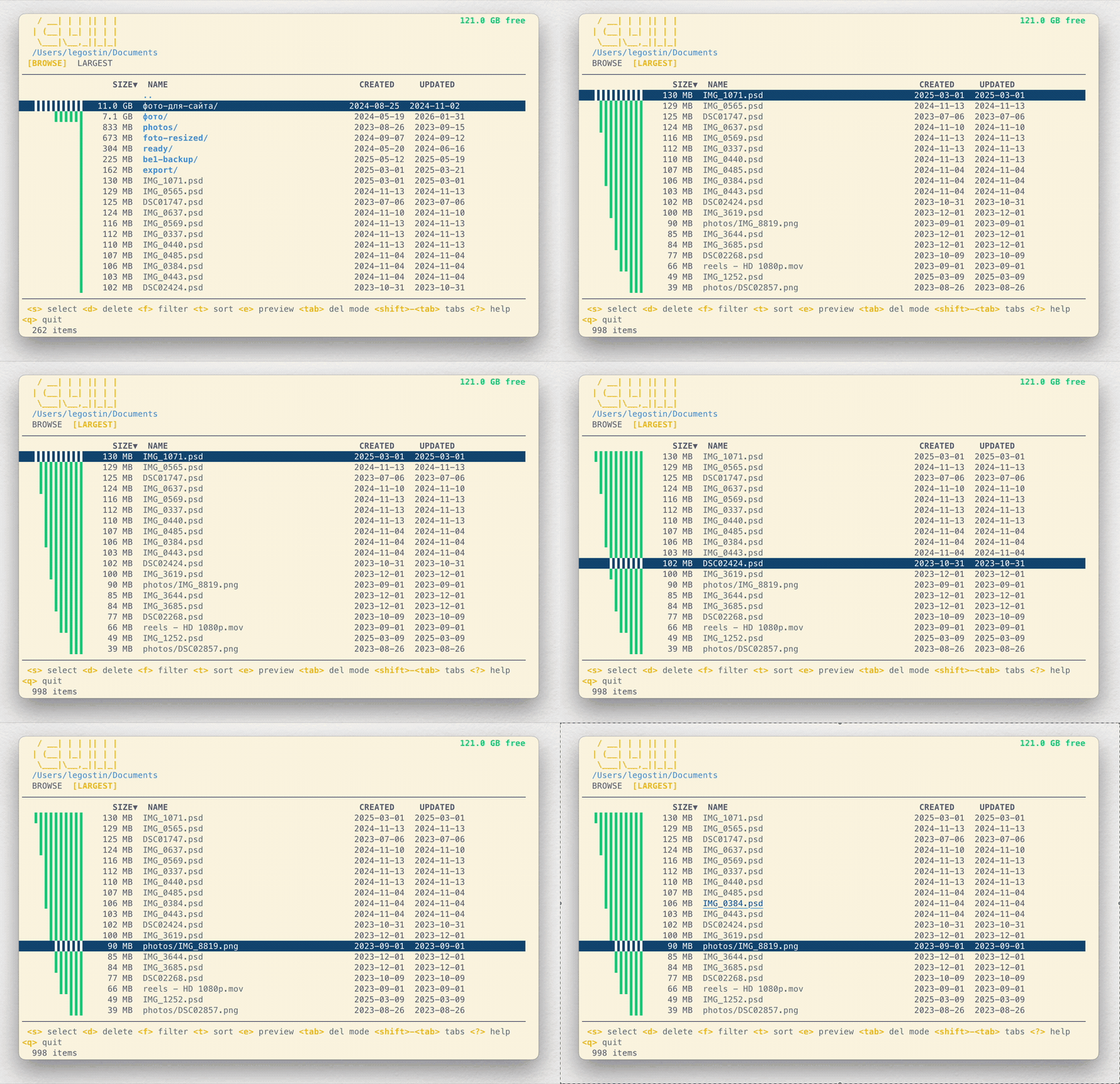
The interface provides multiple views for disk analysis: a Browse mode for navigating directories hierarchically, and a Largest tab that performs deep scans across all subdirectories to surface the biggest files system-wide. Users can select individual files or ranges of files using keyboard shortcuts, then delete them either by moving to trash or permanent deletion with confirmation dialogs.
Cull includes filtering capabilities that allow users to search for files by name or extension, multiple sorting modes (by size, name, or modification date), and support for toggling hidden file visibility. The tool offers safety features including a read-only mode for browsing without deletion capabilities, dry-run previews, and confirmation prompts. On macOS, it integrates with Quick Look for file previews directly within the terminal interface.
Installation
# via Homebrew
brew tap legostin/tap && brew install cull
# via APT (Linux)
echo "deb [trusted=yes] https://legostin.github.io/apt-repo/ /" | sudo tee /etc/apt/sources.list.d/cull.list && sudo apt update && sudo apt install cull
# via Go
go install github.com/legostin/cull@latest