diskonaut
Interactive disk usage analyzer with treemap visualization for exploring and cleaning up disk space
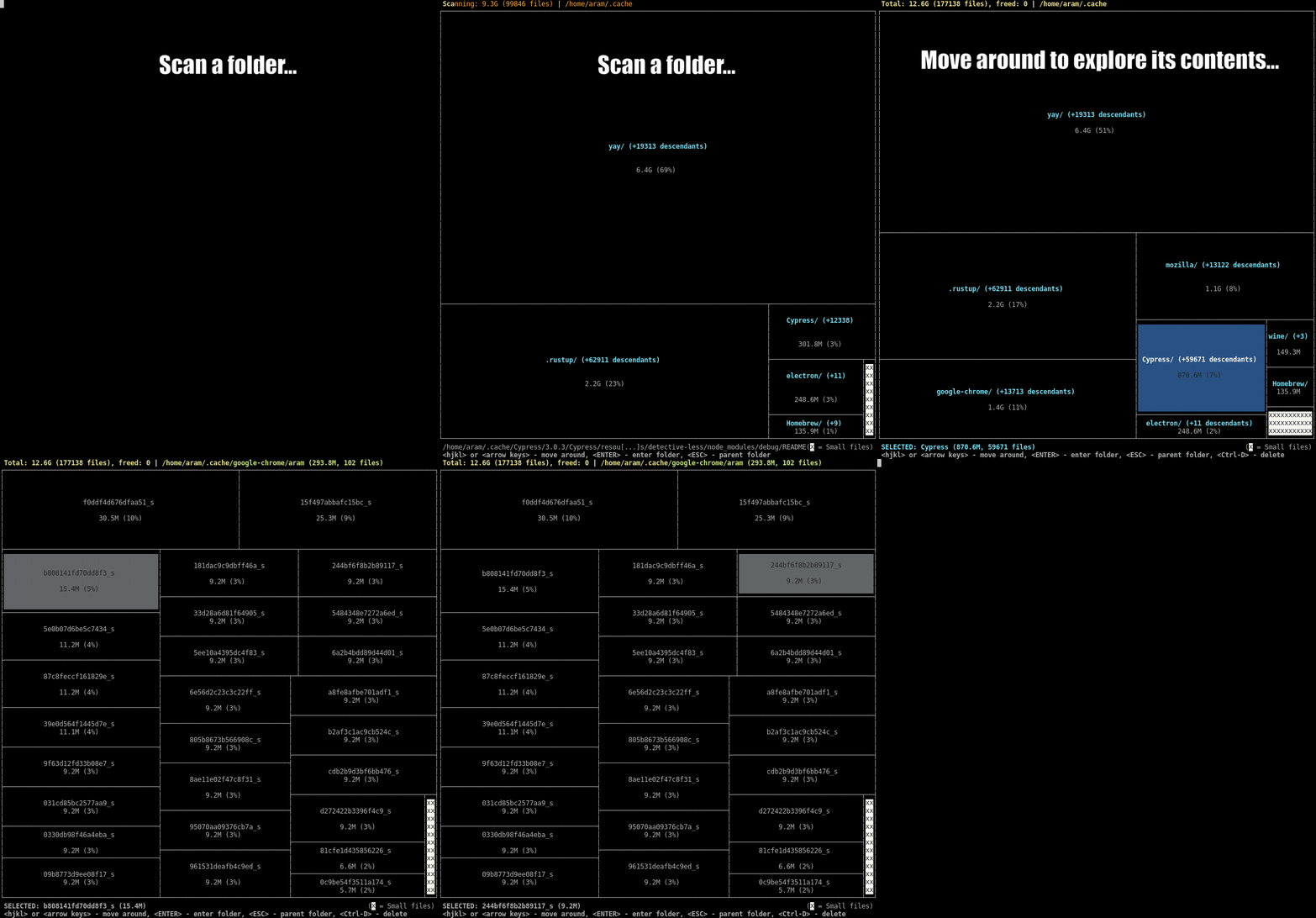
Diskonaut is a terminal-based disk usage analyzer that provides interactive exploration of filesystem storage consumption. The tool scans a specified directory path and indexes file metadata to memory, creating a visual treemap representation that shows which files and folders consume the most disk space. Users can navigate through subdirectories interactively while the scanning process continues in the background.
The tool includes file management capabilities, allowing users to delete files and folders directly from the interface. Diskonaut tracks space freed during each session, providing immediate feedback on cleanup efforts. The treemap visualization makes it easy to identify large files and directories that may be consuming unexpected amounts of storage.
Diskonaut supports Linux, macOS, and Windows, with installation available through multiple package managers including Homebrew, DNF, AUR, and Nix. The tool can be started in the current directory or pointed to any specific path, making it useful for system administrators, developers, and anyone needing to analyze disk usage patterns and free up storage space.
Installation
# via Homebrew
brew install diskonaut
# via Cargo
cargo install diskonaut
# via DNF
sudo dnf install diskonaut
Alternatives & related tools
viu
Rust command-line image viewer for the terminal using the iTerm or Kitty graphics protocols, with a half-block fallback and animated GIF support.
fclones
Command-line duplicate file finder and remover with parallel processing and multiple deduplication strategies.
erdtree
Multi-threaded filesystem and disk usage utility with gitignore awareness, multiple layouts, and file search capabilities
doxx
Terminal-native .docx document viewer with formatting, search, and export capabilities
ouch
CLI tool for compressing and decompressing files across 14+ formats with automatic format detection
add a badge to your README
Maintain diskonaut? Show that it's featured on trmn. The badge links back to this page.

[](https://www.trmn.sh/tools/diskonaut?utm_source=badge)<a href="https://www.trmn.sh/tools/diskonaut?utm_source=badge"><img src="https://www.trmn.sh/badge/diskonaut.svg" alt="Featured on trmn" height="20"></a>