eg
Command-line tool that provides practical usage examples for common CLI utilities like find, tar, and grep.
eg is a command-line reference tool that displays practical usage examples for common CLI utilities. It serves as a complement to man pages by providing real-world examples instead of comprehensive documentation. While man pages list all flags and options, eg focuses on showing how to actually use tools like find, tar, grep, and others in common scenarios.
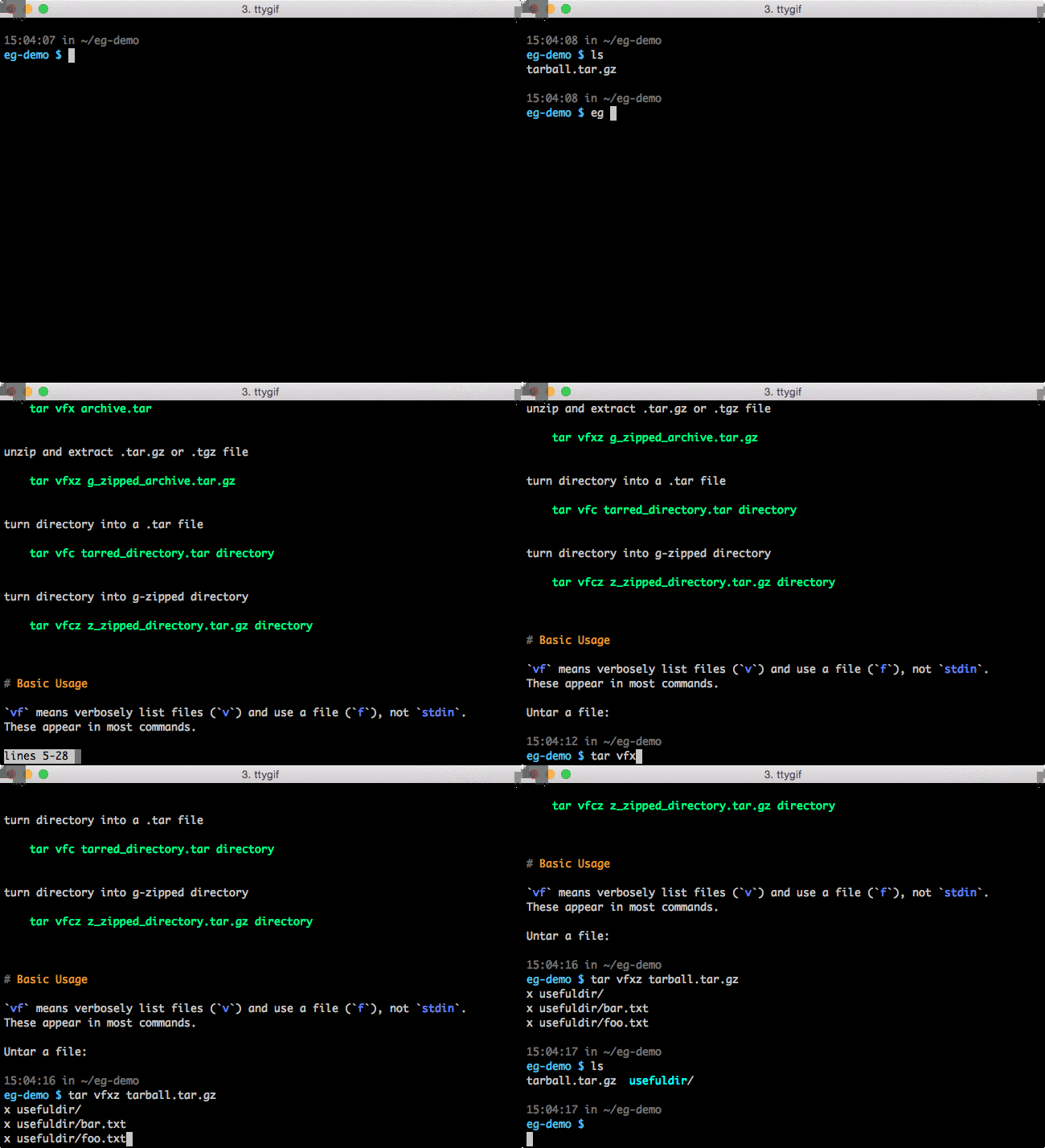
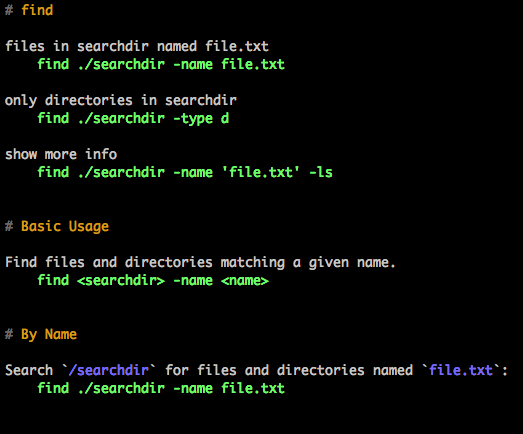
The tool maintains a collection of examples in markdown format, stored in files named after each command (e.g., find.md for find examples). When you run eg find, it displays the contents of the corresponding example file through a pager. Examples are formatted to clearly distinguish between user input (indented four spaces or surrounded by backticks) and command output.
eg supports extensive customization through configuration files. Users can create custom example directories, modify color schemes, configure regex-based output transformations, and adjust paging behavior. The tool respects the PAGER environment variable and allows custom pager commands. It also includes features like output squeezing to remove excess blank lines and supports both default and user-defined example collections.
The tool targets developers, system administrators, and anyone who frequently uses command-line utilities but occasionally forgets specific syntax or common usage patterns. It's particularly useful for complex tools like tar that are notoriously difficult to remember without consulting examples.
Installation
# via pip
pip install eg
# via Homebrew
brew install eg-examples