forgit
Interactive Git command wrapper using fzf for fuzzy selection of files, commits, branches, and more
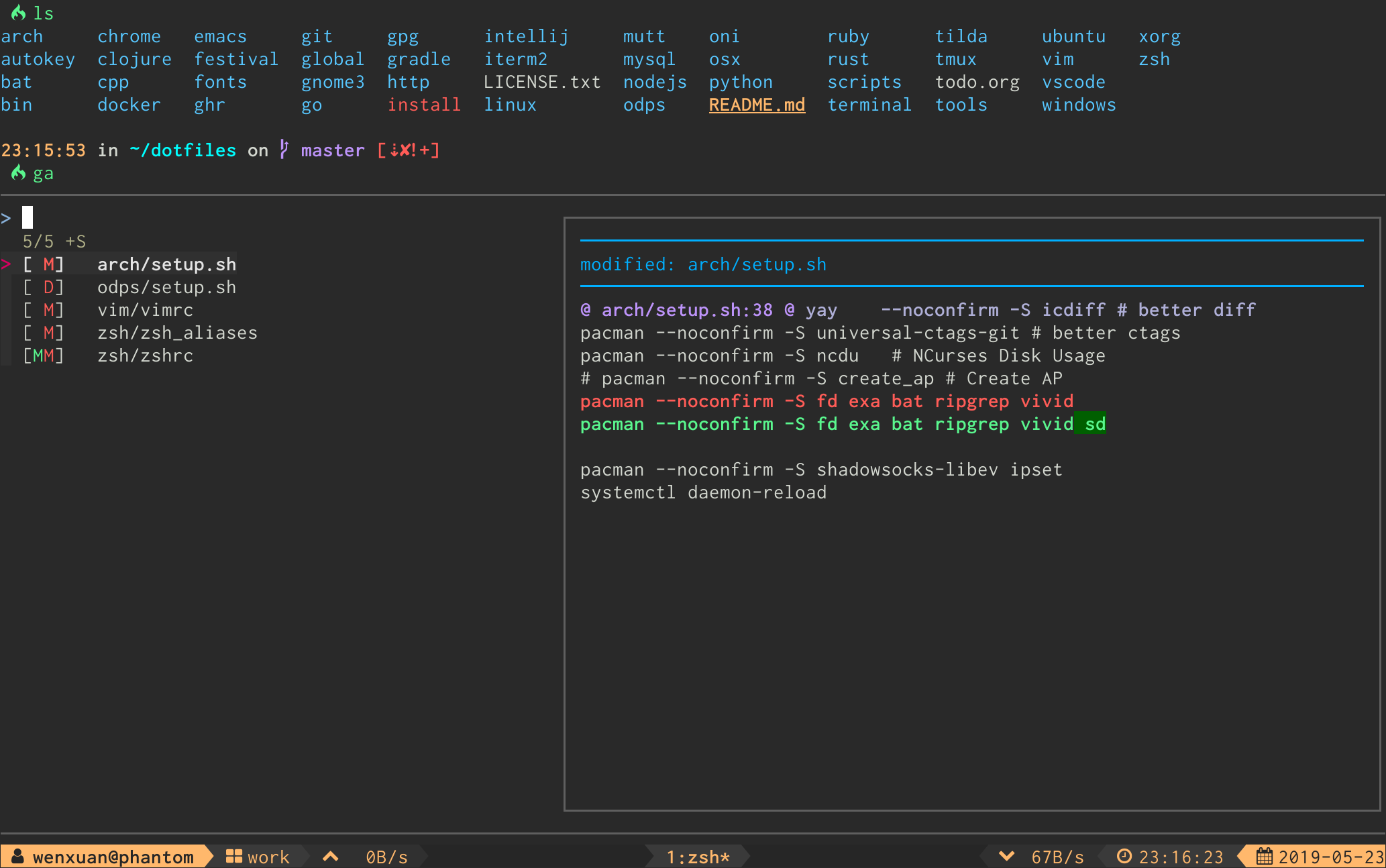
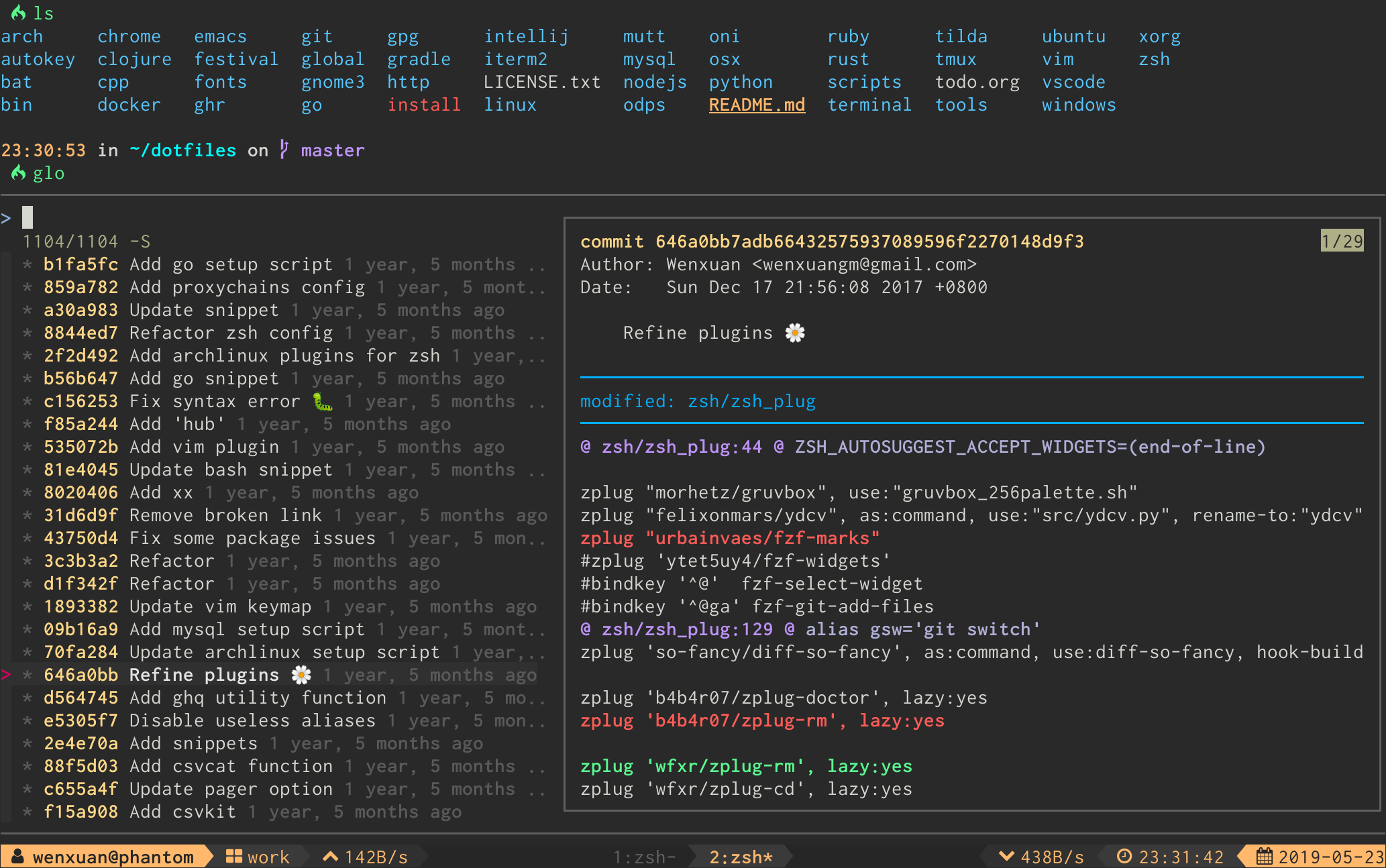
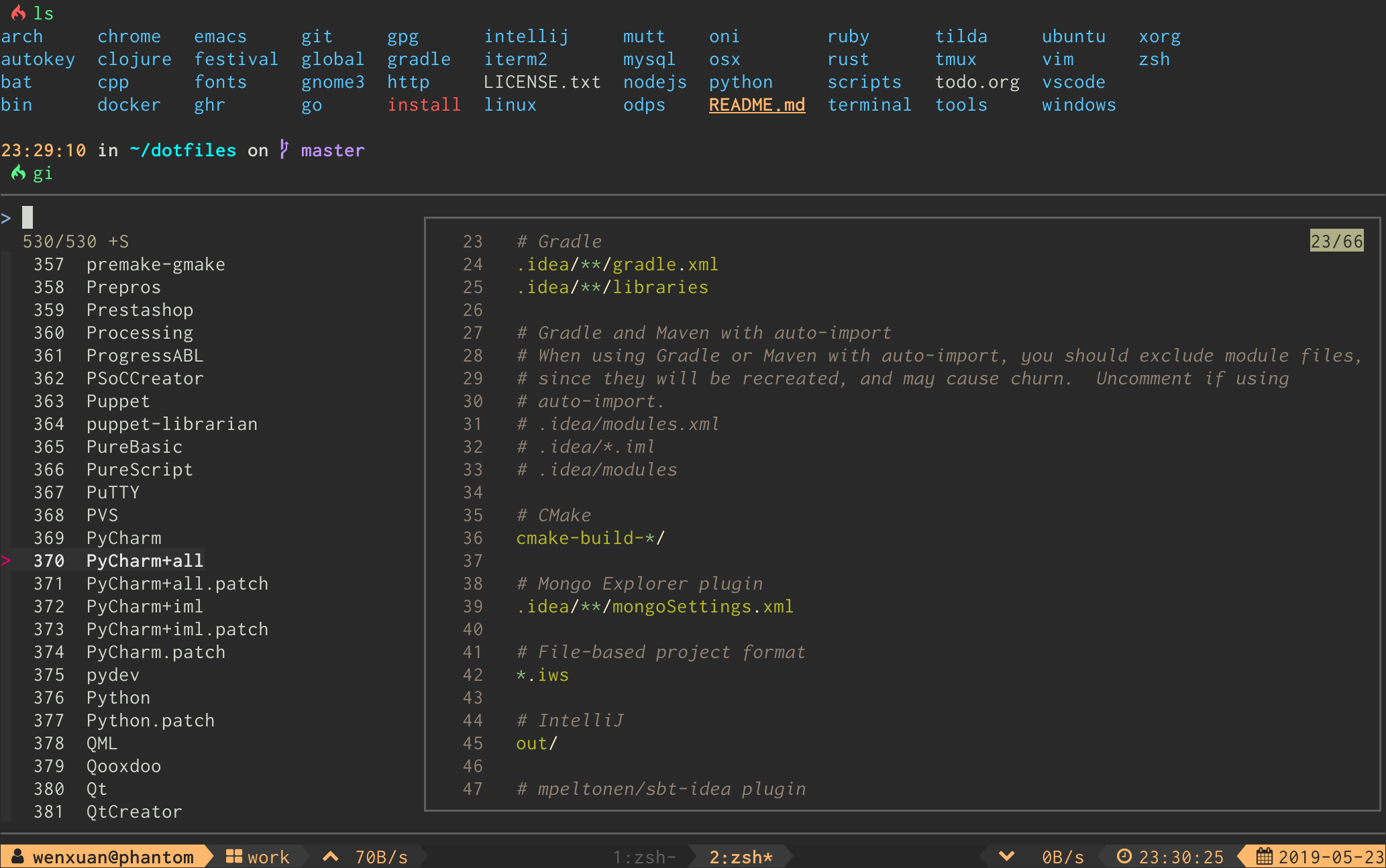
forgit is a Git wrapper that adds interactive fuzzy selection to common Git operations using fzf. It provides 25+ commands with short aliases that replace standard Git commands with searchable, selectable interfaces. Commands like ga for interactive git add, glo for browsing commit history, and gcb for branch switching display relevant Git data in fzf menus where users can search and select items with keyboard navigation.
The tool covers comprehensive Git workflows including staging files, viewing diffs and logs, managing branches and tags, handling stashes, cherry-picking commits, interactive rebasing, and worktree management. Each command can be customized through environment variables to modify both Git options and fzf behavior. For example, branch commands can be configured to sort by commit date, or diff commands can use custom Git options.
forgit works across Bash, Zsh, and Fish shells and can be installed through package managers, shell plugin managers, or as a Git subcommand. It requires fzf 0.60.0 or higher and integrates with existing Git configurations for pagers and diff tools. The tool is designed for developers who frequently use Git from the command line and want to reduce the cognitive overhead of remembering exact commit hashes, branch names, or file paths.
Installation
# via Homebrew
brew install forgit
# via oh-my-zsh
git clone https://github.com/wfxr/forgit.git ${ZSH_CUSTOM:-~/.oh-my-zsh/custom}/plugins/forgit
# via fisher
fisher install wfxr/forgit