
Fresh
Terminal text editor with VS Code-style keybindings, mouse support, LSP, multi-cursor editing, and a command palette that requires no configuration.
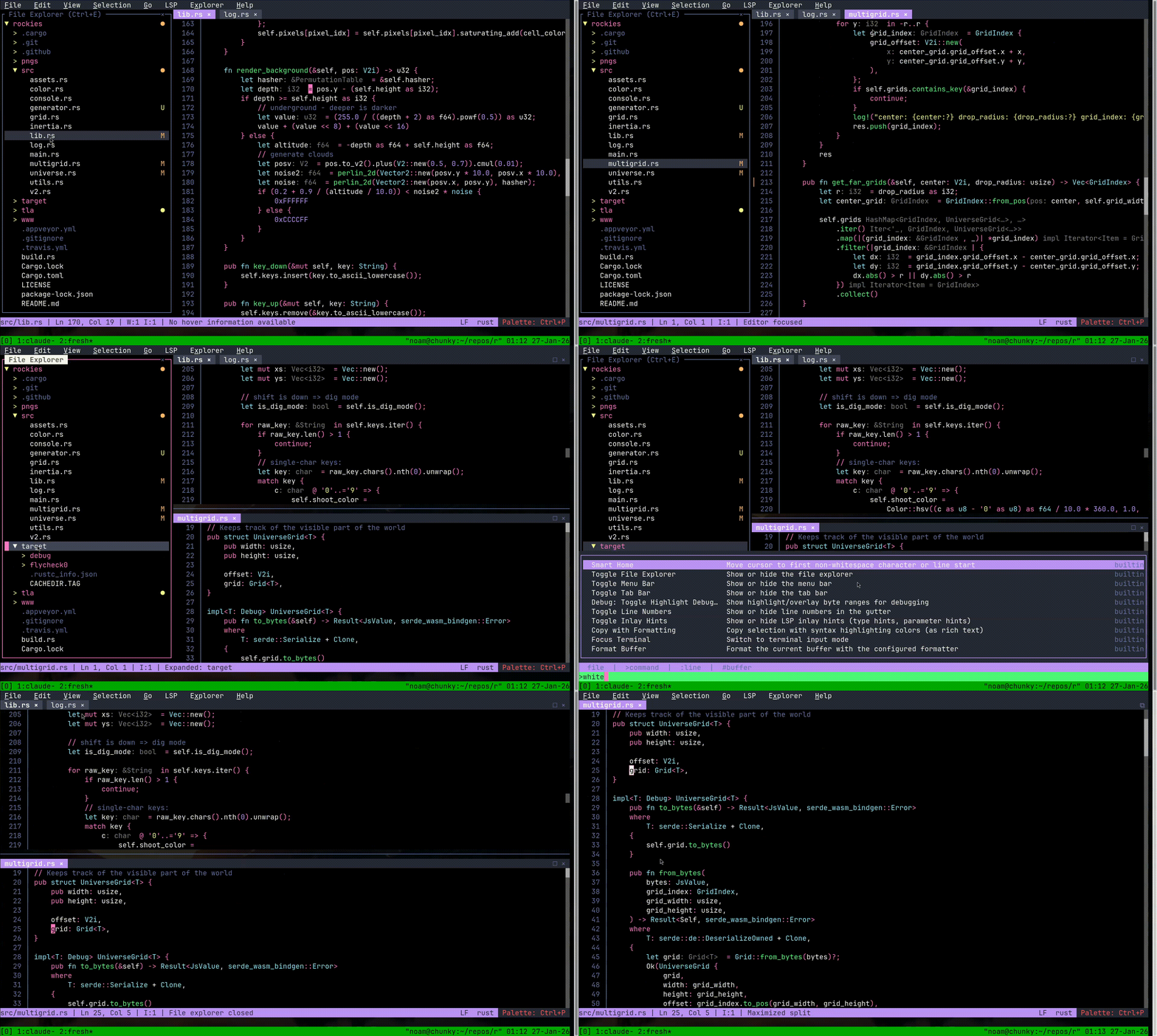
Fresh is a terminal text editor and IDE-style environment that uses conventional keybindings, menus, mouse support, and a command palette instead of modal editing. It follows the interaction model of VS Code and Sublime Text and is intended to work without configuration. It is also documented to handle multi-gigabyte files with low memory overhead and consistent input latency regardless of file size.
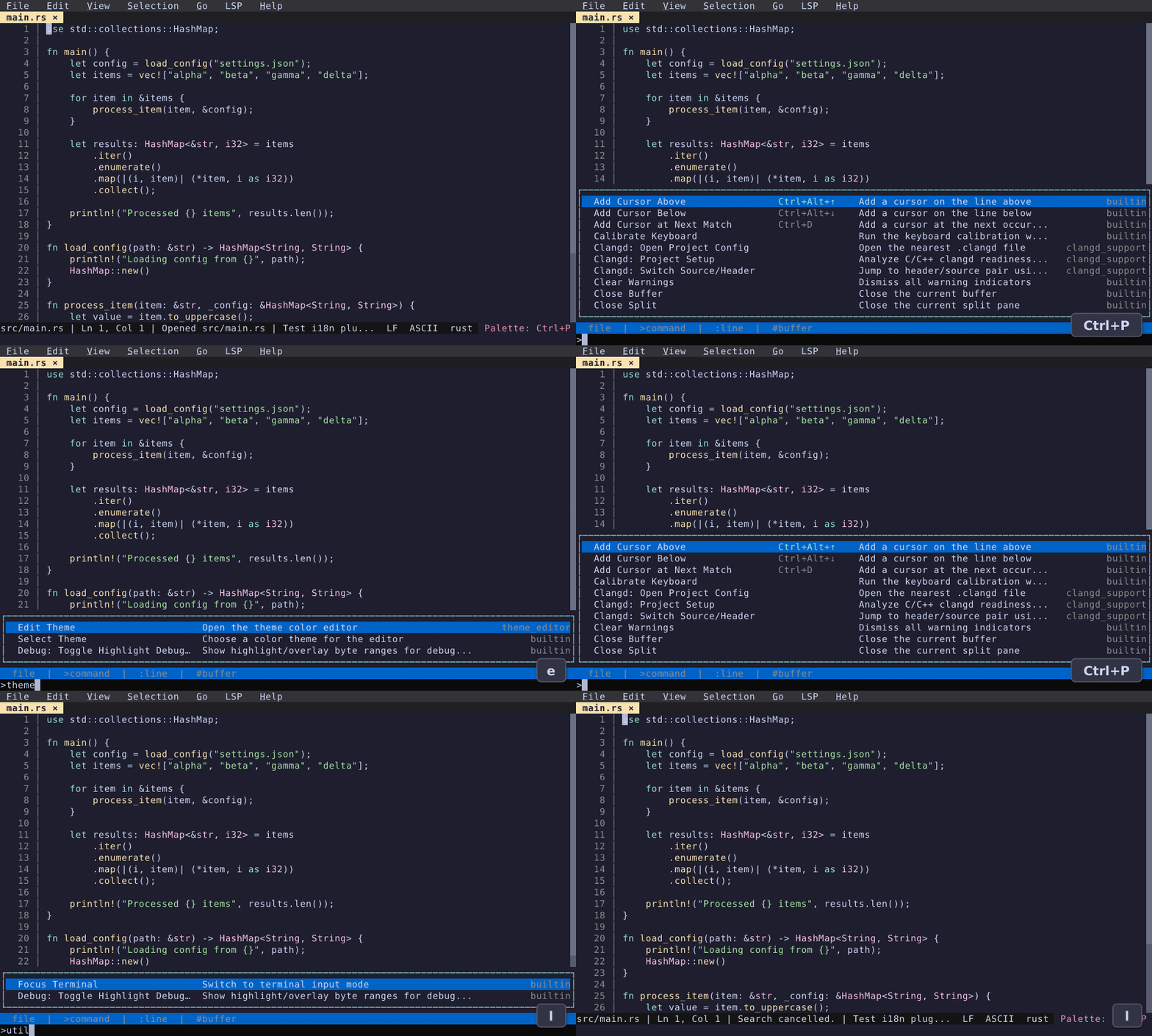
Editing features include multi-cursor editing, block selection, undo/redo, smart indent, incremental search, query replace, git grep, split panes, bookmarks, keyboard macros, and markdown preview. A single command palette and fuzzy finder opens files, runs commands, switches buffers, and jumps to lines. Language Server Protocol support provides go to definition, references, hover, code actions, rename, diagnostics, and autocompletion. Themes can be browsed and applied in the editor, and there is a settings UI and an interactive keybinding editor.
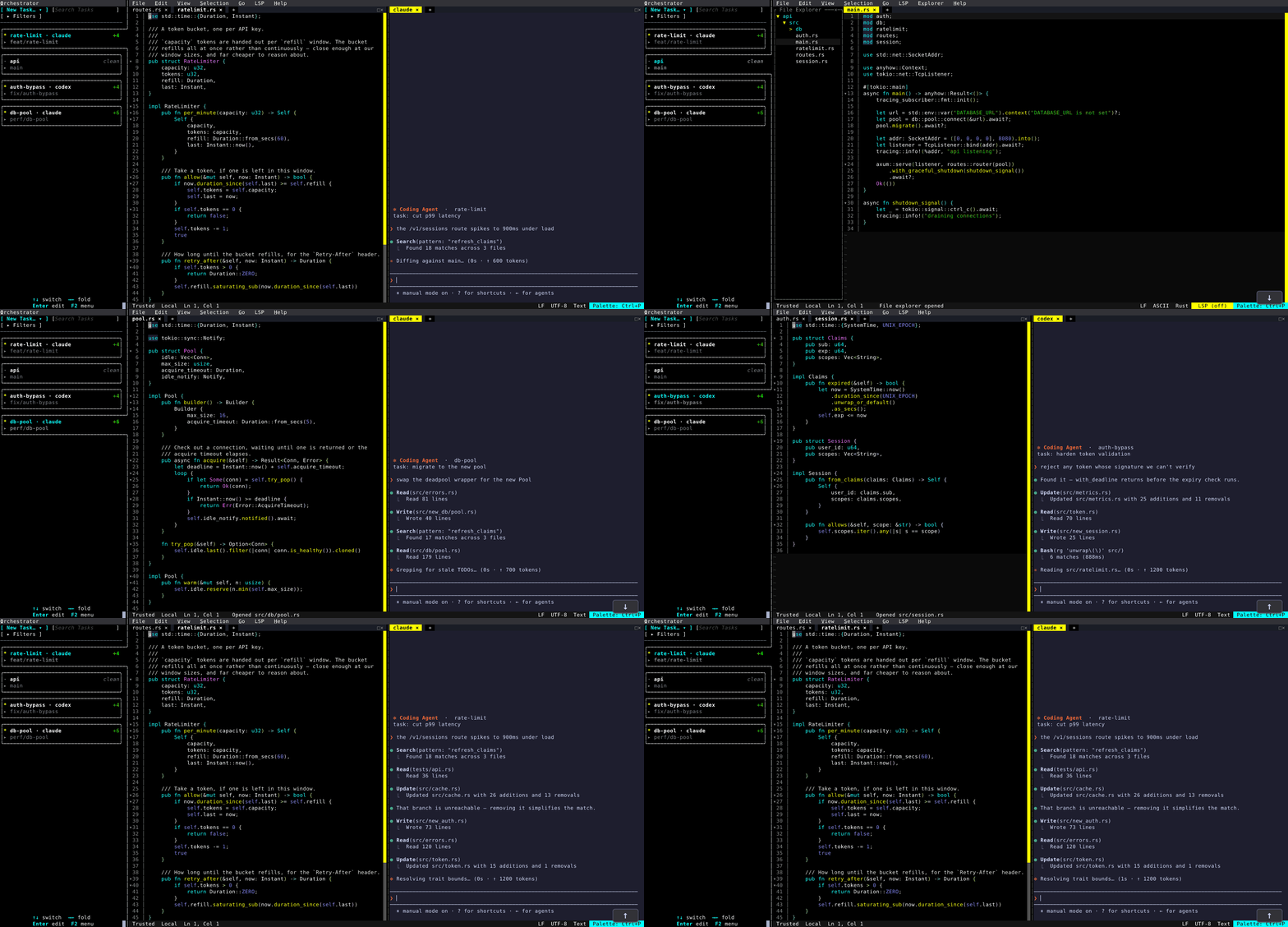
The Orchestrator is a multitasking feature that gives each git worktree its own workspace, with terminals and long-running commands per workspace. It can run coding agents (claude, codex, opencode, aider) with resumable sessions, and supports remote/SSH workspaces. Extensions are written as TypeScript plugins running in a sandboxed QuickJS runtime.
Fresh is aimed at developers who work in terminals or over SSH and want a familiar editor experience. On Linux the installer provides a statically linked binary that updates itself with fresh --cmd update. Packages are also available for macOS, Windows, and several Linux distributions.
Installation
# via Homebrew
brew install fresh-editor
# via npm
npm install -g @fresh-editor/fresh-editor
# via Install script (Linux universal build)
curl -fsSL https://raw.githubusercontent.com/sinelaw/fresh/refs/heads/master/scripts/install.sh | sh
Alternatives & related tools
Edit
Terminal text editor written in Rust, modeled on the MS-DOS Editor with VS Code-style input controls. Runs on Windows, macOS, and Linux.
Helix
A terminal-based text editor written in Rust, inspired by Kakoune and Neovim with built-in language server support
Kakoune
Modal code editor inspired by Vim that uses multiple selections as its core editing model, with a client-server architecture and external tool integration.
amp
Vi/Vim-inspired terminal text editor built in Rust with simplified interaction model and modern features.
flowcontrol
TUI text editor built with Zig, featuring tree-sitter syntax highlighting, LSP support, and multiple keybinding modes
add a badge to your README
Maintain Fresh? Show that it's featured on trmn. The badge links back to this page.

[](https://www.trmn.sh/tools/fresh?utm_source=badge)<a href="https://www.trmn.sh/tools/fresh?utm_source=badge"><img src="https://www.trmn.sh/badge/fresh.svg" alt="Featured on trmn" height="20"></a>