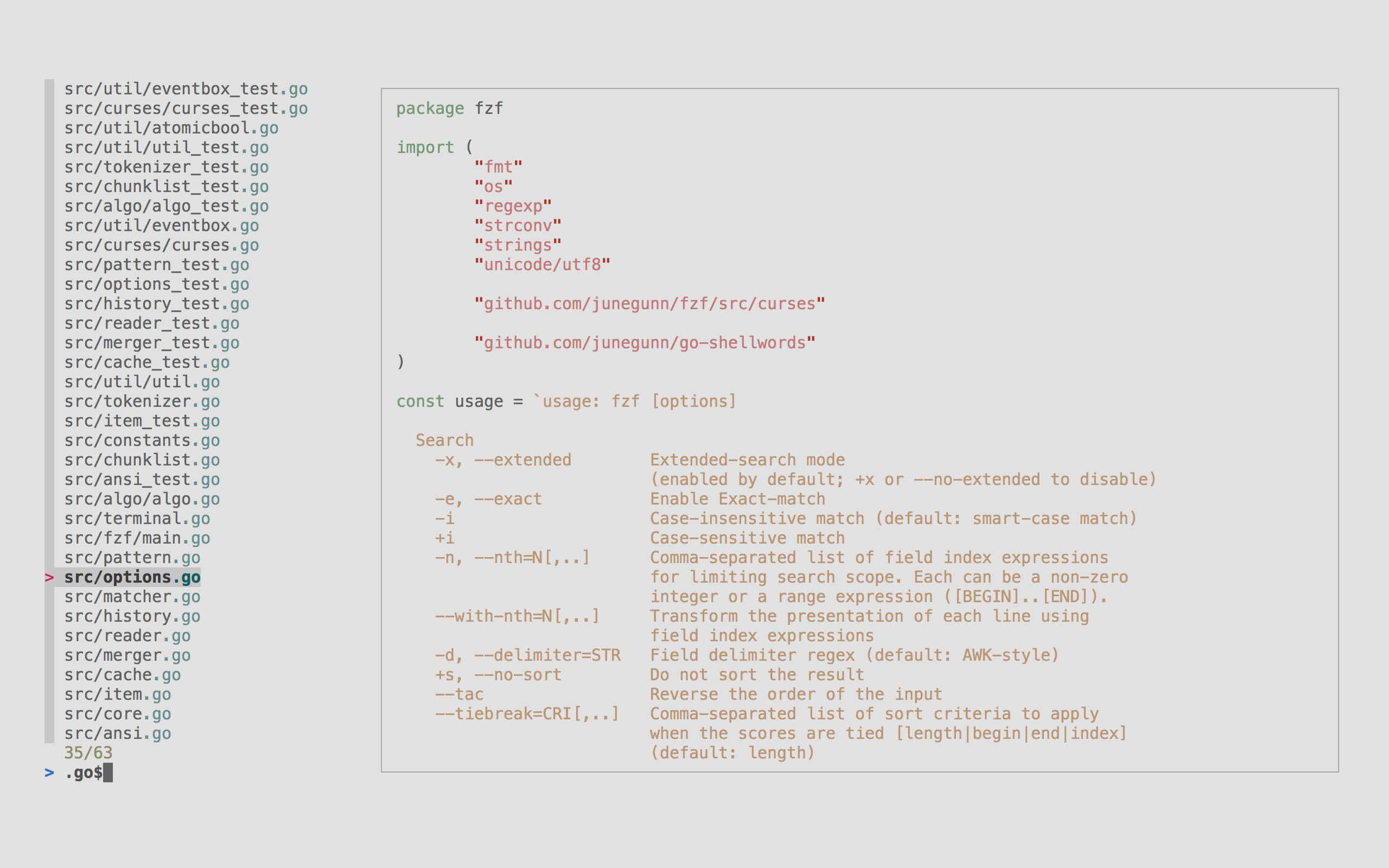
fzf
Command-line fuzzy finder for filtering lists of files, processes, git commits, and other data with fuzzy matching.
fzf is a command-line fuzzy finder that provides interactive filtering for any kind of list data. It reads input from stdin or traverses the current directory by default, then presents an interactive interface where users can type patterns to filter results using fuzzy matching algorithms. The tool can handle millions of items instantly and supports omitting characters in search patterns while still returning relevant results.
The tool integrates deeply with shell environments through key bindings and completion systems. It provides CTRL-T for file selection, CTRL-R for command history search, and ALT-C for directory navigation in Bash, Zsh, and Fish shells. fzf also includes fuzzy completion that can be triggered with ** followed by tab for files, process IDs, hostnames, and environment variables.
fzf supports extensive customization through command-line options and environment variables. Users can configure display modes including popup windows, preview panes for file contents, custom color schemes, and event-action bindings. The tool also integrates with Vim and Neovim through plugins, and can execute external programs or reload candidate lists dynamically during operation.
Installation
# via Homebrew
brew install fzf
# via APT
sudo apt install fzf
# via Git
git clone --depth 1 https://github.com/junegunn/fzf.git ~/.fzf && ~/.fzf/install