gopass
Command-line password manager compatible with pass, supporting GPG encryption, Git versioning, and team collaboration
gopass is a password manager that serves as a drop-in replacement for the standard UNIX password manager pass. It encrypts credentials using GPG by default and stores them in Git repositories for versioning, though it supports alternative encryption backends like age and storage backends like fossil. The tool operates entirely from the command line and can function completely offline or integrate with remote Git repositories for team password sharing.
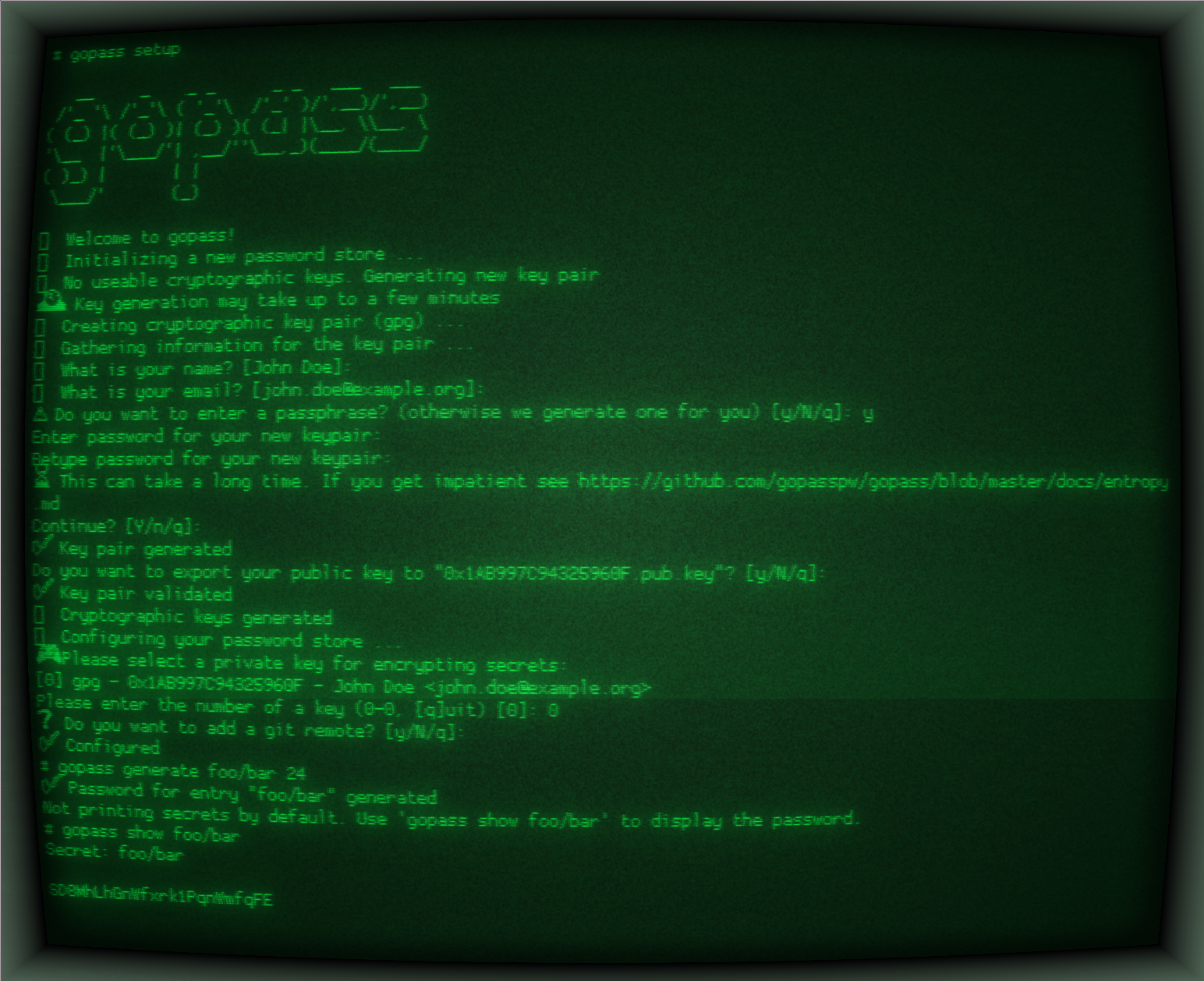
The primary workflow involves commands like gopass create to add new secrets, gopass show -c to copy passwords to clipboard, and gopass sync to synchronize with remote repositories. gopass includes a setup wizard (gopass setup) that guides users through initial configuration, including GPG key selection and Git remote configuration. It also features a REPL mode for interactive use and search functionality to find entries across the password store.
Designed for distributed development teams, gopass works across Linux, macOS, BSD, and Windows. It can integrate with browsers for web credential management and supports multiple password stores through a mount system. The tool requires minimal dependencies but typically operates with GPG for encryption and Git for storage, making it suitable for CI/CD systems, air-gapped environments, and team-based credential management workflows.
Installation
# via Homebrew
brew install gopass
# via Debian
curl https://packages.gopass.pw/repos/gopass/gopass-archive-keyring.gpg | sudo tee /usr/share/keyrings/gopass-archive-keyring.gpg >/dev/null
cat << EOF | sudo tee /etc/apt/sources.list.d/gopass.sources
Types: deb
URIs: https://packages.gopass.pw/repos/gopass
Suites: stable
Architectures: all amd64 arm64 armhf
Components: main
Signed-By: /usr/share/keyrings/gopass-archive-keyring.gpg
EOF
sudo apt update
sudo apt install gopass gopass-archive-keyring
# via Go
go install github.com/gopasspw/gopass@latest