lf
Terminal file manager written in Go inspired by ranger with vi-style keybindings and shell integration
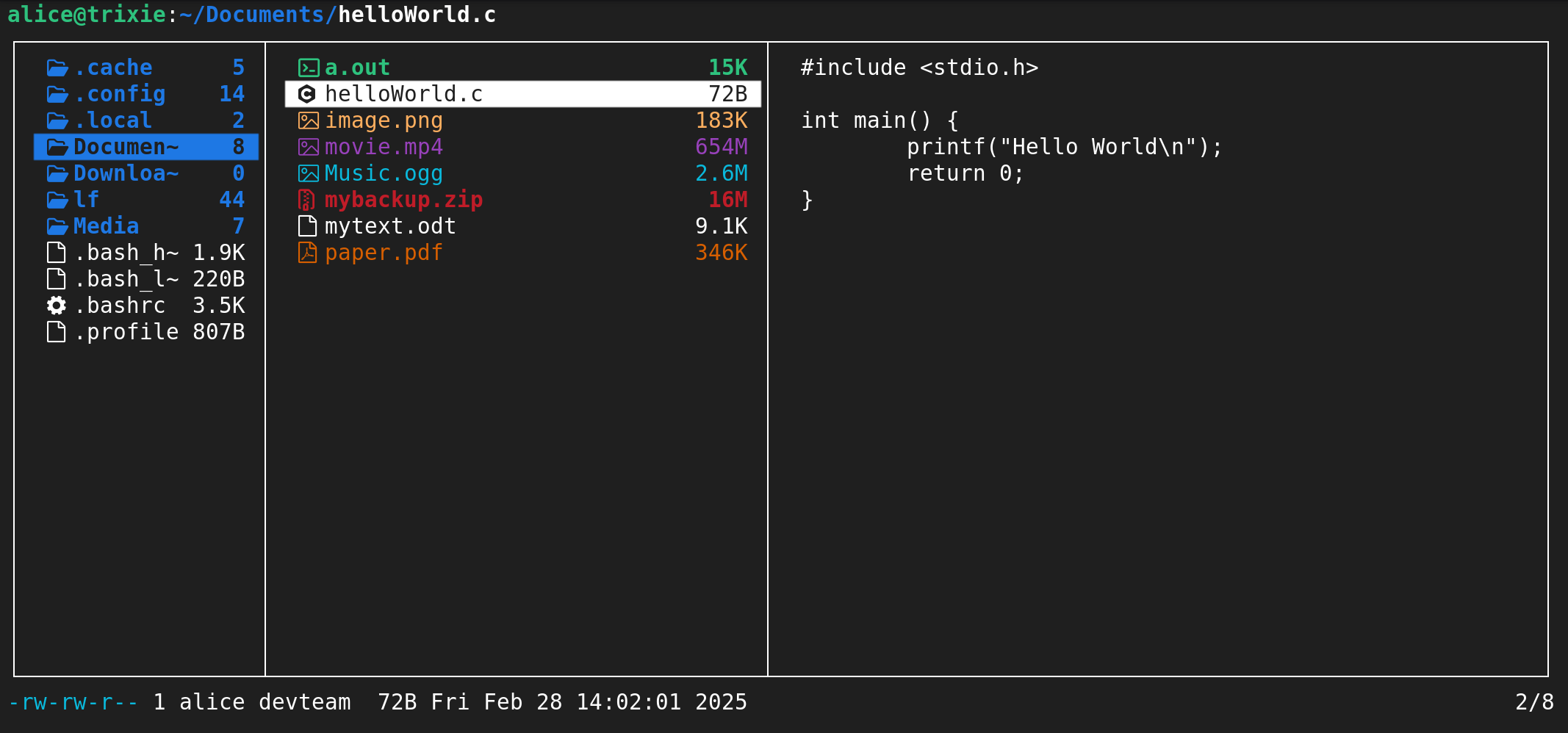
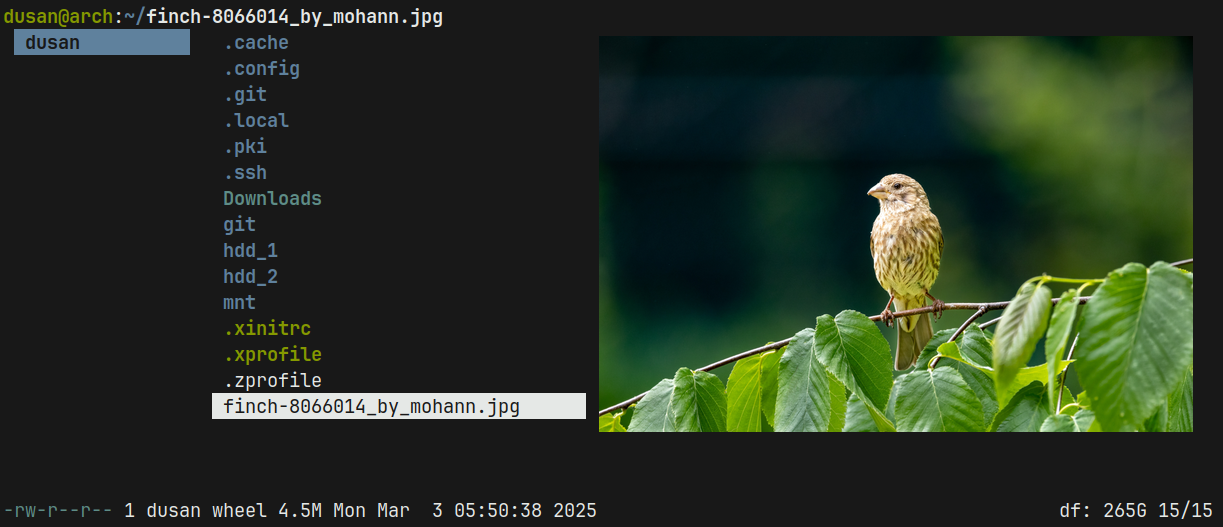
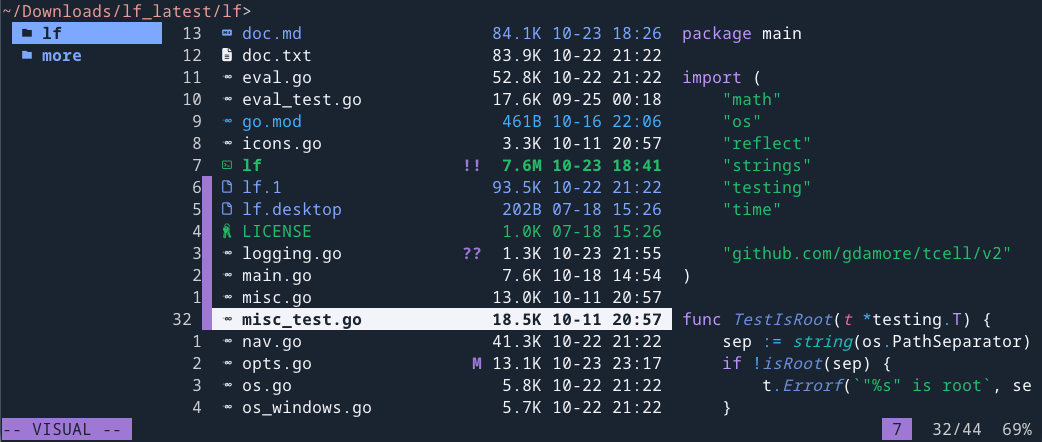
lf is a terminal file manager written in Go that provides a vi-style interface for navigating and managing files. Inspired by the ranger file manager, it features customizable keybindings with vi and readline defaults, making it familiar to users of terminal text editors.
The tool is distributed as a single binary without runtime dependencies and runs across Linux, macOS, BSDs, and Windows. It implements asynchronous IO operations to prevent UI blocking and uses a server/client architecture that enables remote commands to manage multiple instances. The file manager integrates with shell commands for extensibility, allowing users to configure custom operations and workflows.
Designed for terminal users who prefer keyboard-driven navigation, lf deliberately excludes built-in pagers, editors, and file operation commands, instead relying on existing shell tools like mkdir, touch, and chmod. This philosophy keeps the tool focused on file management while leveraging the user's existing command-line environment.
Installation
# via Go
env CGO_ENABLED=0 go install -trimpath -ldflags="-s -w" github.com/gokcehan/lf@latest
Alternatives & related tools
pdfcpu
PDF processing library and CLI written in Go for validating, merging, splitting, encrypting, stamping, signing and extracting content from PDFs.
superfile
Terminal-based file manager with dual-pane interface, written in Go
croc
Secure file transfer tool that enables any two computers to transfer files using end-to-end encryption and relay servers
rclone
Command-line program to sync files and directories to and from 70+ cloud storage providers
syncthing
Continuous file synchronization program that syncs files between multiple computers using peer-to-peer connections
add a badge to your README
Maintain lf? Show that it's featured on trmn. The badge links back to this page.

[](https://www.trmn.sh/tools/lf?utm_source=badge)<a href="https://www.trmn.sh/tools/lf?utm_source=badge"><img src="https://www.trmn.sh/badge/lf.svg" alt="Featured on trmn" height="20"></a>