lnav
Terminal log file viewer that merges, formats, and indexes log files with SQL analysis and real-time monitoring
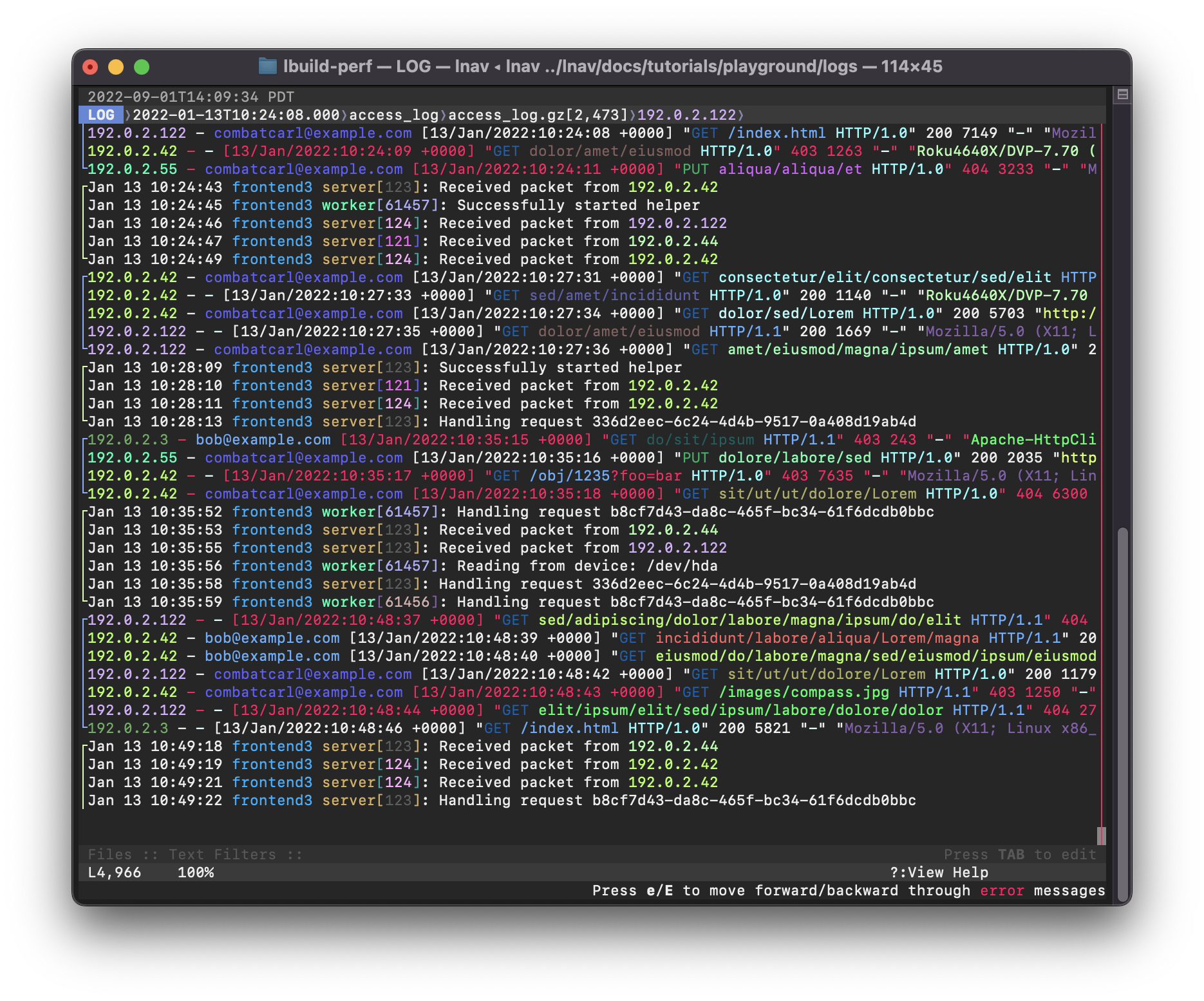
lnav is a terminal-based log file viewer that automatically detects log formats, decompresses files, and merges multiple log sources into a single chronological view. It can monitor directories for new files, follow file renames, and build indexes of errors and warnings for quick navigation. The tool handles various log formats including JSON lines and can pretty-print structured data.
The TUI interface provides spatial navigation with hotkeys to jump between errors (e/E), search with regular expressions (/), and filter messages using regex or SQLite expressions. Users can view message histograms over time (i), analyze logs with embedded SQLite queries (;), and highlight patterns with the :highlight command. The tool supports real-time tailing and can process compressed log files without manual decompression.
lnav integrates well with systemd-journald through piped input from journalctl, supporting both standard and JSON output formats. It recognizes additional fields like PRIORITY and _SYSTEMD_UNIT when using JSON format. The tool is particularly useful for system administrators, DevOps engineers, and developers who need to correlate events across multiple log sources and perform complex log analysis beyond basic grep and tail functionality.
Installation
# via Homebrew
brew install lnav
# via FreeBSD
pkg install lnav