micro
Terminal-based text editor with modern features, multiple cursors, and syntax highlighting for 130+ languages
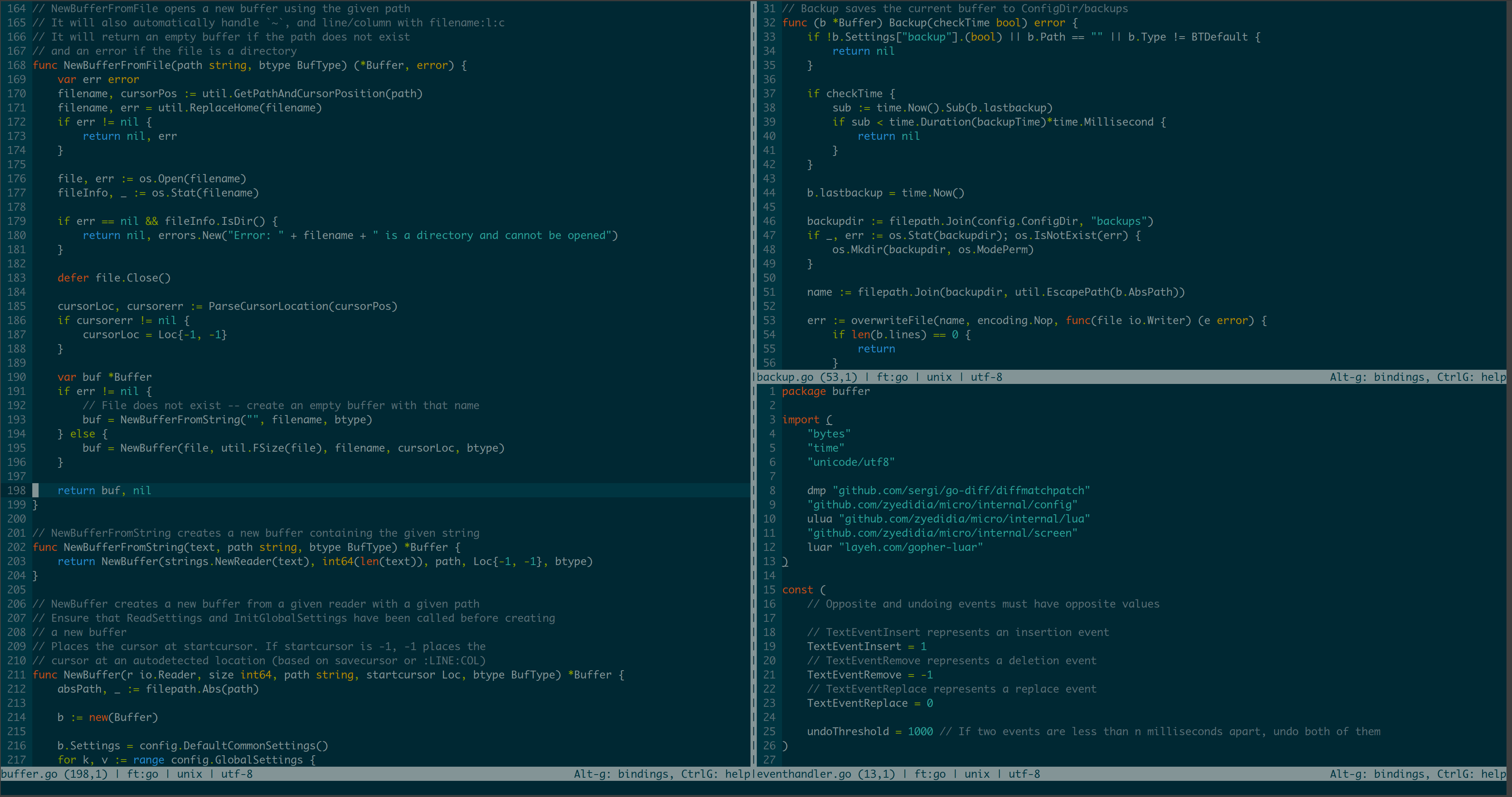
Micro is a terminal-based text editor that positions itself as a successor to nano with enhanced capabilities. It provides common keybindings (Ctrl-s, Ctrl-c, Ctrl-v) familiar to GUI editor users, along with features like multiple cursors, splits and tabs, and extensive mouse support including drag selection and click-to-position.
The editor includes syntax highlighting for over 130 programming languages, built-in diff gutters, autocompletion, and automatic linting with error notifications. It supports plugins written in Lua with a built-in plugin manager for installation and updates. Configuration follows sane defaults while remaining highly customizable through configuration files.
Micro ships as a single static binary with no external dependencies, making deployment straightforward across platforms where Go runs. It handles system clipboard integration, supports true color themes, and includes persistent undo with macro recording. The editor targets developers who prefer terminal-based editing or frequently work over SSH connections.
Installation
# via Homebrew
brew install micro
# via Quick install script
curl https://getmic.ro | bash
# via Snap
snap install micro --classic