
Mole
macOS CLI (`mo`) that cleans caches, uninstalls apps with leftovers, explores disk usage, runs maintenance tasks, and shows live system stats.
Mole is a macOS command-line utility, invoked as mo, that combines disk cleanup, app uninstallation, disk analysis, system maintenance, and live monitoring in a single terminal binary. It covers the kind of tasks handled by CleanMyMac, AppCleaner, DaisyDisk, and iStat Menus. It requires macOS 12 or newer and runs on both Intel and Apple Silicon. A separate native Mac app exists, but this repository is the CLI only.
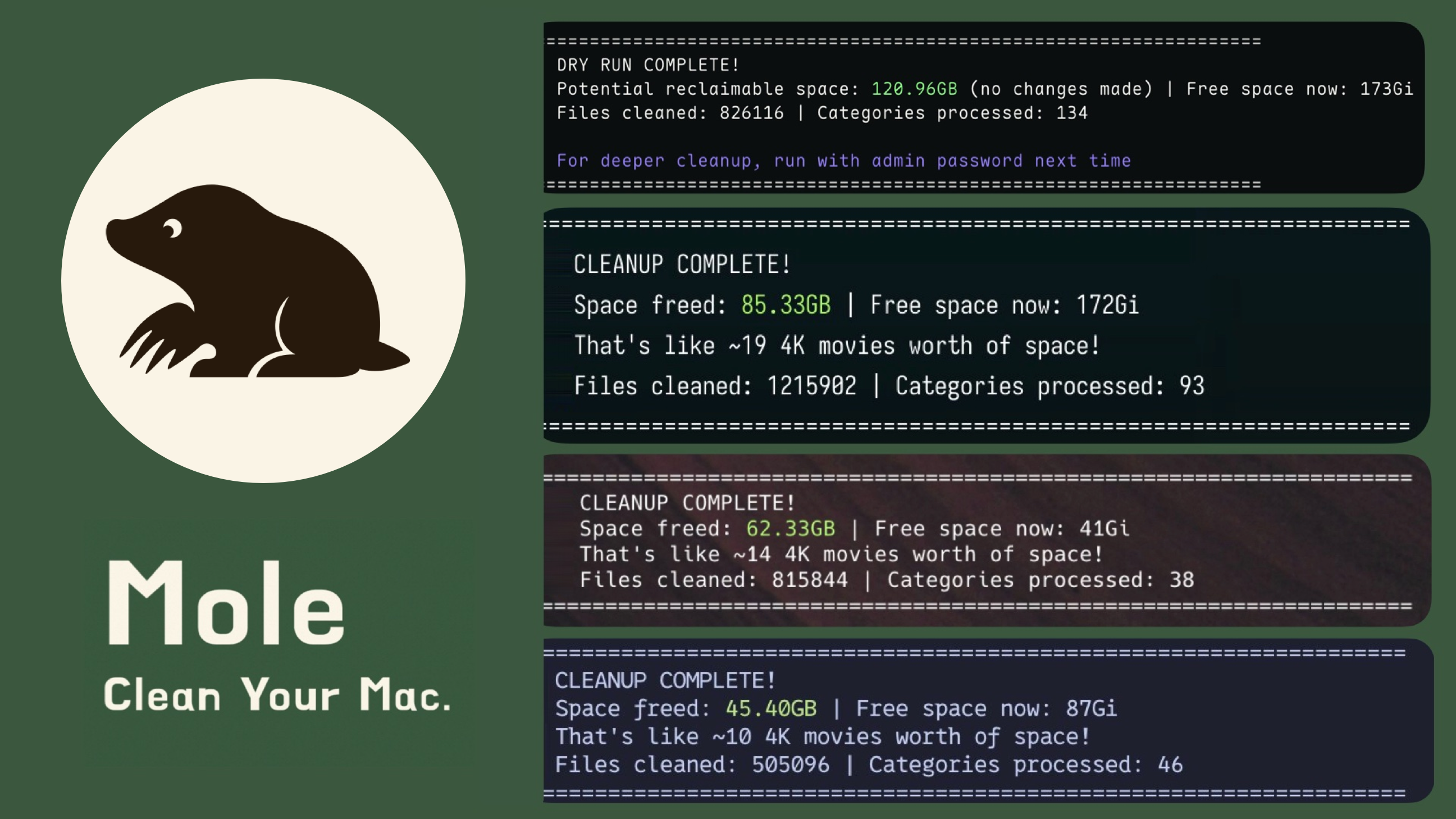
Each task is its own subcommand. mo clean removes caches, logs, temporary files, developer artifacts (such as npm and pnpm caches), and leftovers from apps that are no longer installed. mo uninstall removes an app along with its launch agents, preferences, and other related files, and keeps shared data still used by another installed copy. mo optimize runs bounded maintenance such as flushing DNS, refreshing Finder and QuickLook caches, and database optimization, and skips tasks with a stated reason. mo purge cleans project build artifacts, and mo installer finds and removes installer files.
mo analyze is a terminal disk explorer with arrow-key and Vim navigation, filtering, multi-selection, Finder preview, and confirmed moves to Trash. It also has a --json mode that reports scan_status (complete, partial, or unavailable) for each entry, which suits scripting. mo status is a read-only dashboard for CPU, GPU, memory, disk, network, power, and processes.
Because Mole deletes files, the destructive commands support --dry-run with optional --debug output. Whitelists (mo clean --whitelist, mo optimize --whitelist) protect chosen caches and tasks. Cleanup activity is logged to ~/Library/Logs/mole/operations.log and can be viewed with mo history. Mole validates paths, skips system-owned locations, and requests administrator access only when needed. It suits Mac users and developers who want to reclaim disk space and monitor their machine from the terminal.
Installation
# via Homebrew
brew install mole
# via Script
curl -fsSL https://raw.githubusercontent.com/tw93/mole/main/install.sh | bash
Alternatives & related tools
m-cli
macOS command-line tool, invoked as `m`, for controlling system functions such as Wi-Fi, Bluetooth, display, dock, disk, firewall and volume from the Terminal.
tmux
Terminal multiplexer that creates, manages, and controls multiple terminal sessions from a single screen
PM2
Process manager for Node.js and Bun apps with a built-in cluster-mode load balancer, zero-downtime reload, log management and startup script generation.
mpv
Free command-line media player supporting many audio/video formats, codecs and subtitle types, with GPU shader-based rendering and optional hardware decoding.
restic
Cross-platform backup program with encryption, deduplication, and support for local/cloud storage backends
add a badge to your README
Maintain Mole? Show that it's featured on trmn. The badge links back to this page.

[](https://www.trmn.sh/tools/mole?utm_source=badge)<a href="https://www.trmn.sh/tools/mole?utm_source=badge"><img src="https://www.trmn.sh/badge/mole.svg" alt="Featured on trmn" height="20"></a>