
nnn
Terminal file manager with disk usage analysis, batch operations, and extensive plugin ecosystem
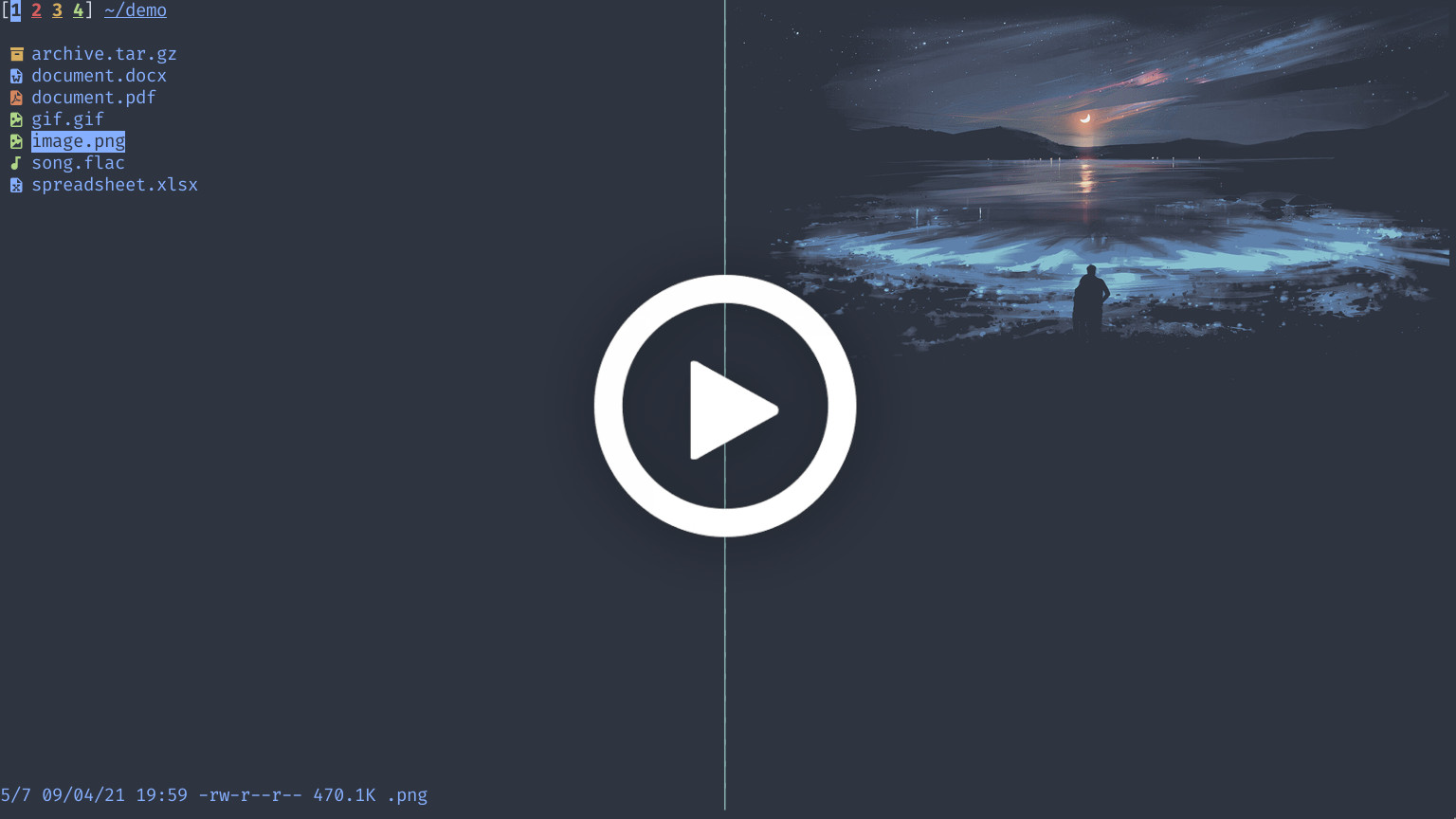
nnn is a terminal file manager that combines navigation, file operations, and system analysis capabilities in a minimal interface. The tool provides standard file management operations like copy, move, delete, and rename, along with advanced features including disk usage analysis, batch renaming, and cross-directory selection. It supports fuzzy search, regex filtering, and multiple sorting methods including natural sort for numeric filenames.
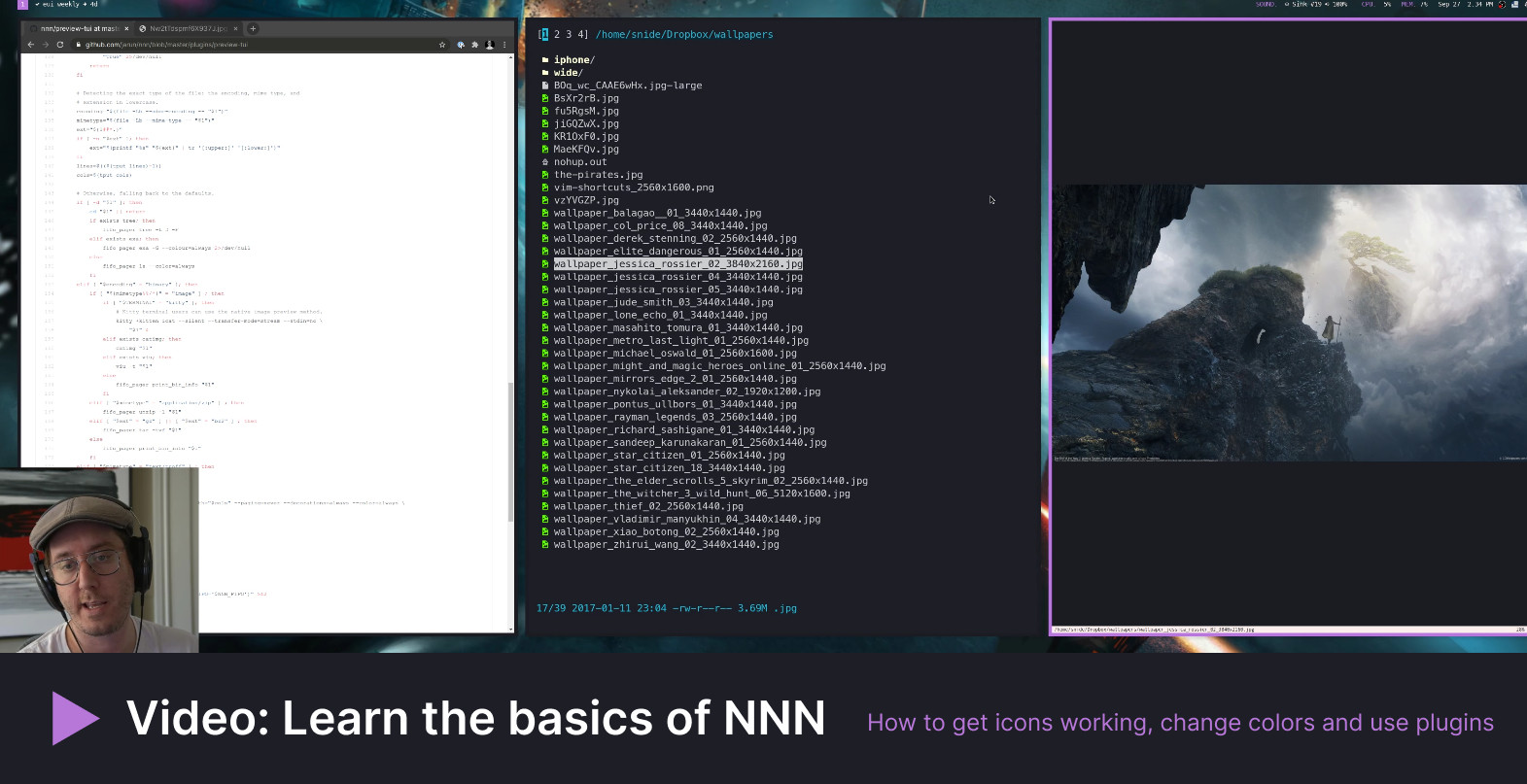
The file manager includes a comprehensive plugin system with extensions for live file previews, mounting/unmounting disks, file diff operations, and cloud uploads. It integrates with external tools through configurable openers and supports desktop environment integration while maintaining full CLI compatibility. Sessions and bookmarks enable workspace management, while contexts provide tab-like functionality for managing multiple directory views.
nnn targets users who prefer keyboard-driven workflows and minimal resource usage - it typically consumes less than 3.5MB of memory and produces binaries around 100KB. The tool runs across Unix-like systems including Linux, macOS, BSD variants, and mobile platforms via Termux. Integration options include vim/neovim plugins and shell configuration for directory synchronization on quit.
Alternatives & related tools
ImageMagick
Open-source C software suite with a command-line interface and APIs for creating, editing, converting, and composing bitmap images in 200+ formats.
eza
Modern replacement for ls with colors, Git integration, tree view, and extended file metadata display.
superfile
Terminal-based file manager with dual-pane interface, written in Go
exa
Modern replacement for ls with colors, Git integration, and extended file metadata display
ranger
Console file manager with VI key bindings, multi-column display, and file preview capabilities
add a badge to your README
Maintain nnn? Show that it's featured on trmn. The badge links back to this page.

[](https://www.trmn.sh/tools/nnn?utm_source=badge)<a href="https://www.trmn.sh/tools/nnn?utm_source=badge"><img src="https://www.trmn.sh/badge/nnn.svg" alt="Featured on trmn" height="20"></a>