serve
Node.js CLI that serves a static site, single page application, or single file over HTTP, with a browsable directory listing UI.
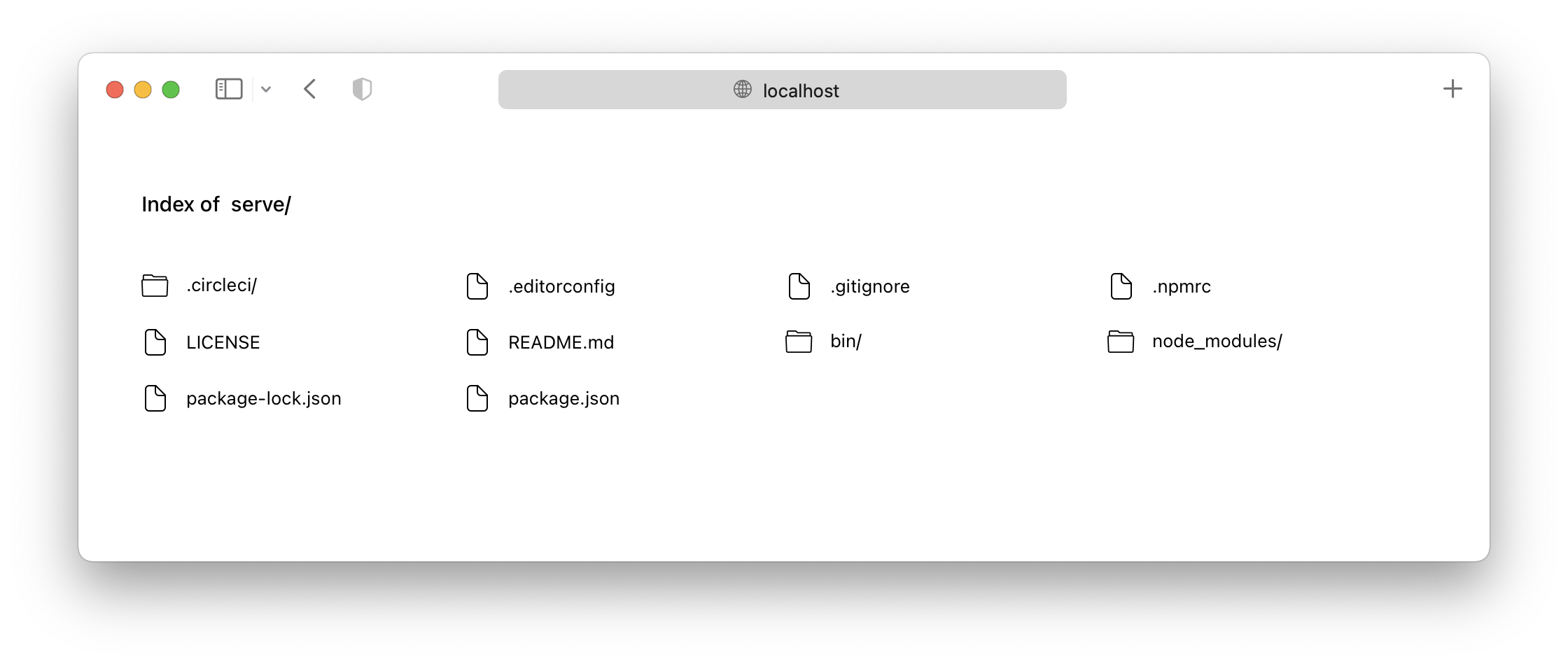
serve is a Node.js command-line static file server. Run in a project directory, it serves a static site, a single page application, or an individual static file, reachable on the local machine or over the local network. When a directory is served without an index page, it renders a directory listing interface for browsing its contents.
Usage is minimal: npx serve runs it without installing, or it can be installed globally with npm and run as serve in the current directory or as serve folder-name/ to serve a specific folder. serve --help lists all available options. Use a supported Node.js version matching the installed serve release.
Behavior is customized by placing a serve.json file in the public folder, which accepts the options documented for serve-handler. serve-handler is the core of the tool and can also be used as middleware in an existing Node HTTP server (for example http.createServer or micro). The tool suits web developers who need to preview built output or test a static site or SPA locally.
Installation
# via npm
npm install --global serve
# via npx
npx serve
Alternatives & related tools
npm-check-updates
CLI that upgrades package.json dependencies to their latest versions, preserving semver range operators. Works with npm, yarn, pnpm, deno, and bun.
ni
Detects a project's package manager from its lockfile and translates ni, nr, nlx, nup, nun, nci commands for npm, yarn, pnpm, bun, deno, nub and aube.
concurrently
Node.js CLI that runs multiple shell commands in parallel with prefixed, colored output and options to kill or restart processes. Works on Windows.
tsx
TypeScript Execute (tsx): a CLI for running TypeScript files directly in Node.js.
clasp
Command-line tool for developing Google Apps Script projects locally: push/pull code, manage versions and deployments, tail logs, and run functions.
add a badge to your README
Maintain serve? Show that it's featured on trmn. The badge links back to this page.

[](https://www.trmn.sh/tools/serve?utm_source=badge)<a href="https://www.trmn.sh/tools/serve?utm_source=badge"><img src="https://www.trmn.sh/badge/serve.svg" alt="Featured on trmn" height="20"></a>