cheat
CLI tool for creating and viewing interactive command-line cheatsheets with tagging and search capabilities
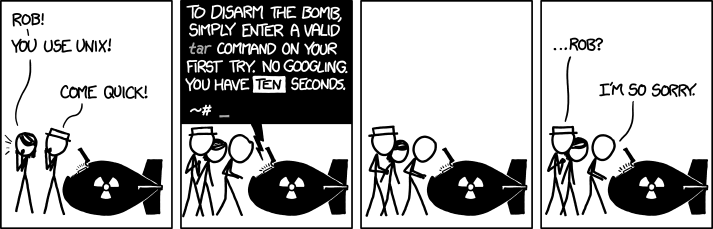
cheat is a command-line utility that allows users to create, view, and manage interactive cheatsheets for frequently-used commands. It addresses the common problem of remembering command syntax and options for tools that are used regularly but not often enough to memorize. Users can view existing cheatsheets with cheat tar, edit them with cheat -e tar, and search across all sheets using text or regex patterns.
The tool supports organizing cheatsheets across multiple "cheatpaths" - directories that can be configured as read-only (for community sheets) or writable (for personal notes). Cheatsheets are plain text files that can include YAML frontmatter for syntax highlighting via Chroma and tag-based categorization. Users can search by tags (cheat -l -t networking), filter by path, and combine multiple search criteria.
cheat includes directory-scoped functionality that automatically discovers .cheat directories in the current working directory or its ancestors, similar to git's behavior. This allows project-specific cheatsheets to be available from any subdirectory within a project. The tool also generates shell completions for bash, zsh, fish, and PowerShell, with dynamic completion of cheatsheet names, tags, and cheatpath names.