dtop
Terminal UI for monitoring and managing Docker containers with real-time stats, log viewing, and keyboard-driven workflow
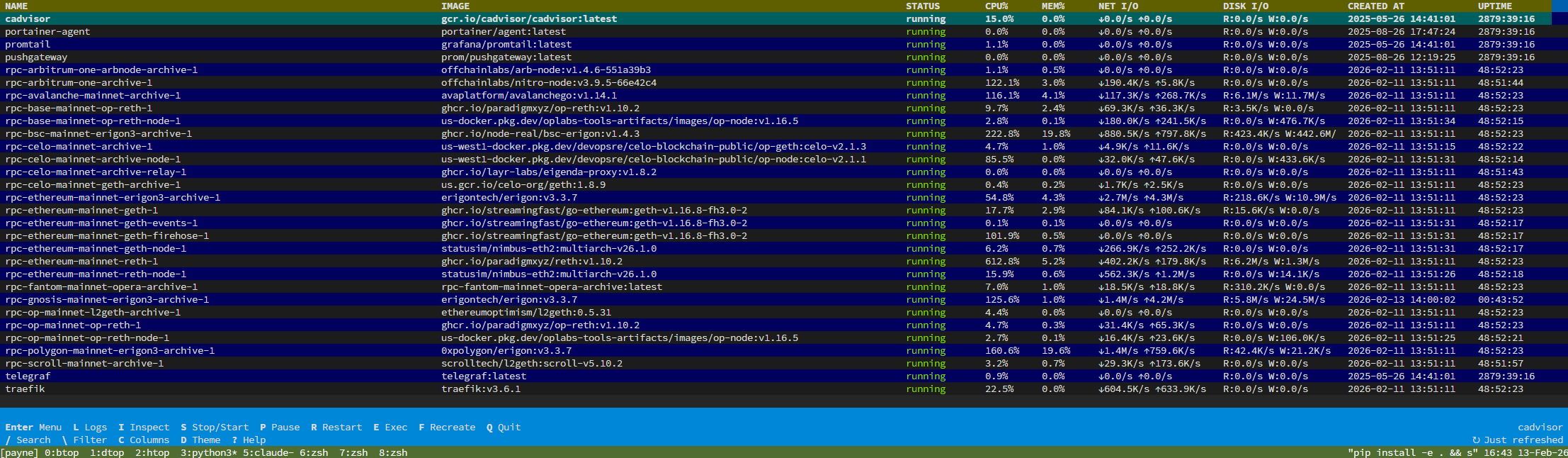
dtop is a terminal user interface for Docker container management and monitoring. It provides real-time statistics including CPU, memory, network I/O, and disk I/O metrics through parallel streaming collection. The interface supports full container lifecycle operations including start, stop, pause, restart, shell execution, removal, and recreation with docker-compose support.
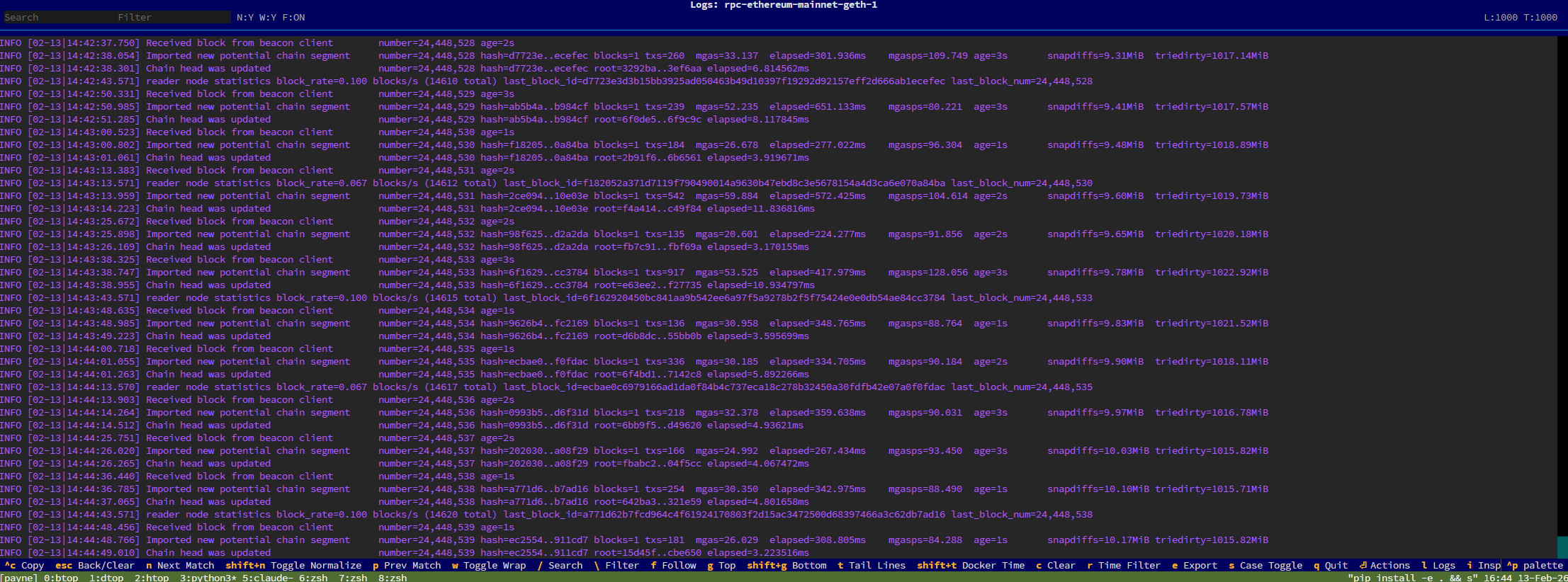
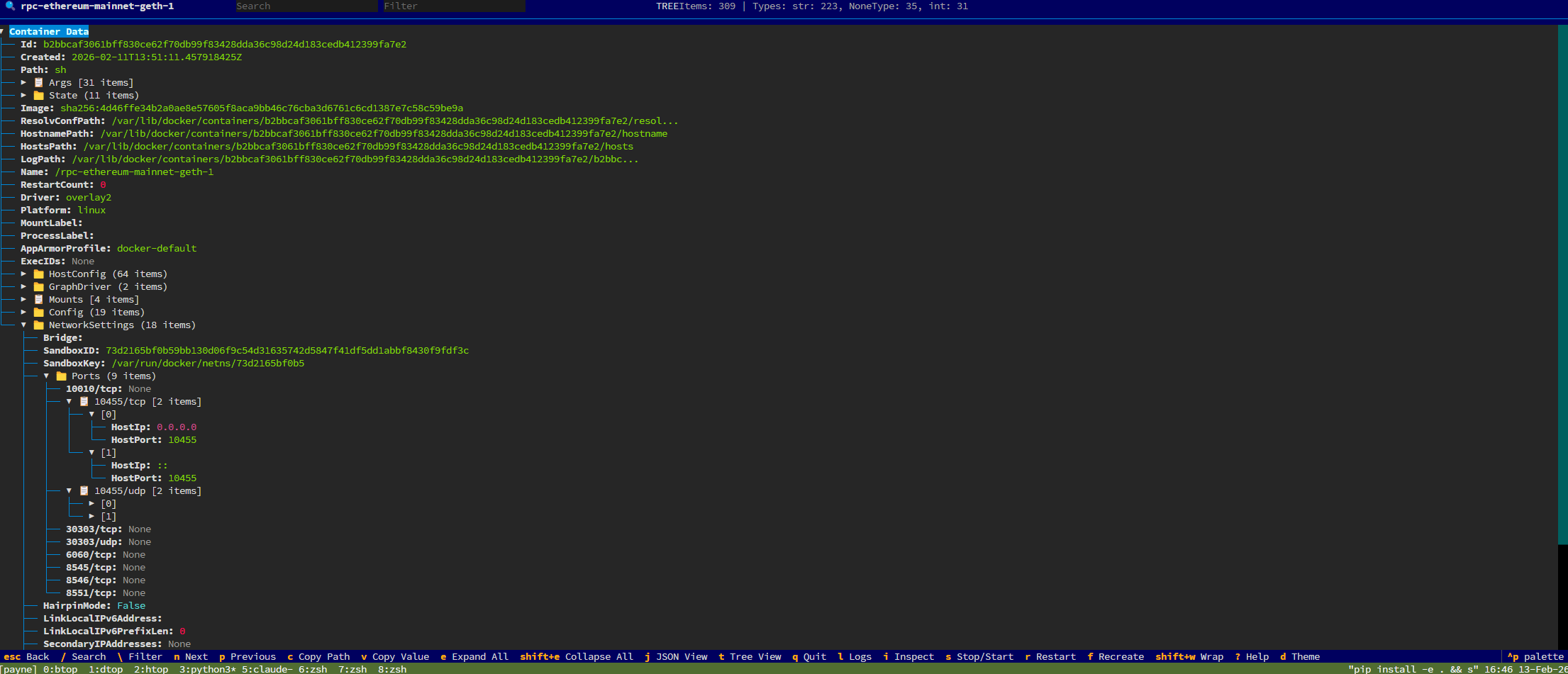
The tool features an advanced log viewer with search capabilities, filtering using AND/OR/NOT expressions, follow mode, time-range filtering, and export functionality. Container inspection is available in both tree and JSON views with expandable sections and value copying. All operations are keyboard-driven with comprehensive shortcuts, though mouse interaction is fully supported.
The interface includes customizable column layouts, theme presets, and persistent configuration stored in ~/.docker_tui.json. Users can adjust column widths, reordering, and responsive behavior based on terminal width. A legacy curses mode is available as fallback via the --legacy flag for environments where the default Textual UI may have compatibility issues.
The tool is designed for developers, DevOps engineers, and system administrators who frequently work with Docker containers and need efficient monitoring and management capabilities directly from the terminal.
Installation
# via PyPI
pip install dtop
# via GitHub
pip install git+https://github.com/StakeSquid/dtop.git
# via Install Script
sudo bash -c "$(curl -fsSL https://raw.githubusercontent.com/StakeSquid/dtop/main/scripts/install.sh)"