ecscope
TUI for monitoring AWS ECS services, tasks, and containers across multiple clusters and regions in a unified view.
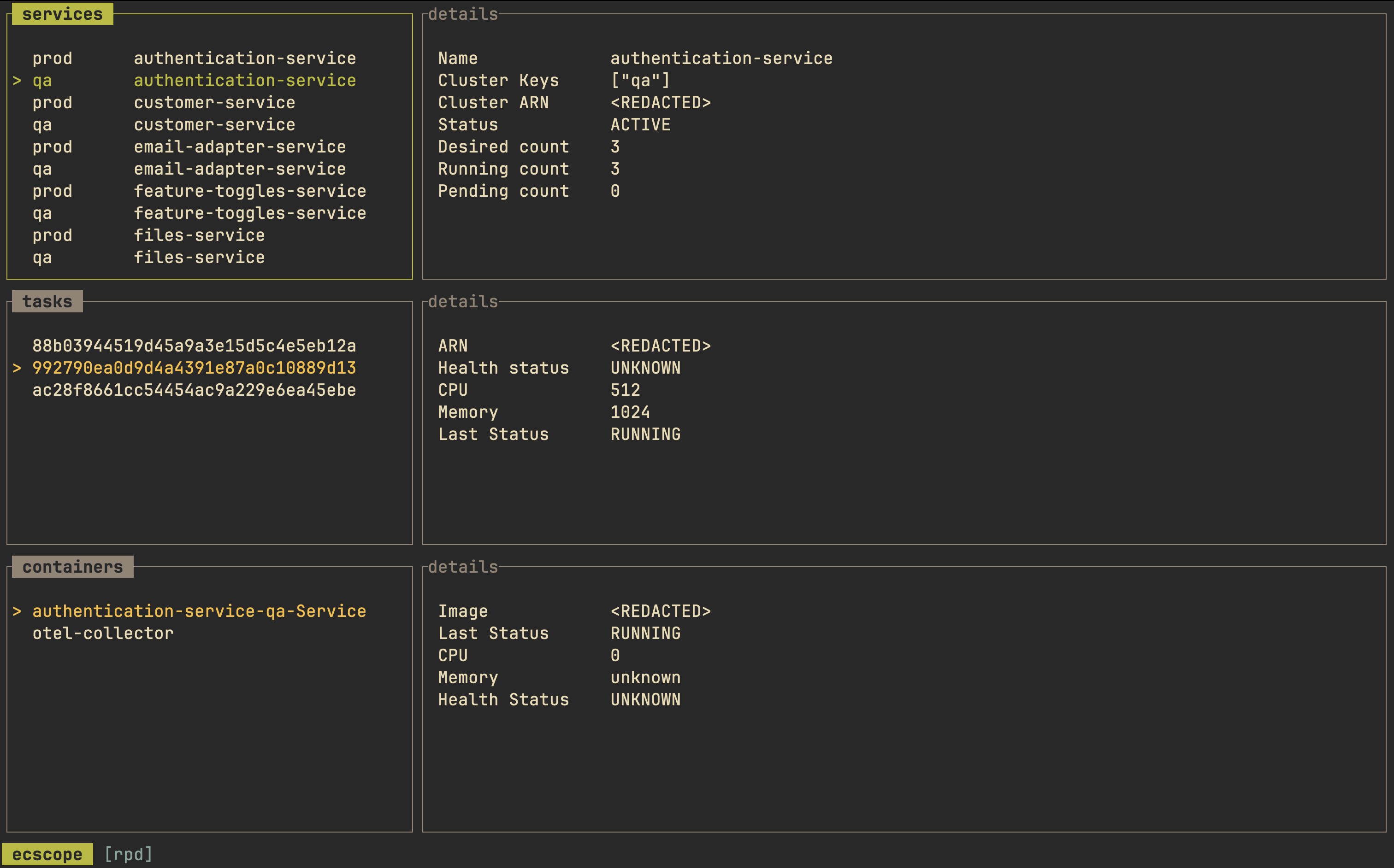
ecscope is a terminal-based monitoring tool for AWS ECS (Elastic Container Service) resources. It provides a unified TUI that displays services, tasks, and containers in a single interface, eliminating the need to navigate between multiple AWS accounts or regions through the web console.
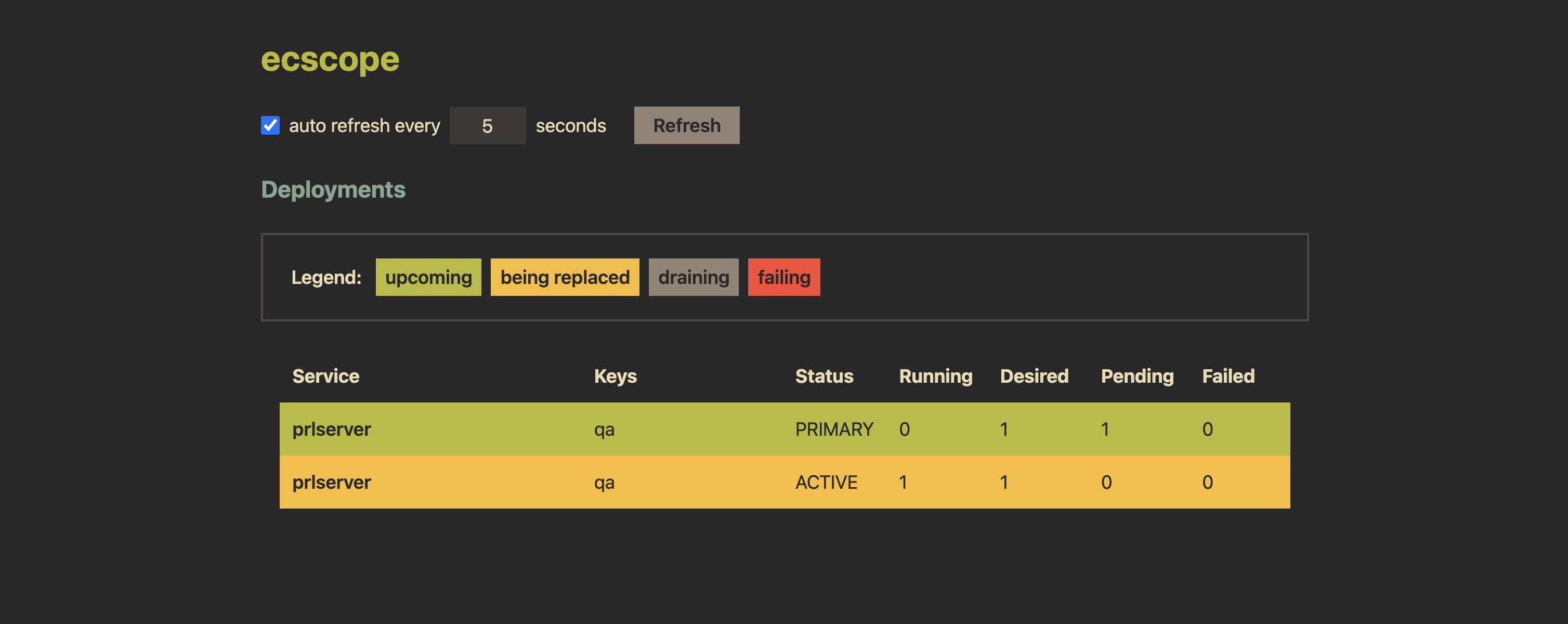
The tool organizes ECS resources using profiles defined in TOML configuration files. Each profile can group multiple clusters, services, and AWS authentication methods (environment variables, shared config profiles, or role assumption). Users can filter services by cluster keys or service names using regex patterns and monitor deployment states (finished, in-progress, failing).
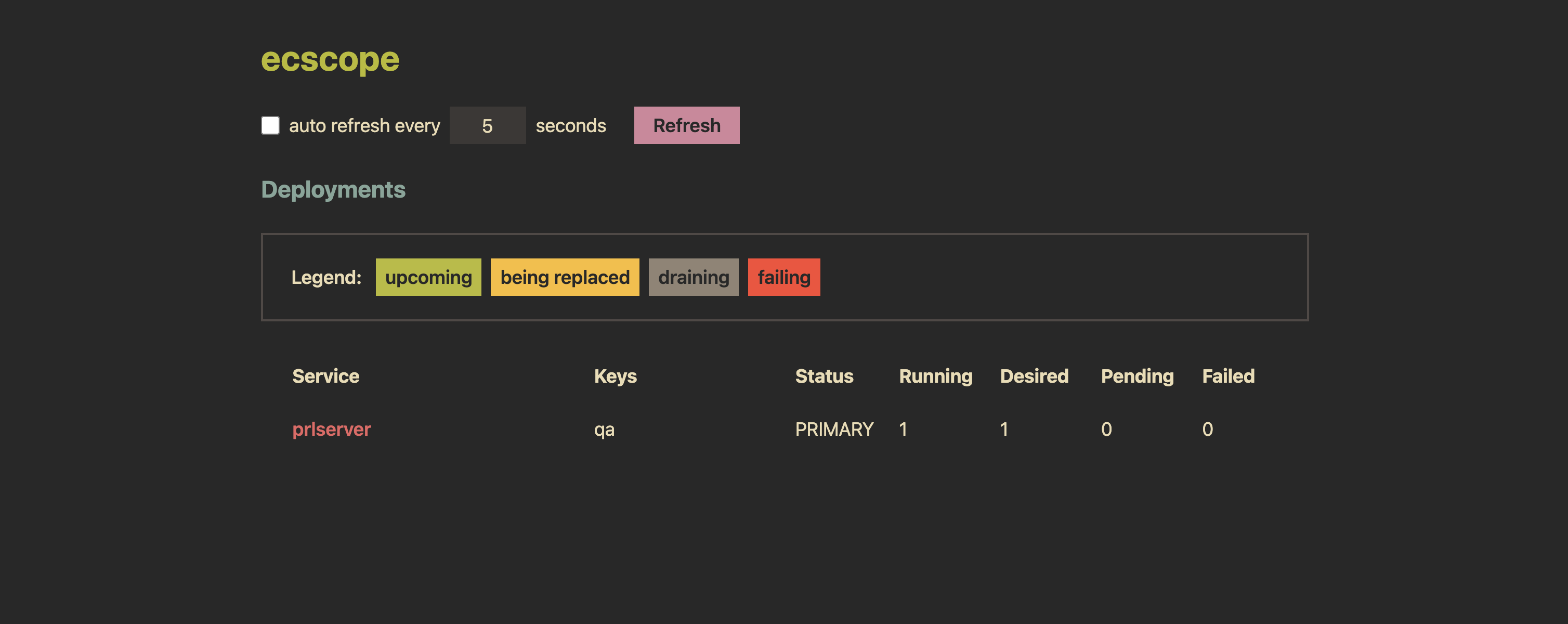
The TUI displays running tasks for configured services alongside their containers, with detailed information panels for selected items. It supports both manual and automatic refresh capabilities, allowing users to mark specific services for targeted monitoring. Additionally, ecscope offers a web interface mode for real-time deployment monitoring and can output deployment information in JSON, delimited, or plain text formats for integration with other tools.
Installation
# via Homebrew
brew install dhth/tap/ecscope
# via Cargo
cargo install ecscope