freeze
Generate PNG, SVG, and WebP images of code and terminal output with syntax highlighting and customizable styling.
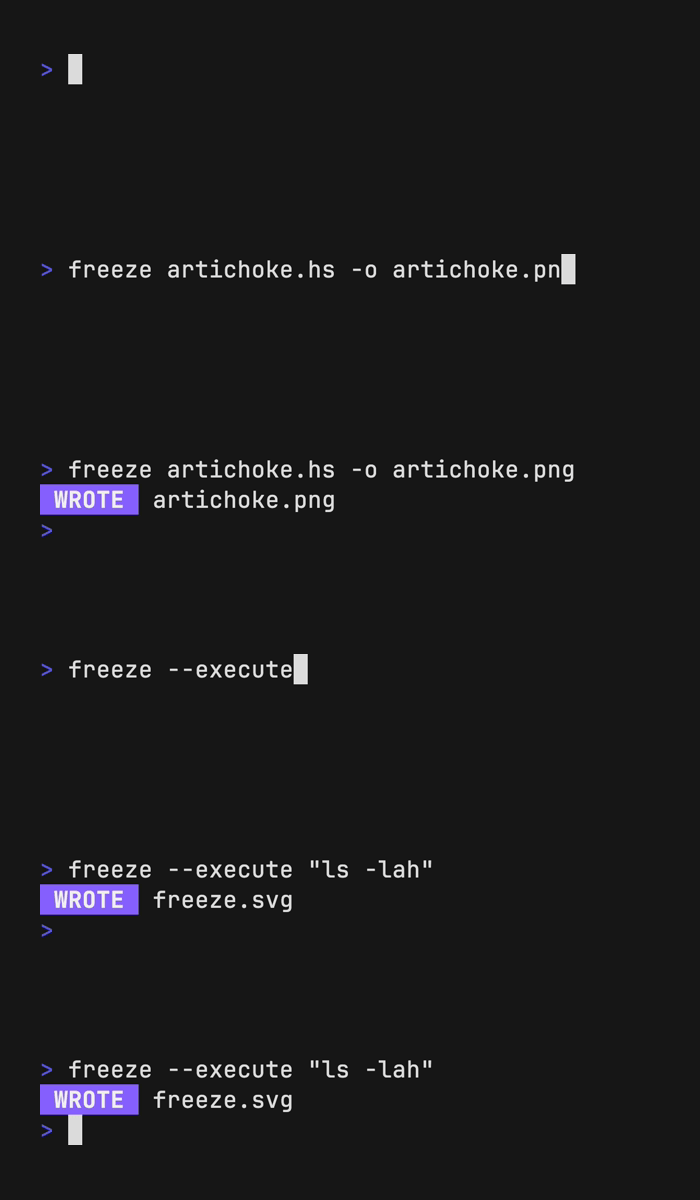
Freeze is a CLI tool that generates images of code and terminal output in PNG, SVG, and WebP formats. It supports syntax highlighting for various programming languages with auto-detection based on file extensions or content analysis. Users can capture static code files or execute terminal commands with the --execute flag to generate images of ANSI output.
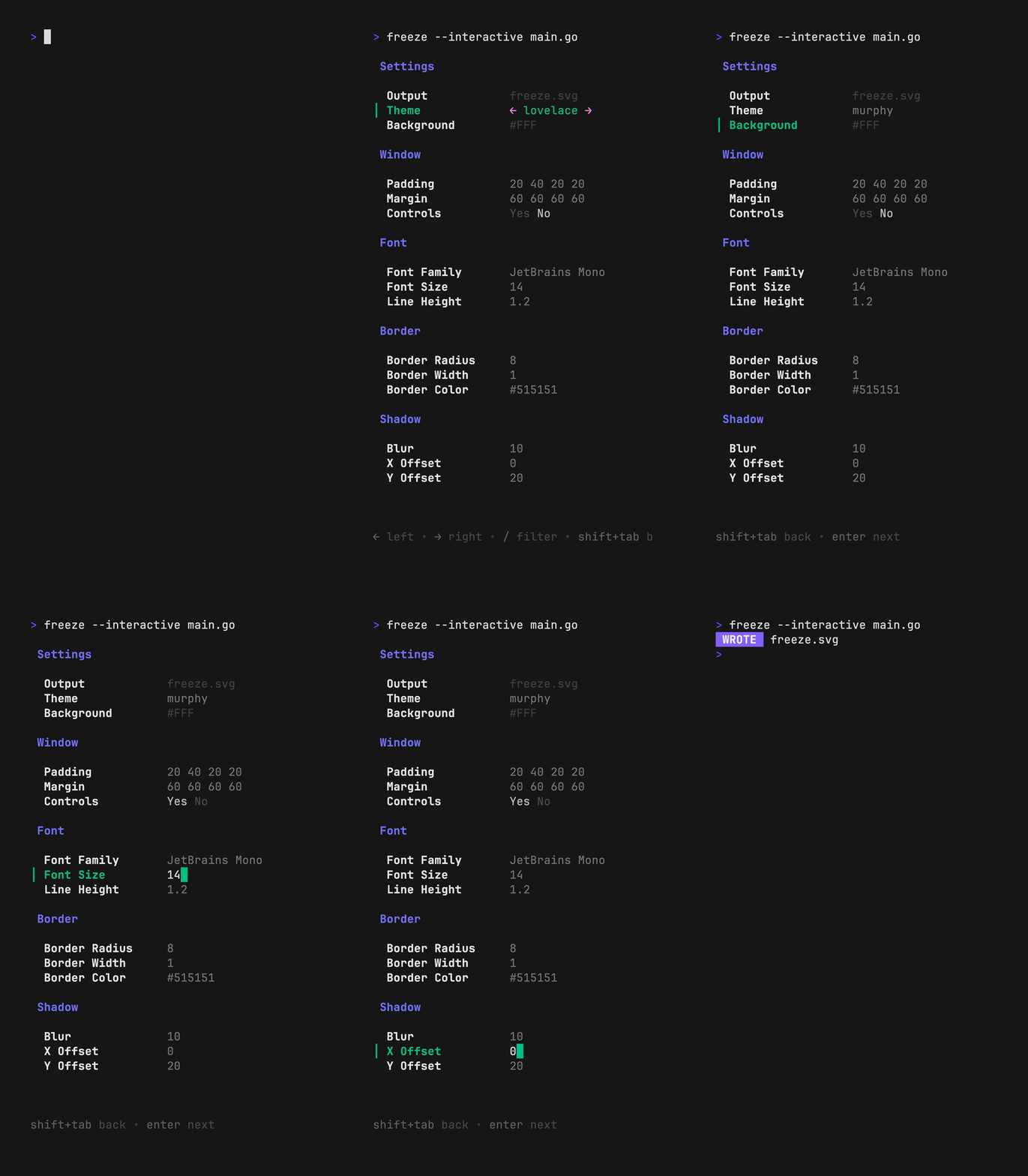
The tool includes an interactive TUI mode for configuration and extensive customization options. Users can modify themes, fonts, window styling, borders, shadows, padding, margins, and line numbers. It supports embedding custom font files and offers preset configurations like 'base', 'full', and user-defined configs stored in ~/.config/freeze/user.json.
Freeze integrates with tmux for capturing TUI applications using tmux capture-pane. Configuration can be managed through JSON files or command-line flags, with all styling options available through both methods. The tool is particularly useful for developers creating documentation, tutorials, or sharing code snippets with consistent visual formatting.
Installation
# via Homebrew
brew install charmbracelet/tap/freeze
# via Go
go install github.com/charmbracelet/freeze@latest
# via Arch Linux
yay -S freeze