nap
Code snippet manager with CLI and TUI for creating, organizing, and accessing snippets in the terminal
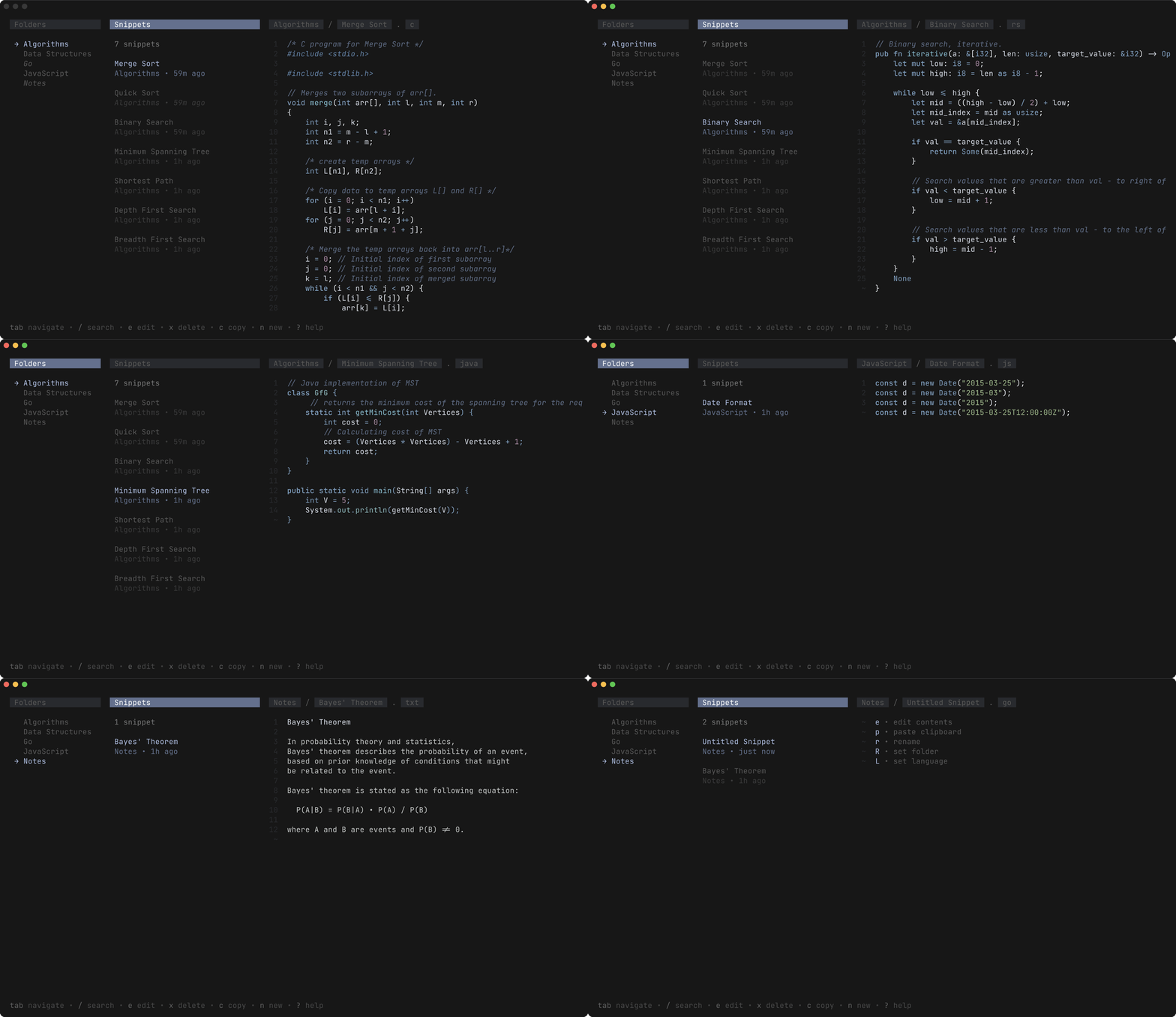
Nap is a terminal-based code snippet manager that provides both command-line and text-user interfaces for managing code snippets. The tool allows developers to quickly save code snippets via stdin piping, organize them into folders with language tagging, and retrieve them through fuzzy search or direct access commands.
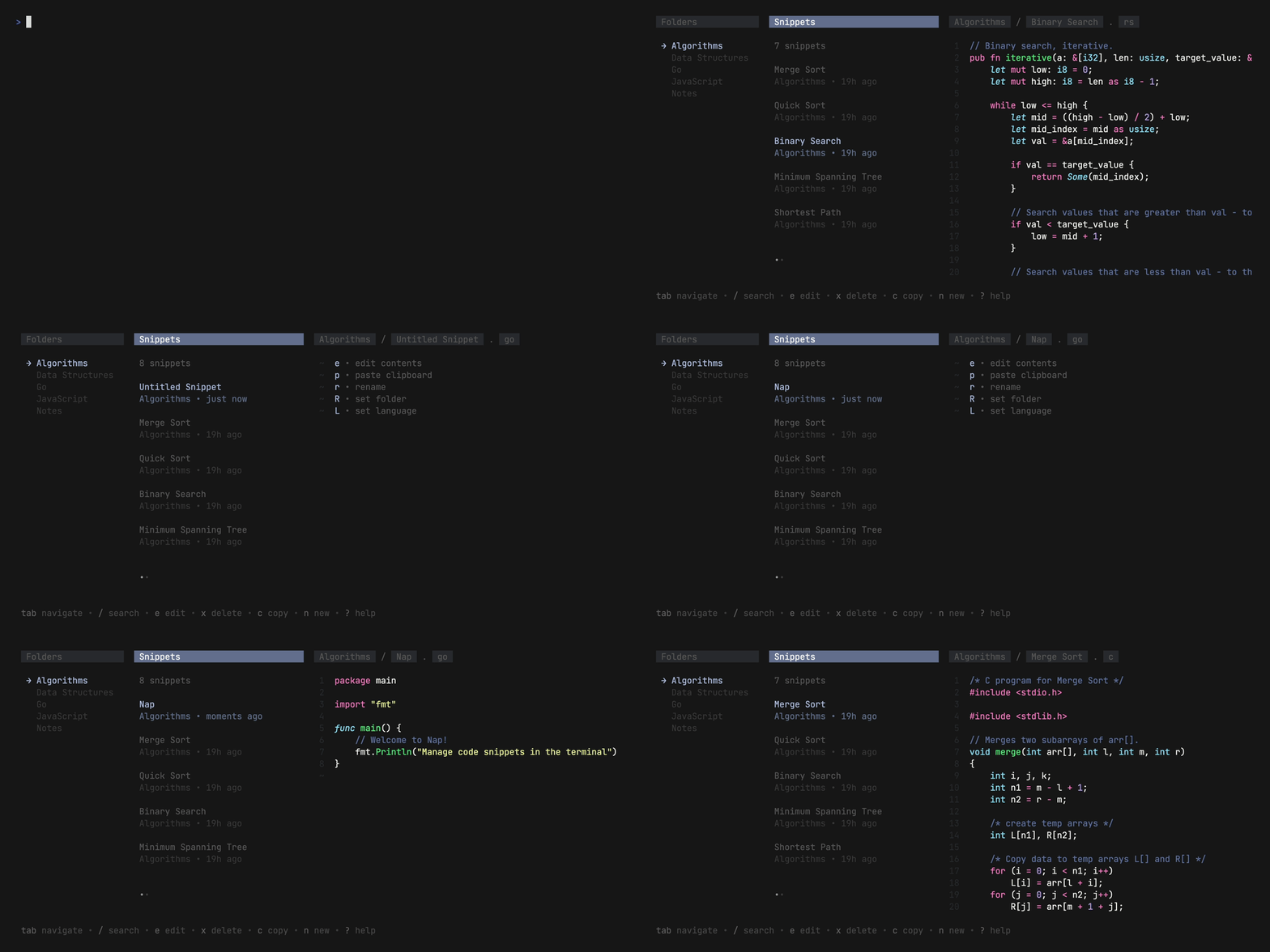
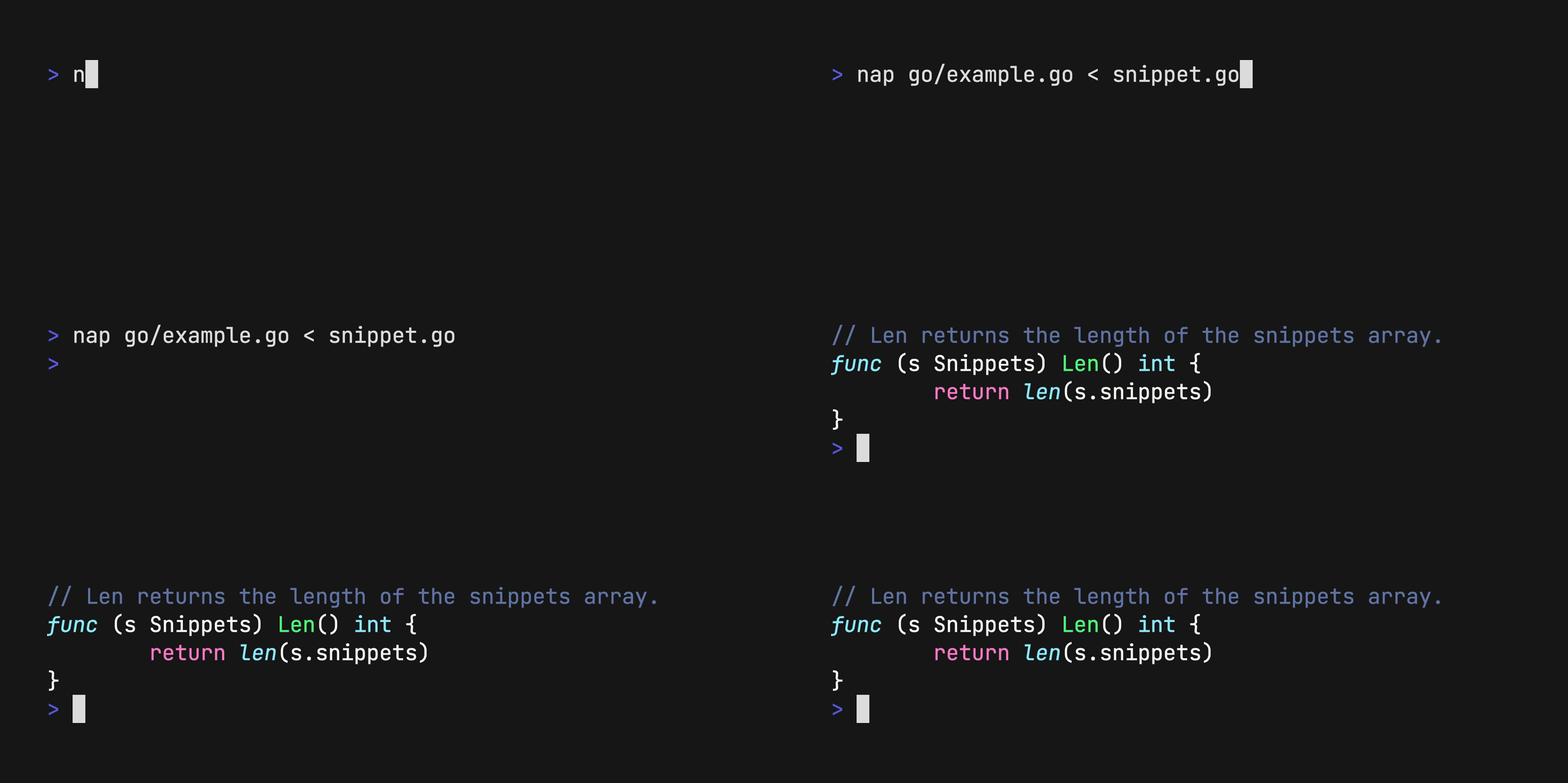
The CLI interface supports creating snippets by piping content from files, curl requests, or GitHub gists using commands like nap < main.go or curl https://example.com/main.go | nap Notes/FizzBuzz.go. Snippets can be output to files, piped to clipboard utilities, or searched with fuzzy matching. The TUI mode provides an interactive interface launched with nap for browsing, editing, and managing snippets with keyboard shortcuts.
Nap stores snippets locally and offers extensive customization through YAML configuration files or environment variables, including theme selection and color customization. The tool integrates well with external utilities like Gum for enhanced fuzzy finding and standard clipboard tools like pbcopy or xclip for workflow integration.
Installation
# via Go
go install github.com/maaslalani/nap@main