termframe
Non-interactive terminal emulator that executes commands and exports their output as SVG screenshots.
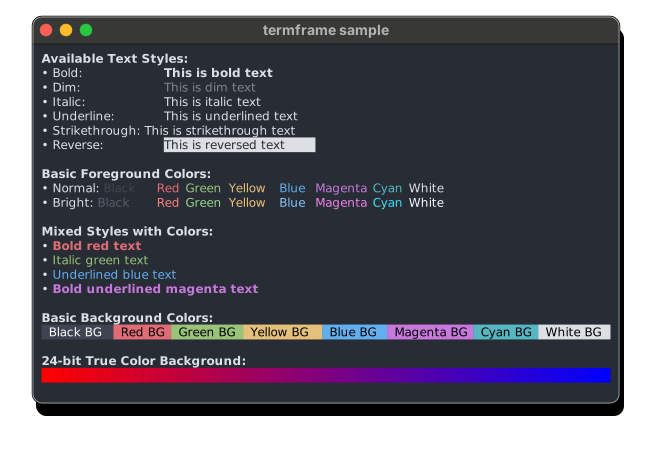
termframe is a terminal emulator that captures command output as SVG screenshots. It executes a single command in a virtual terminal session and renders the output with full ANSI styling support, including bold, italic, underlined text, reversed colors, and the complete color spectrum from 16-color palettes to 24-bit truecolor.
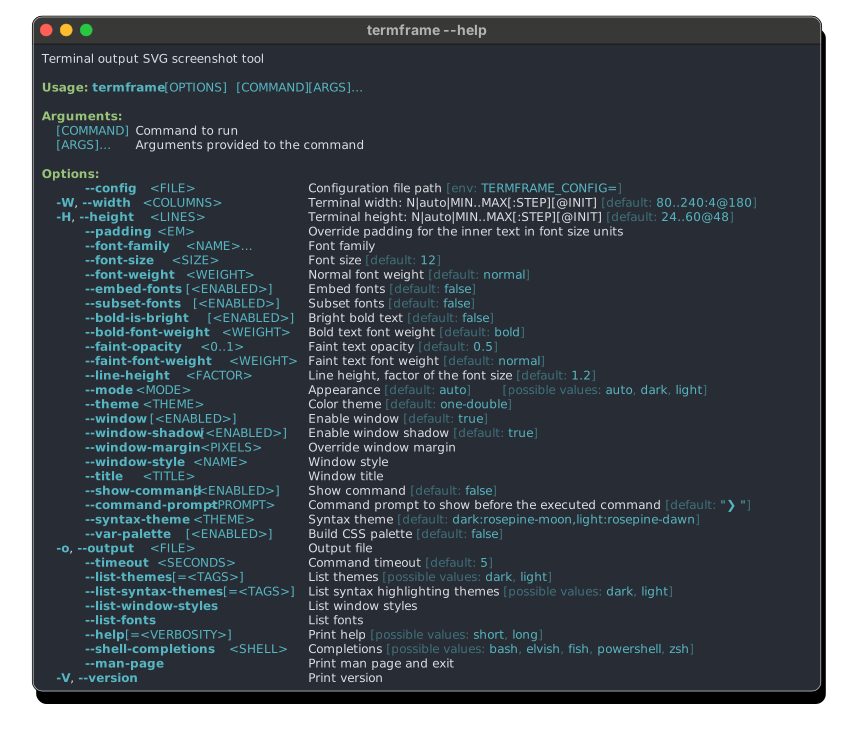
The tool supports auto-sizing to determine optimal terminal dimensions based on command output, with configurable width and height ranges. Users can specify dimension constraints like termframe -W 80..120 -H auto -o output.svg -- command to automatically detect the best terminal size within specified bounds. It includes extensive theming capabilities with support for iTerm2 color schemes and custom themes in TOML, YAML, or JSON formats.
Configuration is handled through platform-specific config files that support flexible terminal dimension settings, custom themes, and window styles. The tool can embed fonts for enhanced customization and supports both dark and light mode compatibility. Developers and documentation writers would use termframe to generate consistent, styled terminal screenshots for README files, tutorials, or presentations without manual screenshot capture.
Installation
# via Homebrew
brew install termframe
# via Cargo
cargo install --locked --git https://github.com/pamburus/termframe.git
# via Scoop
scoop bucket add pamburus https://github.com/pamburus/scoop-bucket.git && scoop install termframe