litecli
Command-line client for SQLite databases with auto-completion and syntax highlighting.
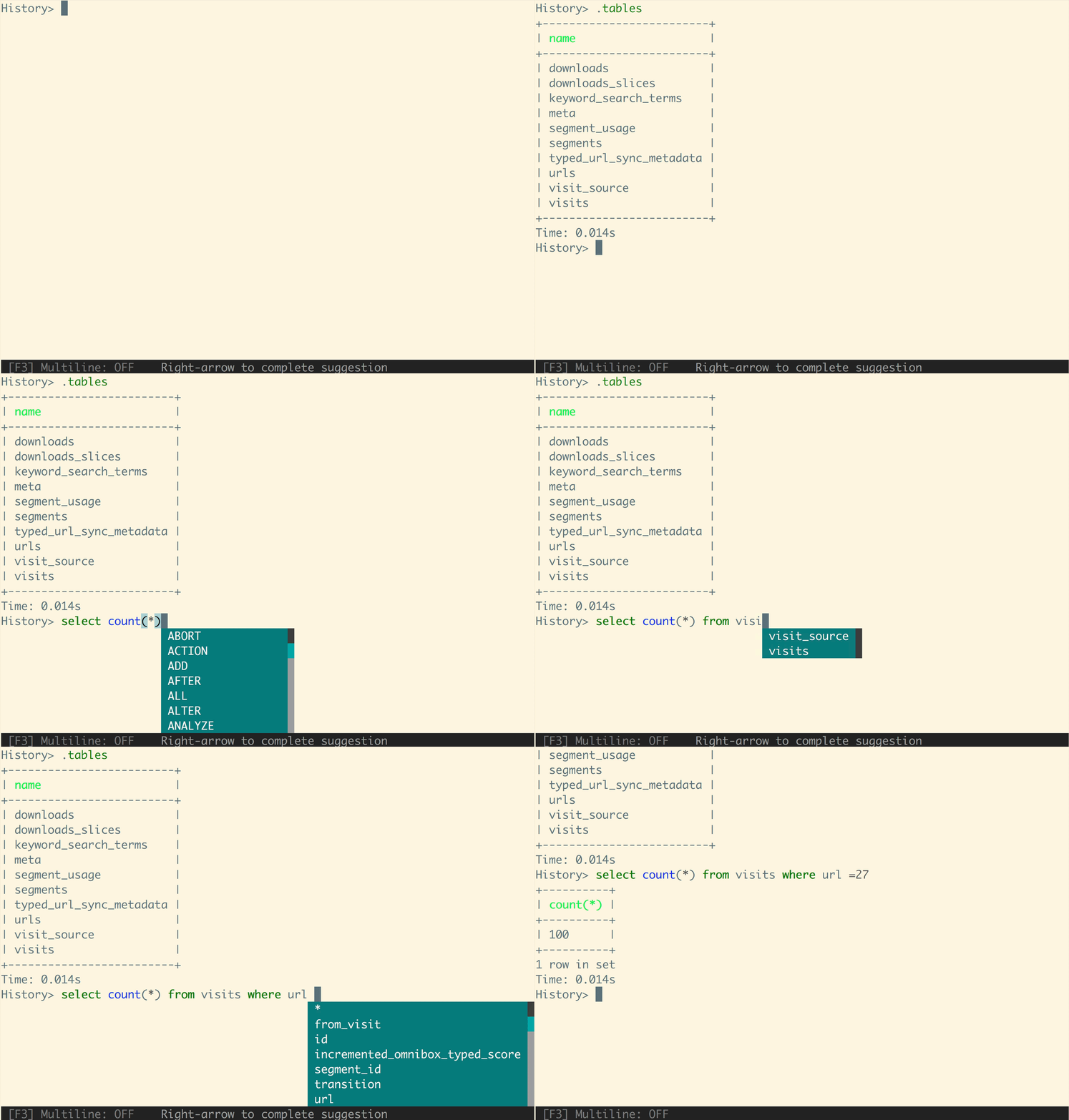
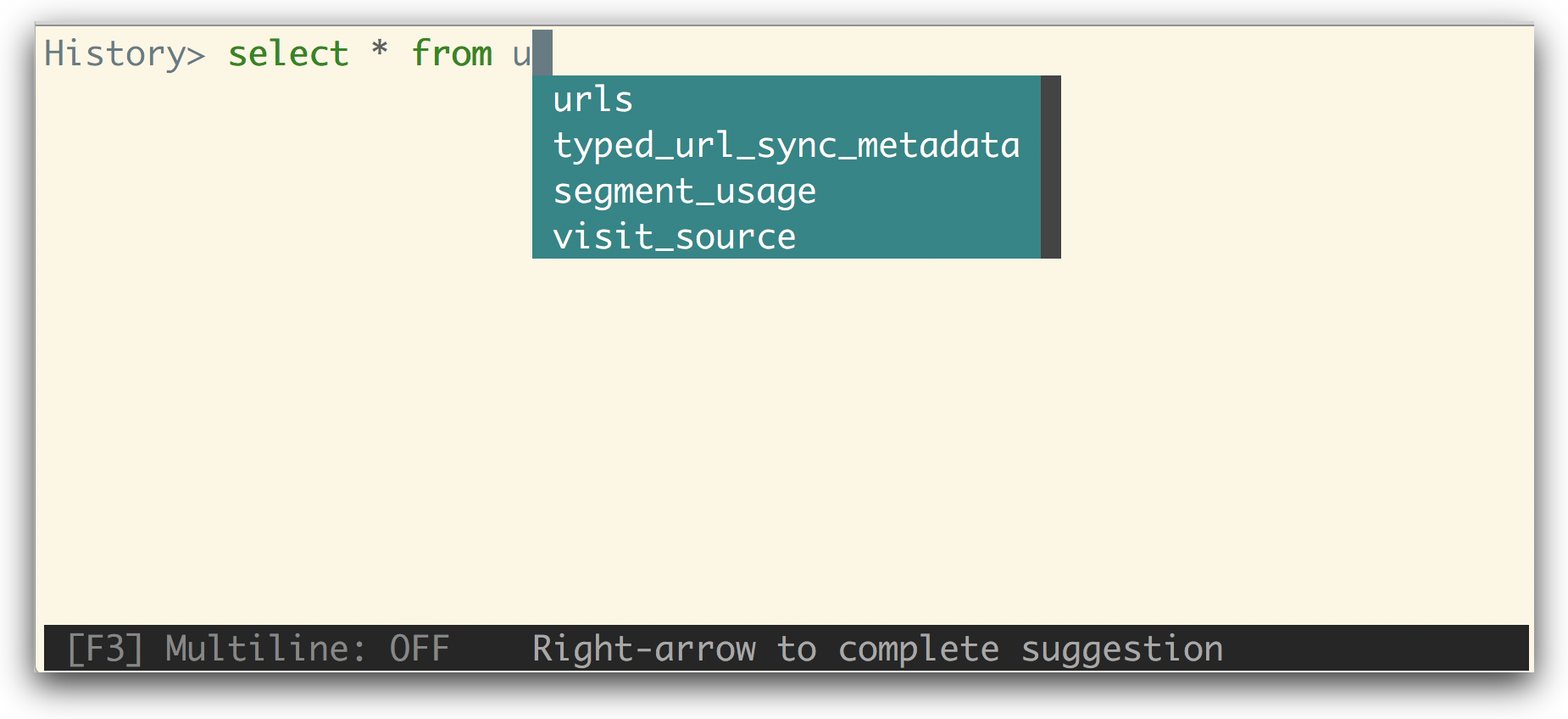
litecli is an interactive command-line client for SQLite databases. You start it with a database name (litecli sqlite_db_name) and get a SQL prompt with auto-completion and syntax highlighting as you type queries.
It is a Python package, installed with pip (the litecli[sqlean] extra is shown in the install command) or Homebrew. On first launch it creates a config file at ~/.config/litecli/config on Linux and macOS, or ~\AppData\Local\dbcli\litecli\config on Windows. The config file documents the available options.
It suits developers and anyone who inspects or queries SQLite files from a terminal and wants something more convenient than the stock sqlite3 shell. Further feature documentation is on litecli.com/features.
Installation
# via Homebrew
brew install litecli
# via pip
pip install -U litecli[sqlean]
Alternatives & related tools
dolphie
Real-time terminal interface for monitoring MySQL/MariaDB and ProxySQL database performance and analytics
jc
Converts output of CLI tools, file types, and strings to JSON or Python dictionaries so it can be piped to jq and used in scripts.
visidata
Terminal interface for exploring and arranging tabular data with support for CSV, JSON, SQLite, Excel, and many other formats.
mycli
MySQL command line client with auto-completion, syntax highlighting, and smart context-aware SQL suggestions
pgcli
Interactive PostgreSQL client with auto-completion, syntax highlighting, and smart context-sensitive suggestions.
add a badge to your README
Maintain litecli? Show that it's featured on trmn. The badge links back to this page.

[](https://www.trmn.sh/tools/litecli?utm_source=badge)<a href="https://www.trmn.sh/tools/litecli?utm_source=badge"><img src="https://www.trmn.sh/badge/litecli.svg" alt="Featured on trmn" height="20"></a>