mycli
MySQL command line client with auto-completion, syntax highlighting, and smart context-aware SQL suggestions
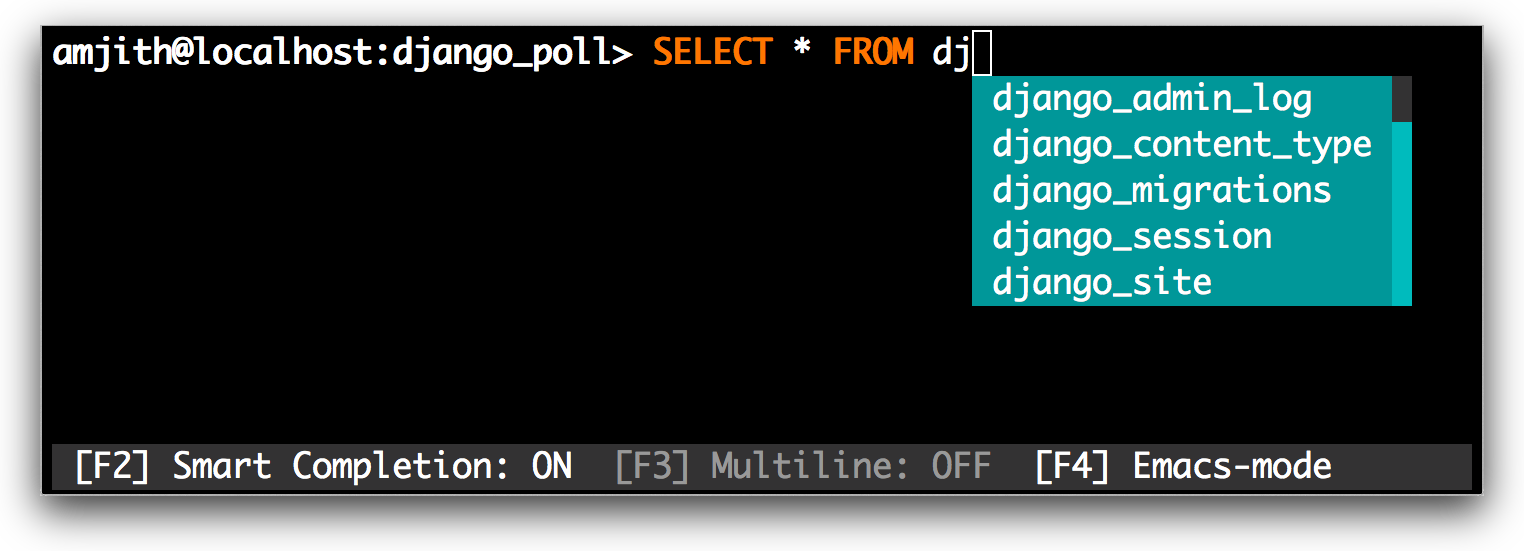
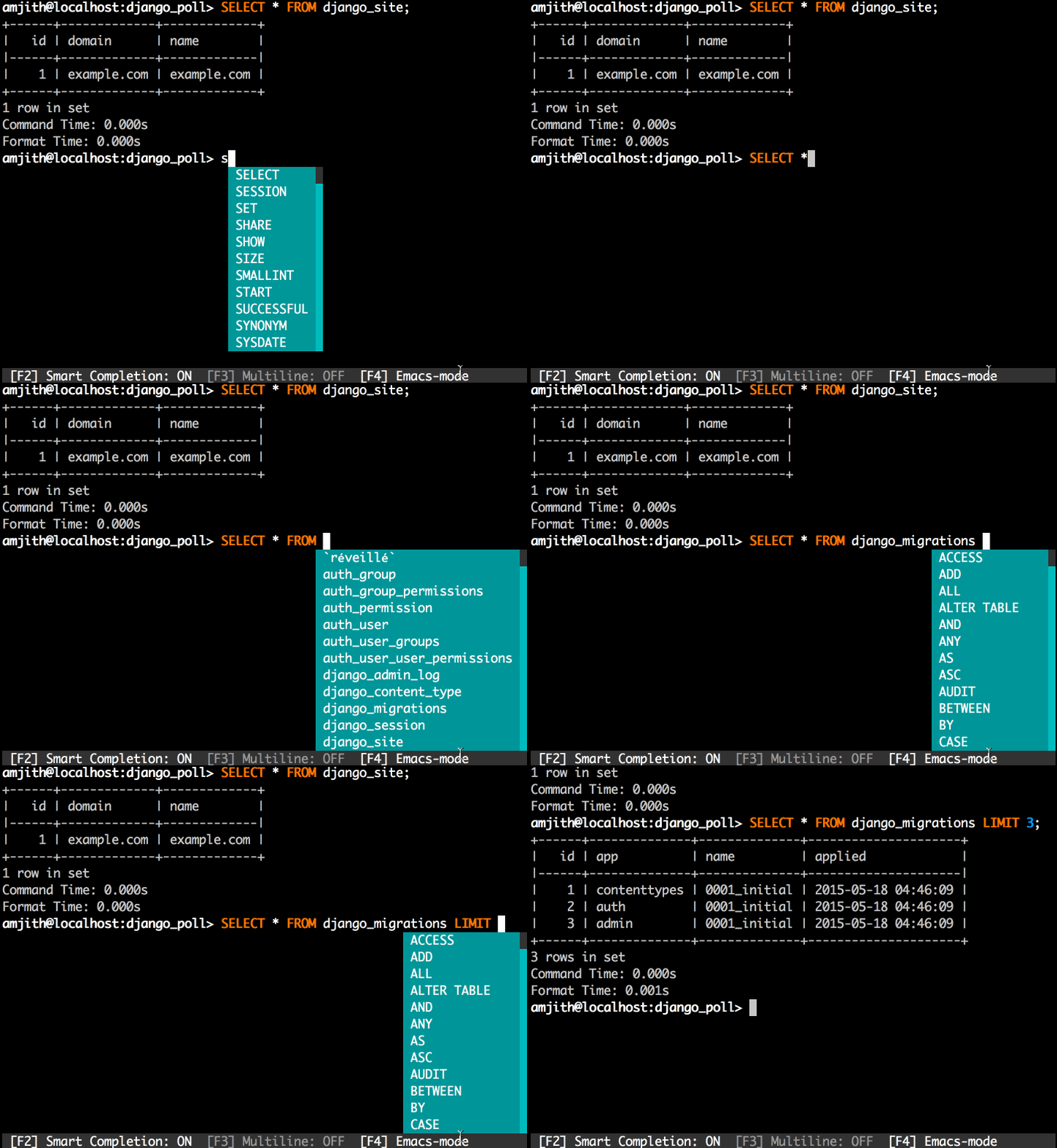
mycli is a MySQL command line client that enhances the standard mysql CLI with interactive features. Built on Python Prompt Toolkit, it provides auto-completion for SQL keywords, table names, views, and columns as the user types. The tool includes context-aware smart completion that suggests only relevant options based on query context - for example, showing only table names after SELECT * FROM and only column names in WHERE clauses.
The client supports fuzzy history search using fzf, syntax highlighting via Pygments, and multiline queries. Users can save favorite queries with positional parameters using \fs commands and execute them with \f aliases. Additional features include query timing, result logging to files, SSL connection support, and shell-style output redirection with $>, $>>, and $| operators.
mycli targets database administrators, developers, and anyone working regularly with MySQL databases who wants a more interactive command line experience. It creates a ~/.myclirc configuration file on first run for customizing behavior and key bindings. The tool requires Python 3.10+ and runs on macOS and Linux, with experimental Windows support through WSL or native installation.
Installation
# via pip
pip install -U 'mycli[all]'
# via Homebrew
brew update && brew install mycli
# via apt
sudo apt-get install mycli