nb
Command-line note-taking, bookmarking, and knowledge base tool with Git sync, encryption, and web browsing interface.
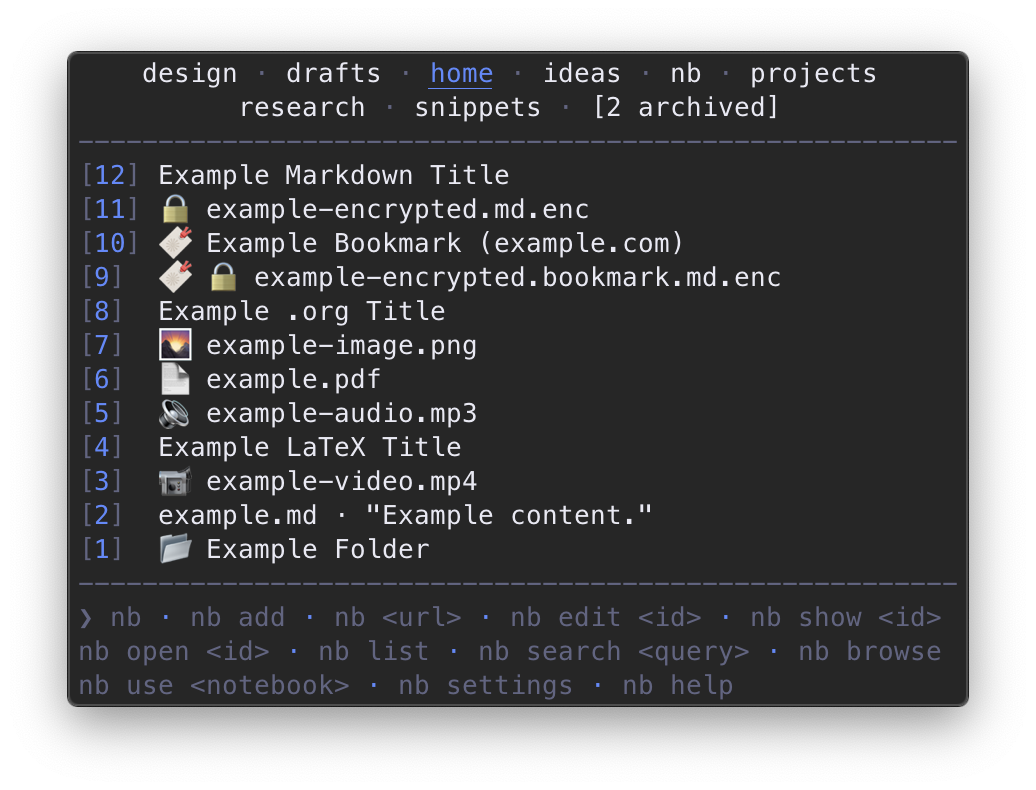
nb is a command-line note-taking and knowledge management application that stores data in plain text formats like Markdown, Org, LaTeX, and AsciiDoc. It provides Git-backed versioning and syncing, allowing users to automatically track changes and sync notebooks with remote repositories. The tool supports password-protected encrypted notes, full-text search with regular expression support, filtering, tagging, and wiki-style linking between notes.
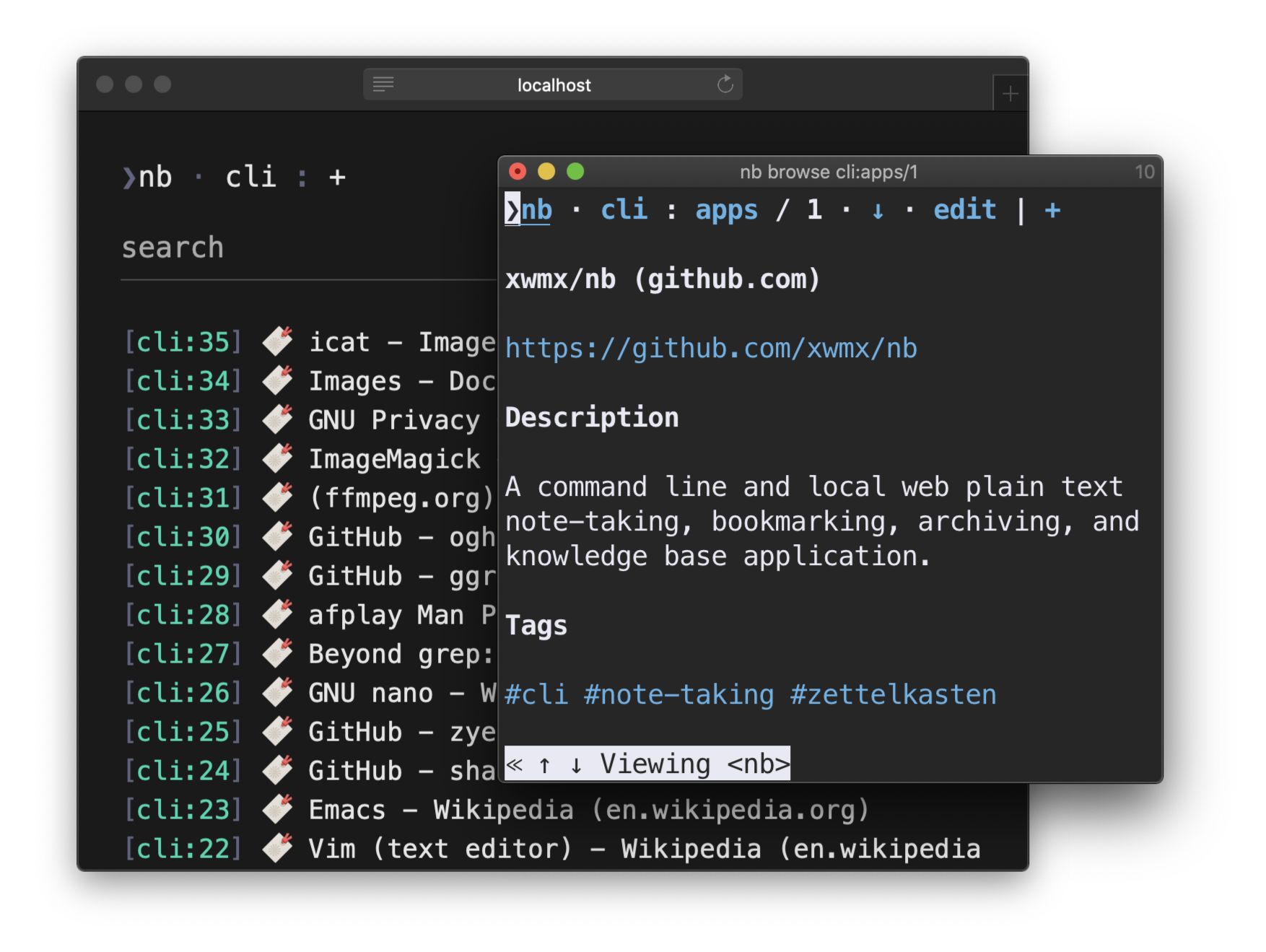
The application includes a built-in bookmarking system that downloads and caches web page content locally, creating human-readable Markdown documents from bookmarks. Users can browse bookmarks through both terminal and GUI web interfaces in a distraction-free environment. The bookmarking feature integrates with Internet Archive Wayback Machine for broken link recovery and supports local full-text search of cached content.
Nb works with any text editor that supports command-line operation, including Vim, Emacs, VS Code, and Sublime Text. It runs on Linux, Unix, macOS, and Windows via WSL, MSYS, or Cygwin. The entire application is contained within a single portable shell script that requires only Bash and Git as dependencies, though it can leverage optional tools like Pandoc for document conversion, ripgrep for enhanced search, and various terminal utilities for improved functionality. Users can organize content across multiple notebooks, create todos with task management, and extend functionality through plugins.
Installation
# via Homebrew
brew install xwmx/taps/nb
# via npm
npm install -g nb.sh
# via wget
sudo wget https://raw.github.com/xwmx/nb/master/nb -O /usr/local/bin/nb && sudo chmod +x /usr/local/bin/nb && sudo nb completions install --download