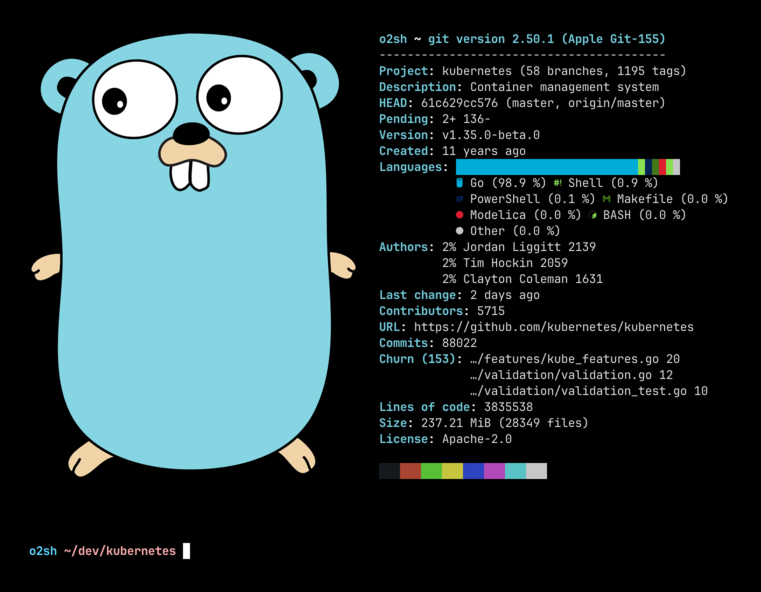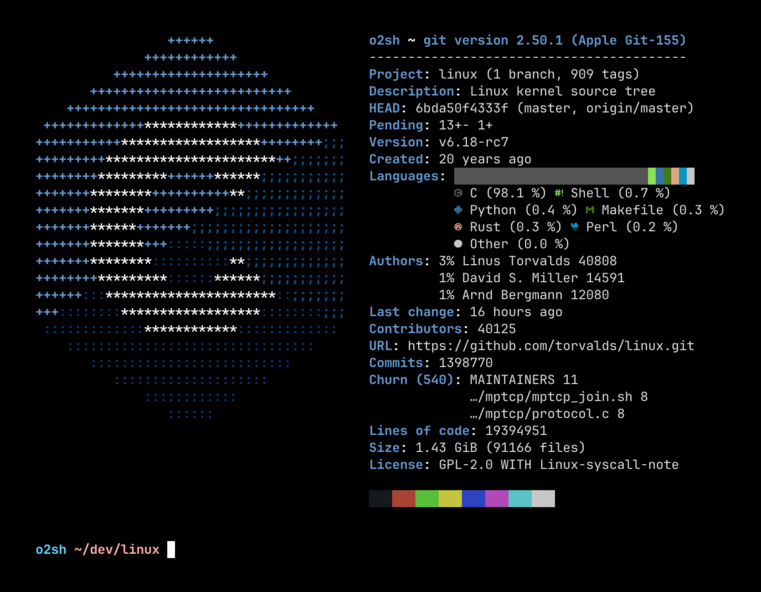
onefetch
Command-line tool that displays Git repository information and code statistics in terminal
Onefetch is a command-line Git information tool that analyzes local Git repositories and displays project metadata and code statistics directly in the terminal. It presents repository information including project details, language breakdowns, commit statistics, and contributor data in a formatted output similar to system information tools like neofetch.
The tool operates completely offline by analyzing the local Git repository structure and history without requiring network connectivity. It supports over 100 programming languages for code analysis and statistics generation. Users can run onefetch either by specifying a repository path or by executing it within a Git repository directory.
Onefetch provides extensive customization options through command-line arguments, allowing users to modify text styling, disable specific information lines, ignore certain files and directories, and output data in multiple formats including JSON and YAML. The tool focuses on performance and works across Linux, macOS, and Windows platforms.
Installation
# via Homebrew
brew install onefetch
# via pacman
pacman -S onefetch
# via winget
winget install onefetch