opencode
Open source AI coding agent with a terminal UI, built-in build and plan agents, and a desktop app in beta.
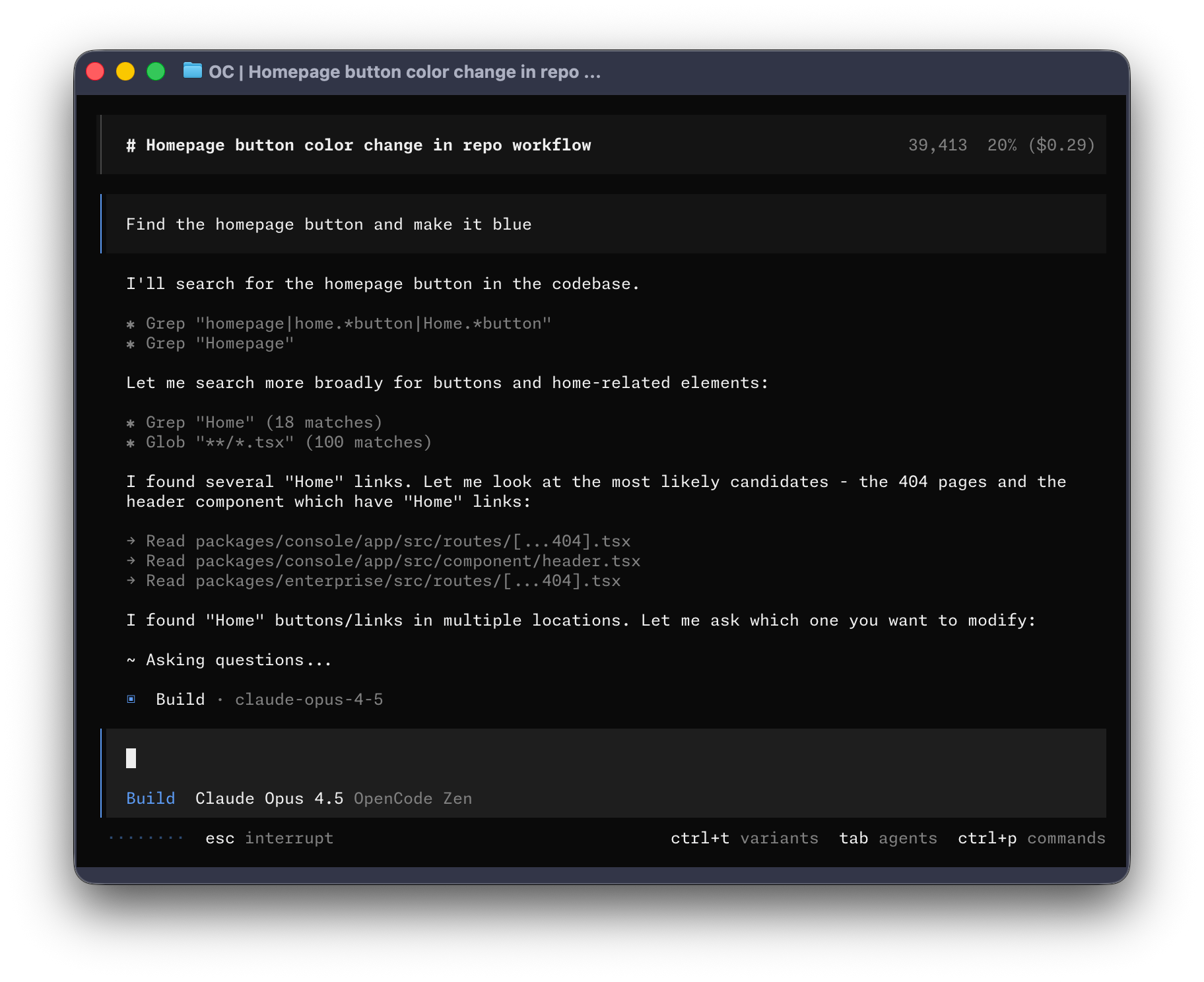
OpenCode is an open source AI coding agent that runs in the terminal through a TUI. It is also distributed as a beta desktop application for macOS (Apple Silicon and Intel), Windows, and Linux (.deb, .rpm, .AppImage). It is published on npm as opencode-ai.
It ships with two built-in agents that you switch between using the Tab key. The build agent is the default and has full access for development work. The plan agent is read-only: it denies file edits by default and asks permission before running bash commands, which suits exploring an unfamiliar codebase or planning changes. A general subagent handles complex searches and multistep tasks. It is used internally and can be invoked with @general in messages.
Installation is available through a curl install script, npm/bun/pnpm/yarn, Homebrew, Scoop, Chocolatey, pacman and AUR on Arch Linux, mise, and Nix. The install script picks its target directory from $OPENCODE_INSTALL_DIR, then $XDG_BIN_DIR, then $HOME/bin, then $HOME/.opencode/bin. It is aimed at developers who want an agent-driven coding workflow in the terminal or desktop. Configuration and agent details are covered in the project's online docs.
Installation
# via Homebrew
brew install anomalyco/tap/opencode
# via npm
npm i -g opencode-ai@latest
# via Install script
curl -fsSL https://opencode.ai/install | bash
Alternatives & related tools
Claude Code
AI-powered coding assistant that runs in the terminal and understands your codebase to execute tasks through natural language commands.
gemini-cli
Terminal AI agent providing direct command line access to Google Gemini models with file operations, web search, and tool integration.
OmO
Terminal coding agent run through the omo command. It runs on senpi, a fork of pi, and can split a job into parallel agents across multiple models.
oh-my-pi
Terminal coding agent (fork of Pi) with LSP and DAP debugger integration, subagents, Python/Bun execution, and in-process native tools. Supports 60+ providers.
Continue
Open-source coding agent distributed as a CLI, VS Code extension, and JetBrains plugin. Repository is read-only after the final 2.0.0 release.
add a badge to your README
Maintain opencode? Show that it's featured on trmn. The badge links back to this page.

[](https://www.trmn.sh/tools/opencode?utm_source=badge)<a href="https://www.trmn.sh/tools/opencode?utm_source=badge"><img src="https://www.trmn.sh/badge/opencode.svg" alt="Featured on trmn" height="20"></a>