s5cmd
Command-line tool for S3 and local filesystem operations, running transfers in parallel with wildcard support and batch command files.
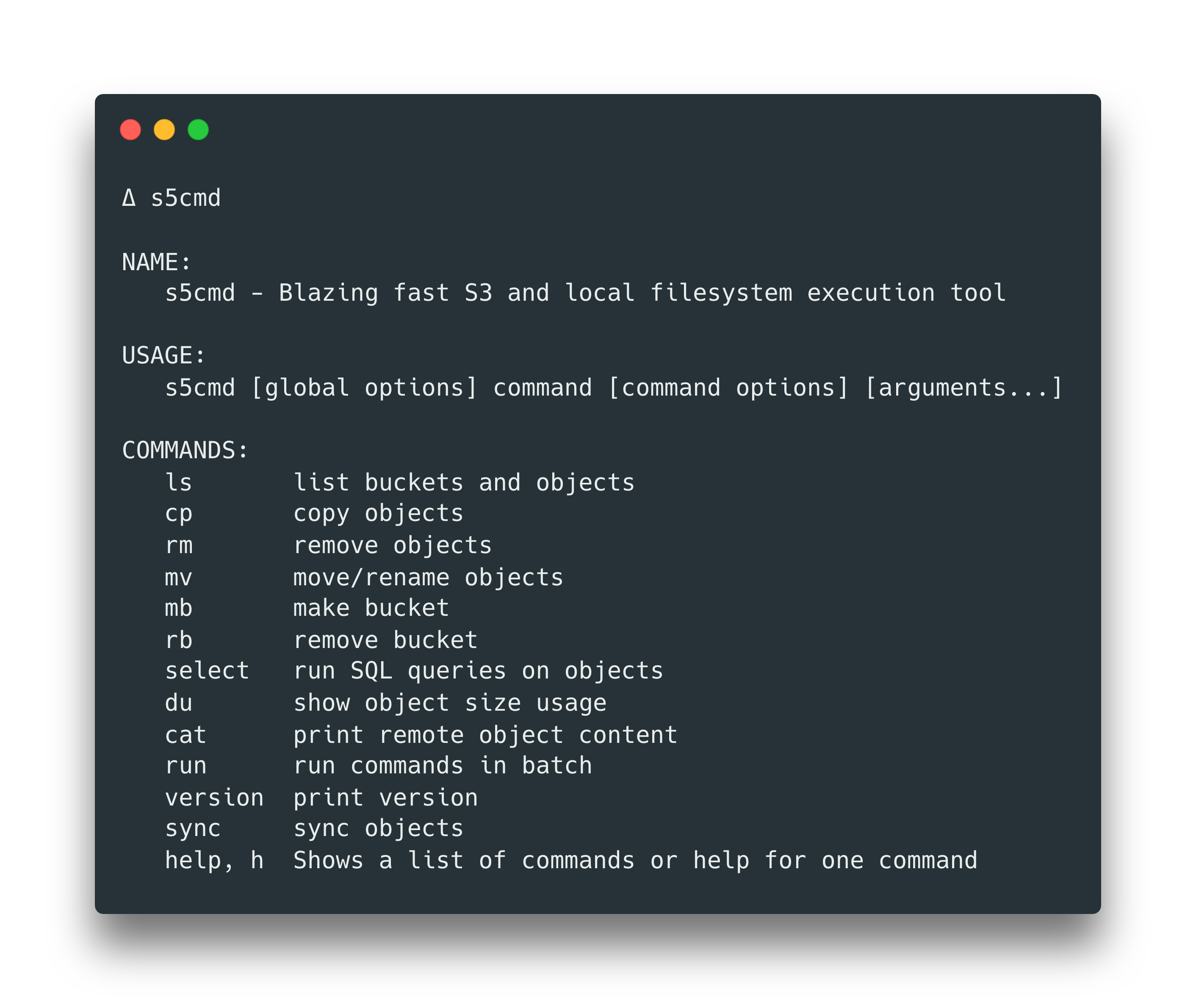
s5cmd is a command-line tool written in Go for working with S3 and S3-compatible object storage, as well as the local filesystem. It supports listing buckets and objects, uploading, downloading, deleting, copying, moving and renaming objects, creating and removing buckets, printing object contents to stdout, and summarizing object sizes grouped by storage class. It can also select JSON records from objects using SQL expressions, and it works with Google Cloud Storage and other S3 API compatible services.
Its worker pool runs transfers concurrently. Wildcards work across S3 operations: s5cmd lists objects by the prefix up to the first wildcard, filters the results in memory, and runs the operation on each match in parallel (for example, s5cmd cp 's3://bucket/logs/2020/03/*' .). Deletes use the S3 batch delete API, so up to 1000 matching objects go in a single request. A command file mode (s5cmd run) executes many commands in batch.
Other documented features include --include and --exclude filters (where exclude takes precedence and flag order doesn't matter), --flatten to collapse the source directory structure, pipe to stream stdin to S3, server-side encryption with AWS KMS, ACL settings, S3 Transfer Acceleration, dry run, structured logging, and shell auto-completion. Credentials can come from --profile, --credentials-file, environment variables, EC2 or EKS IAM roles, or --no-sign-request for public buckets. Region is detected from flags, AWS_REGION, the AWS profile, or the bucket itself.
It suits developers, DevOps engineers and data engineers who move large numbers of files between local disks and object storage. Copying S3 objects larger than 5GB server-side is not yet supported.
Installation
# via Homebrew
brew install peak/tap/s5cmd
# via Go
go install github.com/peak/s5cmd/v2@master
# via Docker
docker pull peakcom/s5cmd
Alternatives & related tools
pdfcpu
PDF processing library and CLI written in Go for validating, merging, splitting, encrypting, stamping, signing and extracting content from PDFs.
lf
Terminal file manager written in Go inspired by ranger with vi-style keybindings and shell integration
superfile
Terminal-based file manager with dual-pane interface, written in Go
croc
Secure file transfer tool that enables any two computers to transfer files using end-to-end encryption and relay servers
rclone
Command-line program to sync files and directories to and from 70+ cloud storage providers
add a badge to your README
Maintain s5cmd? Show that it's featured on trmn. The badge links back to this page.

[](https://www.trmn.sh/tools/s5cmd?utm_source=badge)<a href="https://www.trmn.sh/tools/s5cmd?utm_source=badge"><img src="https://www.trmn.sh/badge/s5cmd.svg" alt="Featured on trmn" height="20"></a>