trippy
Network analysis tool combining traceroute and ping functionality for diagnosing networking issues
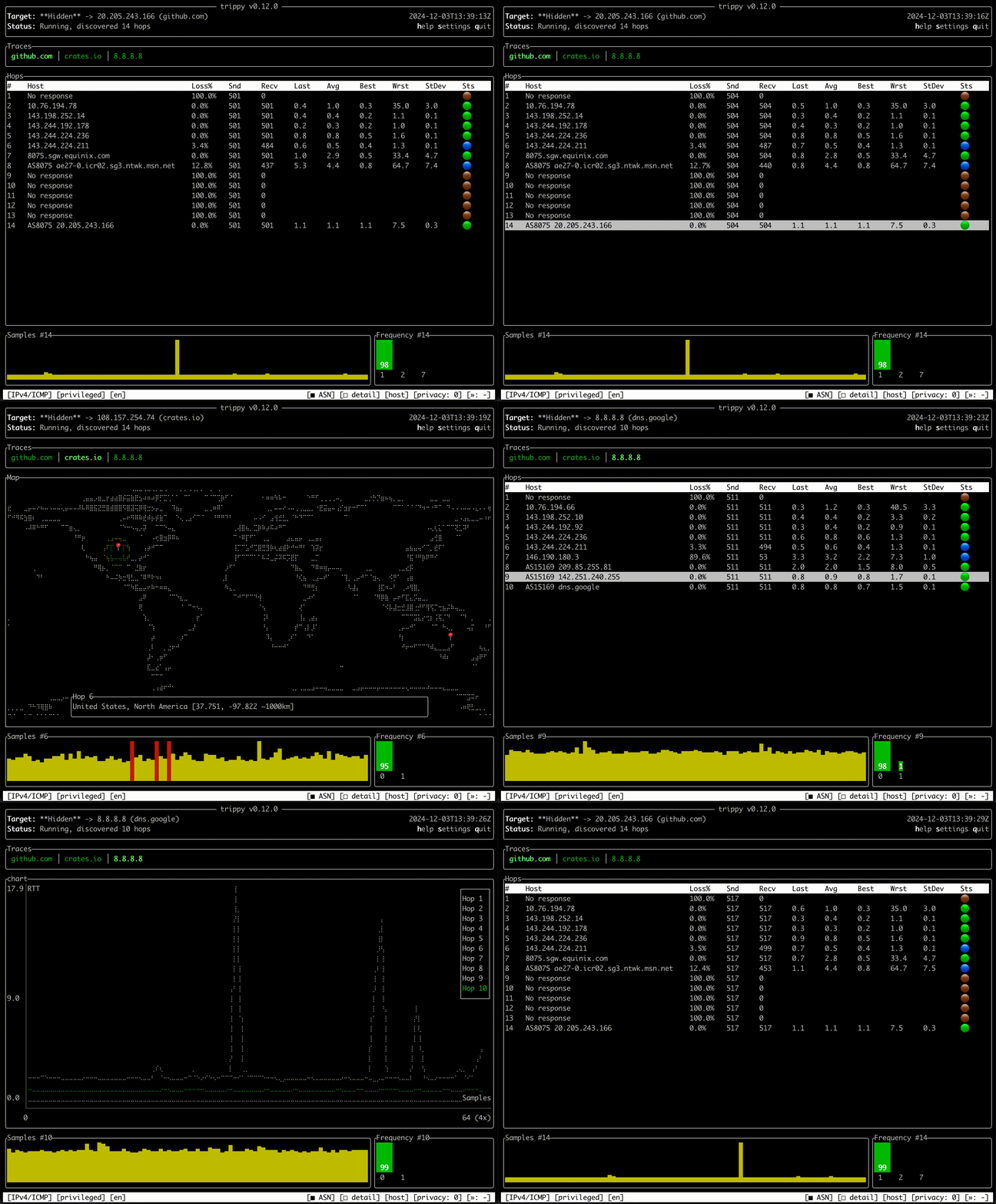
Trippy is a network analysis tool that combines the functionality of traceroute and ping into a single TUI application. It provides real-time network path visualization and hop-by-hop latency analysis to help diagnose networking issues. The tool displays network trace data in an interactive terminal interface, showing packet loss, latency statistics, and routing information for each hop along the path to a destination.
Trippy supports multiple tracing protocols and includes features like AS (Autonomous System) data retrieval for each hop, customizable themes, and extensive configuration options. It can run without elevated privileges on some systems and includes specialized modes for different network analysis scenarios. The tool runs on Linux, BSD, macOS, and Windows, with wide package manager support across platforms.
The application is built using Rust and leverages ratatui for the terminal interface. It incorporates networking concepts from established tools like mtr and incorporates ideas from libparistraceroute and Dublin Traceroute. Network administrators, DevOps engineers, and system administrators would use this tool for troubleshooting network connectivity, analyzing routing paths, and monitoring network performance.
Installation
# via Cargo
cargo install trippy --locked
# via Homebrew
brew install trippy
# via APT
apt install trippy