csvi
Terminal CSV editor with vi-style navigation and minimal change tracking for clean diffs
Csvi is a terminal-based CSV editor that combines vi-style navigation with specialized CSV editing capabilities. It preserves original file formatting including quotes, line endings, encoding, and field separators, only modifying cells that are actually edited. This approach ensures clean diffs and safe edits when working with production CSV data.
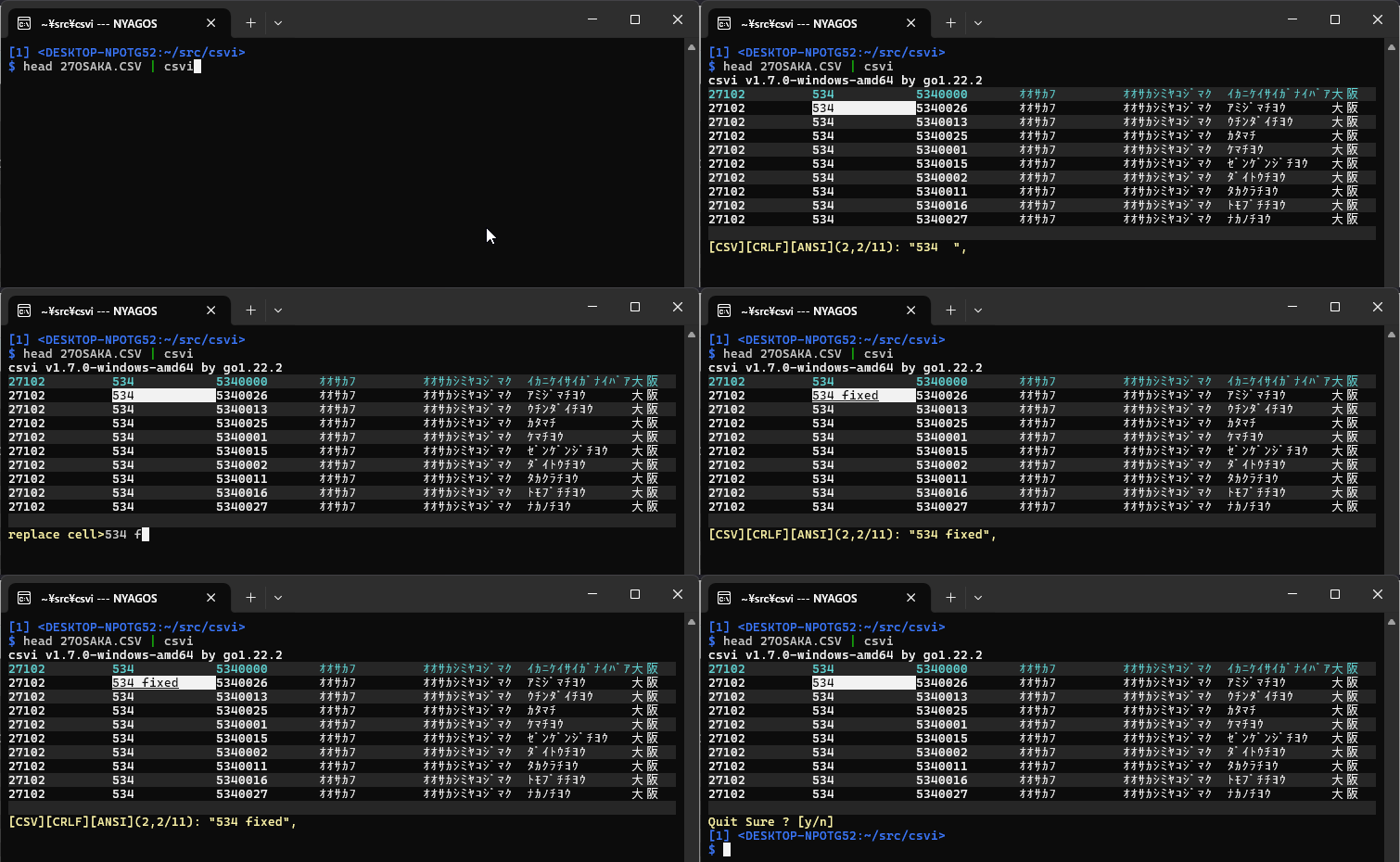
The editor uses vi-style keybindings for cursor movement (h, j, k, l) and provides Emacs-style editing within cells. It supports common CSV operations like inserting/deleting cells and rows (i, a, dd, dc), copy/paste operations (y, p), and search functionality (/, ?, n). Modified cells are visually marked with underlining, and users can undo individual cell changes with u to restore original values.
Csvi handles various encodings including UTF-8, UTF-16, and Windows code pages, with automatic detection capabilities. It can read from files or standard input, making it suitable for pipeline operations. The tool opens large files quickly with background loading and provides technical details about the original file format in the status line. It supports flexible field separators (comma, tab, semicolon) and offers color scheme options including light background support and NO_COLOR compliance.
Installation
# via Scoop
scoop install https://raw.githubusercontent.com/hymkor/csvi/master/csvi.json
# via Go Install
go install github.com/hymkor/csvi/cmd/csvi@latest
# via eget
eget hymkor/csvi