durdraw
ASCII, Unicode and ANSI art editor for Unix-like systems with frame-based animation support
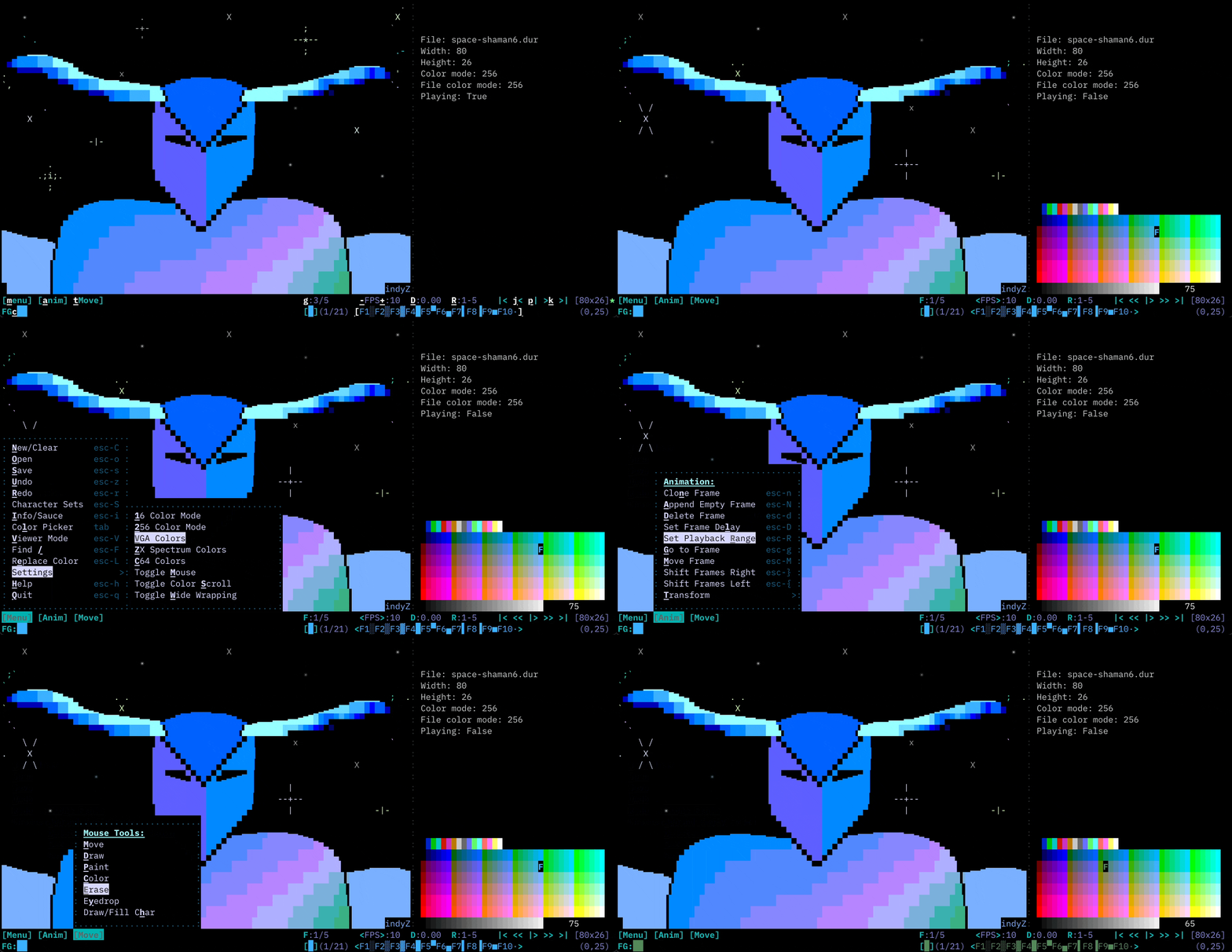
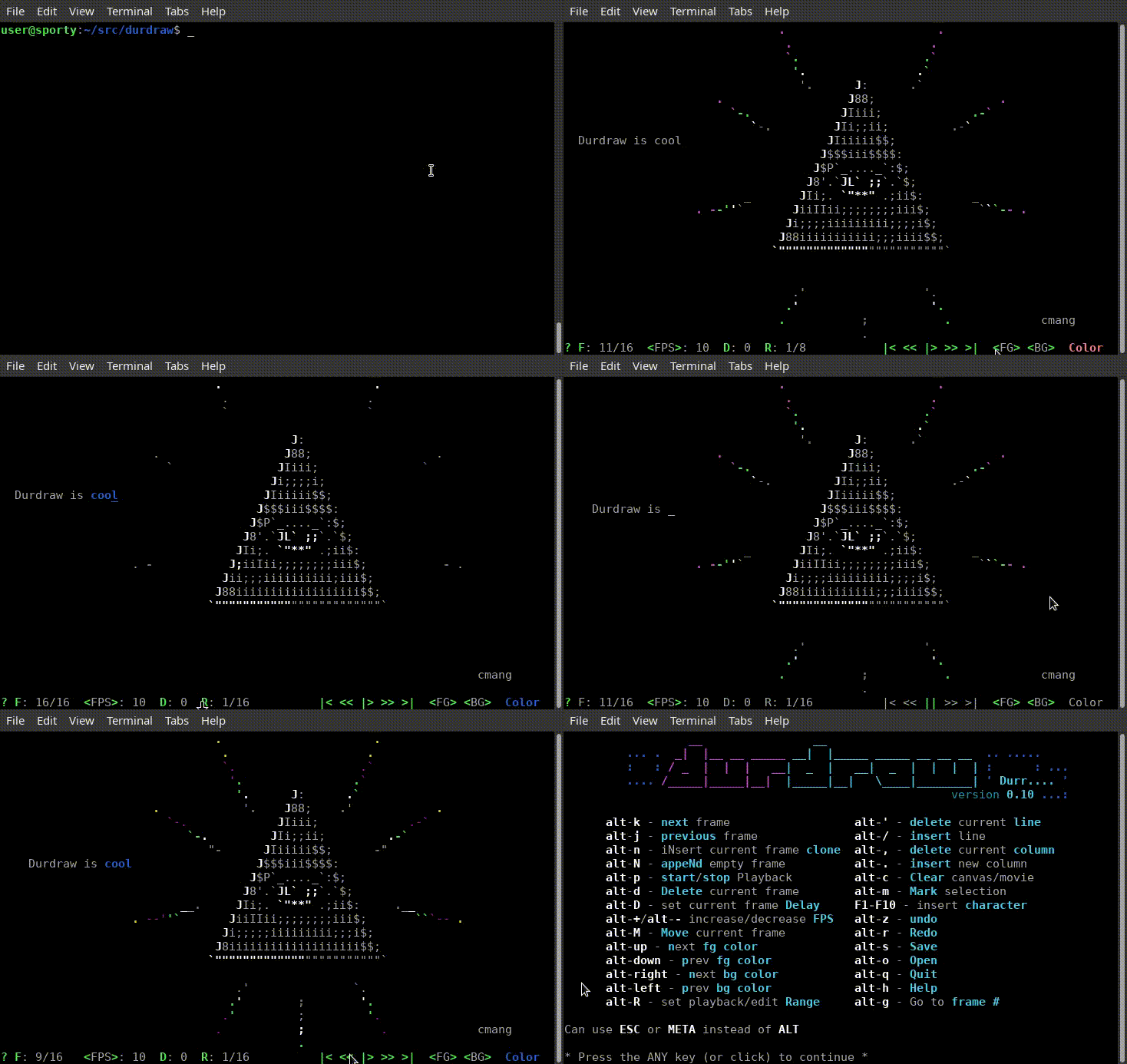
Durdraw is a terminal-based ASCII, Unicode and ANSI art editor that runs in UTF-8 terminals on Unix-like systems. The tool supports frame-based animation, allowing users to create animated ASCII art sequences with configurable frame delays and playback controls. It includes a comprehensive character palette accessible through F1-F10 keys, color picker functionality, and support for both 256 and 16 color modes.
The editor handles multiple file formats including .dur (native format), .ANS (ANSI), and .ASC (ASCII) files, with the ability to view DOS ANSI art and convert between CP437 and Unicode character encodings. It provides HTML and mIRC color output options, and can export to PNG and animated GIF formats when ansilove is installed. The interface includes mouse support, selection tools, and standard editing operations like copy/paste and multi-level undo/redo.
Durdraw is designed for digital artists, retro computing enthusiasts, and anyone working with text-based art formats. It draws inspiration from classic DOS-era ANSI editors like TheDraw and Pablodraw while providing modern Unix integration. The tool includes a playback mode for viewing ANSI art collections and artpacks, making it useful for both creation and consumption of text-based artwork.
Installation
# via Git + pip
git clone https://github.com/cmang/durdraw.git && cd durdraw && python3 -m pip install --upgrade .
# via pip (direct)
python3 -m pip install 'git+https://github.com/cmang/durdraw'
Alternatives & related tools
flowcontrol
TUI text editor built with Zig, featuring tree-sitter syntax highlighting, LSP support, and multiple keybinding modes
dawn
Terminal-based markdown editor with live rendering, math support, and distraction-free writing features
csvi
Terminal CSV editor with vi-style navigation and minimal change tracking for clean diffs
amp
Vi/Vim-inspired terminal text editor built in Rust with simplified interaction model and modern features.
Fresh
Terminal text editor with VS Code-style keybindings, mouse support, LSP, multi-cursor editing, and a command palette that requires no configuration.
add a badge to your README
Maintain durdraw? Show that it's featured on trmn. The badge links back to this page.

[](https://www.trmn.sh/tools/durdraw?utm_source=badge)<a href="https://www.trmn.sh/tools/durdraw?utm_source=badge"><img src="https://www.trmn.sh/badge/durdraw.svg" alt="Featured on trmn" height="20"></a>