kbt
Terminal-based keyboard testing tool for checking key functionality across multiple layouts
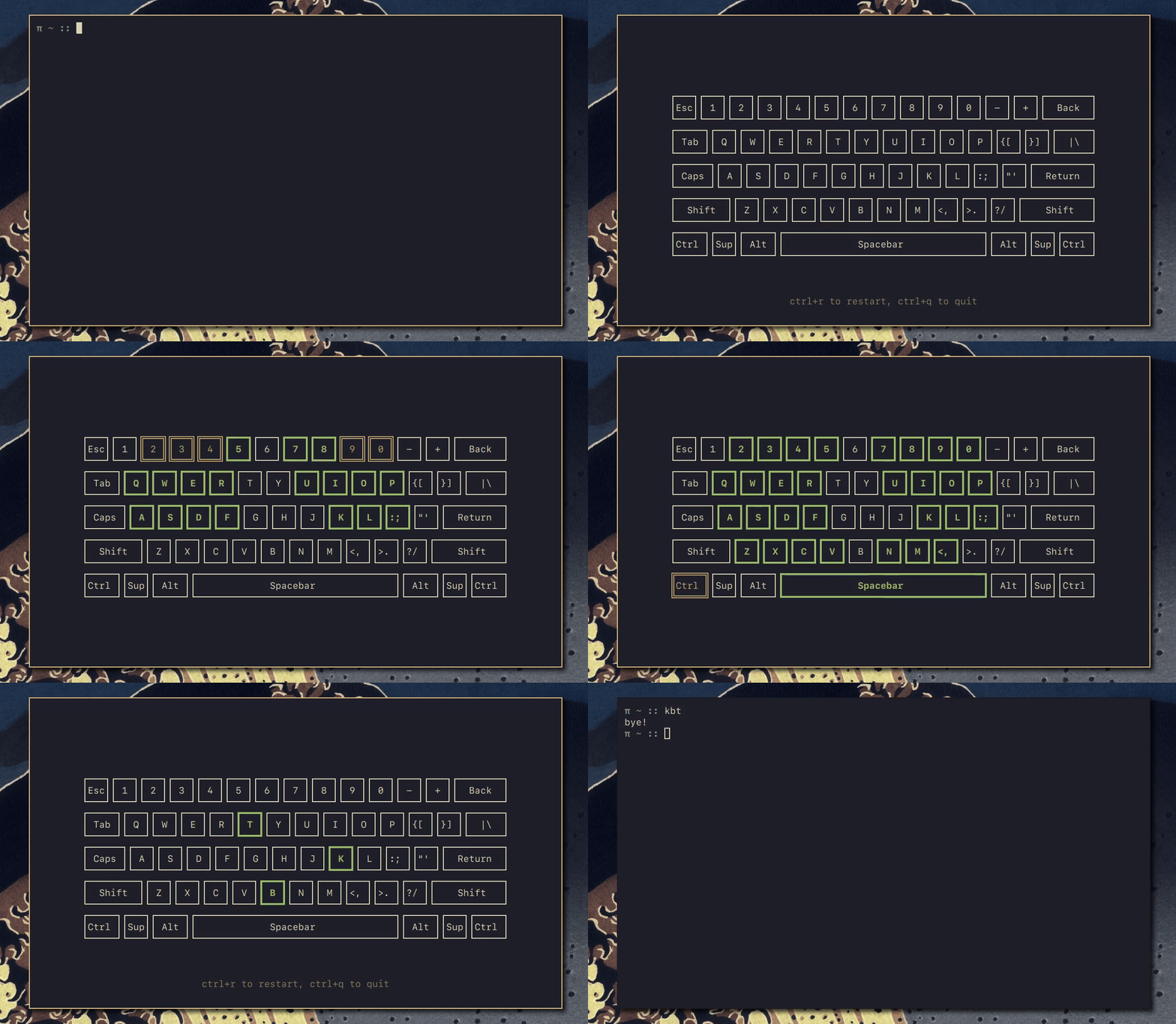
kbt (keyboard board tester) is a terminal-based keyboard testing utility that allows users to test keyboard functionality directly from the command line. Unlike web-based keyboard testers, kbt runs natively in the terminal environment, providing a reliable platform for verifying key presses and keyboard layouts.
The tool supports multiple keyboard layouts and provides an interactive menu interface for navigation. Users can test individual keys and verify their proper registration without relying on browser-based solutions. Built with ratatui, kbt offers cross-platform compatibility across Linux, macOS, and Windows systems.
kbt is particularly useful for system administrators, hardware technicians, and users who need to verify keyboard functionality in environments where GUI applications may not be available or preferred. The tool requires Accessibility permissions on macOS during first run, and currently does not support Wayland display servers on Linux systems.
Installation
# via Homebrew
brew install kbt
# via Cargo
cargo install kbt
# via Pacman
pacman -S kbt
# via Nix
nix-shell -p kbt