glow
Terminal-based markdown reader with TUI browser and CLI formatter for local files and remote URLs
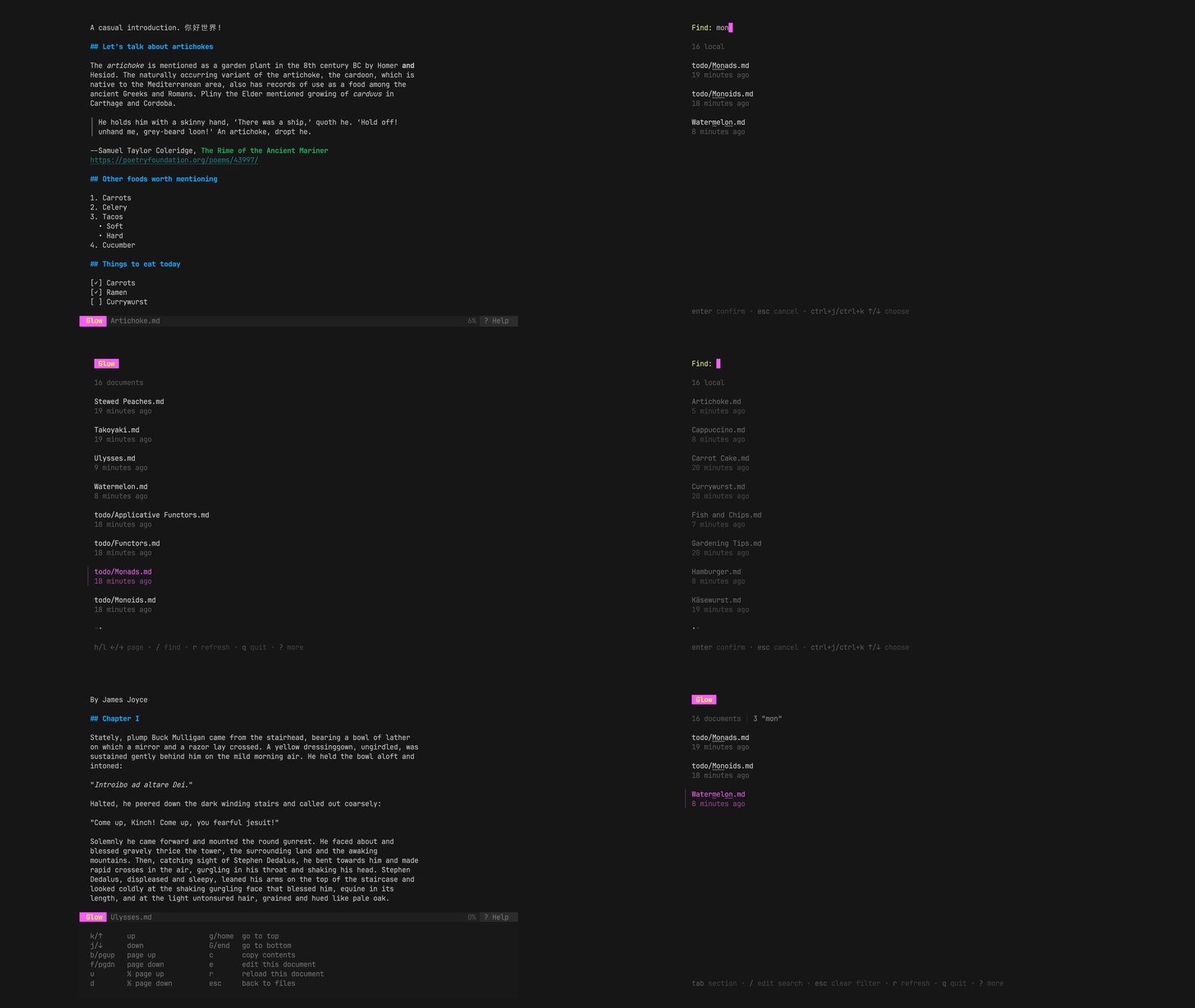
Glow is a terminal-based markdown reader that provides both a text user interface (TUI) and command-line interface for rendering markdown files. The TUI mode automatically discovers markdown files in the current directory or Git repository, allowing users to browse and read documentation directly in the terminal with a high-performance pager that supports familiar keystrokes from less.
The CLI mode accepts markdown from various sources including local files, stdin, GitHub/GitLab repositories, and HTTP URLs. It can fetch README files directly from repositories using syntax like glow github.com/charmbracelet/glow and supports word wrapping with configurable width limits, custom styling through JSON stylesheets or built-in themes, and output through preferred pagers.
Glow includes extensive configuration options through a YAML config file and supports automatic theme detection based on terminal background color. The tool targets developers and technical writers who need to read markdown documentation efficiently within their terminal workflow, offering cross-platform support for macOS, Linux, Windows, FreeBSD, and other Unix-like systems.
Installation
# via Homebrew
brew install glow
# via Go
go install github.com/charmbracelet/glow/v2@latest
# via Arch Linux
pacman -S glow