ranger
Console file manager with VI key bindings, multi-column display, and file preview capabilities
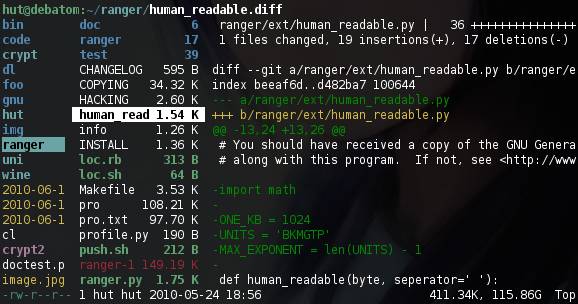
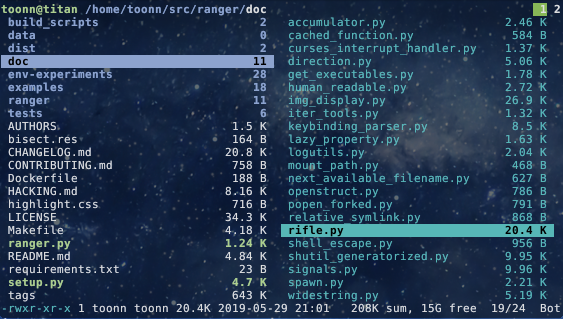
Ranger is a terminal-based file manager that uses VI key bindings for navigation and file operations. It displays files in a three-column layout: parent directory, current directory contents, and file preview. Users navigate with h/j/k/l keys or arrow keys, open files with Enter, and quit with q. The interface provides automatic file type detection and launches appropriate programs for different file types through its included rifle launcher.
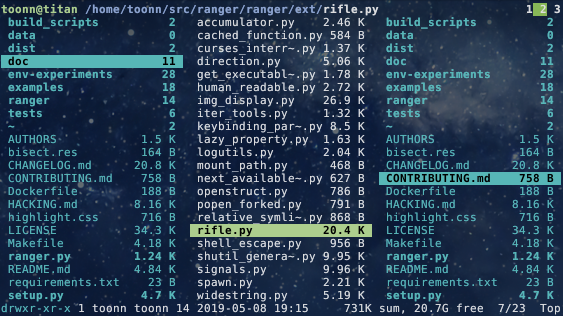
The tool supports extensive file previews through optional dependencies, including ASCII-art image previews via img2txt, syntax highlighting for code files using highlight or pygmentize, and media file thumbnails through ffmpeg. It can preview archives, PDFs, HTML pages, and various document formats. Ranger also offers multi-pane viewing modes similar to Midnight Commander for users who prefer that layout.
Ranger includes features like UTF-8 support, file operations (create, copy, delete, chmod), batch file renaming, tabs, bookmarks, and mouse support. It can change the shell's working directory after exit and supports extensive customization through configuration files. The tool is designed for users who prefer keyboard-driven file management and want file preview capabilities without leaving the terminal.
Installation
# via PyPI
pip install ranger-fm
# via pipx
pipx run --spec ranger-fm ranger